

Αυτό το νήμα αρχειοθετήθηκε.
Κάντε νέα ερώτηση αν χρειάζεστε βοήθεια.

Αρχειοθετήθηκε
Removing precise location of Auto filling previous emails.

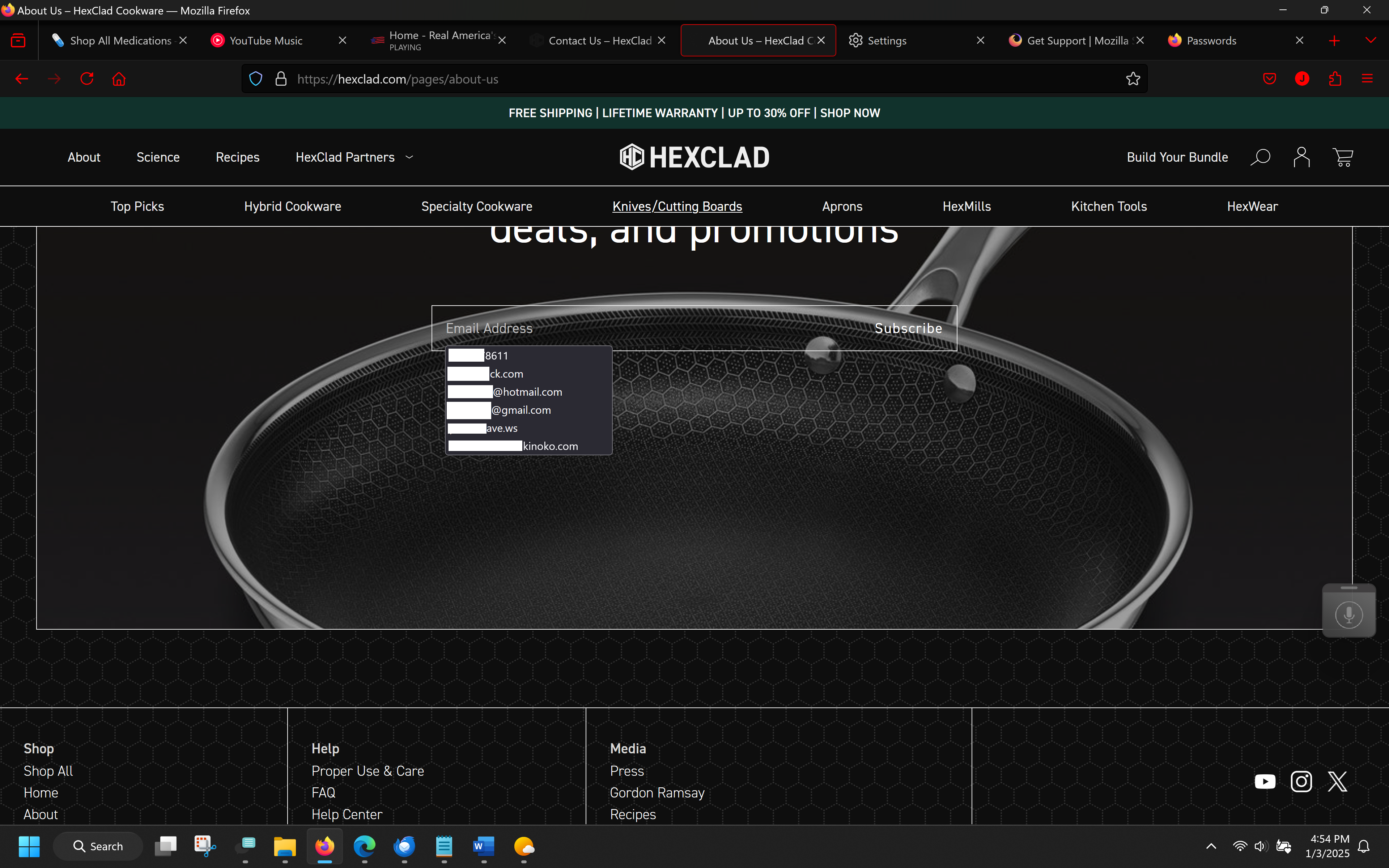
I went to a new website it asked me to put in an email address, Upon starting to type I saw I had 10 or 11 things to choose from. I want to edit these out one by one, is there a procedure to do that? Thank you.
I went to a new website it asked me to put in an email address, Upon starting to type I saw I had 10 or 11 things to choose from. I want to edit these out one by one, is there a procedure to do that? Thank you.
Όλες οι απαντήσεις (1)
Suggestions in a drop-down menu that have a key icon in front are login suggestions that you can remove in the Password Manager.
Suggestions in a drop-down menu without a key symbol are autocomplete saved form data.
Suggestions without a key icon are part of autocomplete saved form data that you should be able to remove by selecting this item with the cursor Down key and pressing Delete (Mac: Shift+Delete).