


Google Nest Signin

I use Firefox as my primary browser. I have always been able to sign in with Google Nest without any problem. I always entered my user name and then my password and I would be logged into my Nest account.
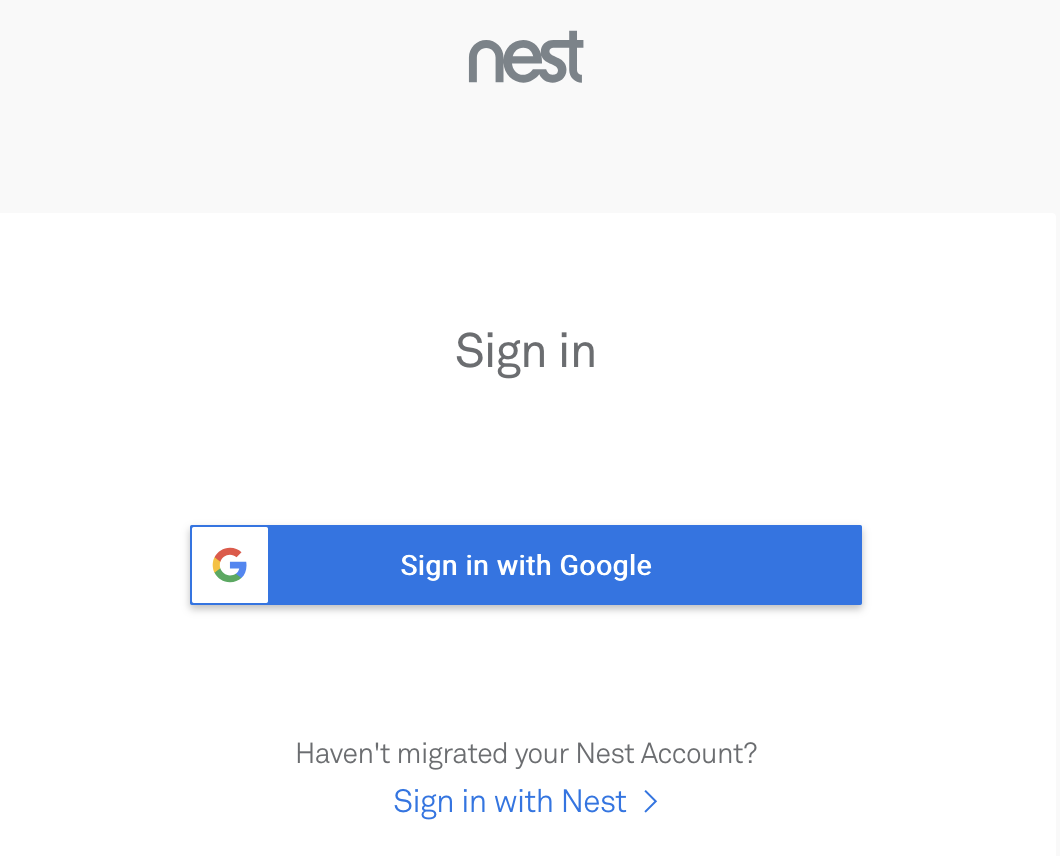
But now I click on my Google account (https://home.nest.com/login/) and then I click on Nest/Sign in/Sign in with Google. Then I just loop around between the two Google pages.
This started a few days ago. I can't figure it out so now I use Chrome or Safari. But I'd much rather use Firefox. Any ideas? Any help is very much appreciated.
Thanks, John

Όλες οι απαντήσεις (2)
Hi John, I'm not sure how Google and Nest swap the secret code about you being signed in, but maybe it's through cookies.
Firefox's "Total Cookie Protection" feature limits how sites can use "third party" or "cross-site" cookies. You can make exceptions to this feature when needed (for each server that you visit as part of the process of using this company's services). To do that, click the shield icon to the left of the lock icon in the address bar. On the panel that drops down, click the slider switch to turn off Tracking Protection for the site.
More info in the following articles:
- Introducing Total Cookie Protection in Standard Mode
- Total Cookie Protection and website breakage FAQ
Any difference?
I tried this but it still just loops round and round