


Recent Update

As I strongly dislike the new update(89.0), I was wanting to know how to restore the previous version(88.0.1) which was cleaner and much easier to navigate than the new bleached mess. Thank you in advance.
Όλες οι απαντήσεις (3)

Hi, you can go to https://ftp.mozilla.org/pub/firefox/releases/ and search for the version 88.0.1 to download. However, you need to turn off automatic update in the settings > general > firefox update section if you are planning to stay on version 88.0.1. For more, you can refer to https://support.mozilla.org/en-US/kb/install-older-version-firefox#w_i-still-want-to-downgrade-where-can-i-get-the-previous-version

As far as I know, you can just to make a clean with the previous version (88), but you gonna loose your profile and have to create a new one (unless you have have made a backup about your entire profile previously).
Automatic upgrade can be turned off in the settings, but it is for delaying. If you want to stop upgrade permanently, put this into your registry:
Windows Registry Editor Version 5.00
[HKEY_LOCAL_MACHINE\SOFTWARE\Policies\Mozilla\Firefox] "DisableAppUpdate"=dword:00000001
If you decide later to enable upgrade, change the DisableAppUpdate value to 0 (zero).
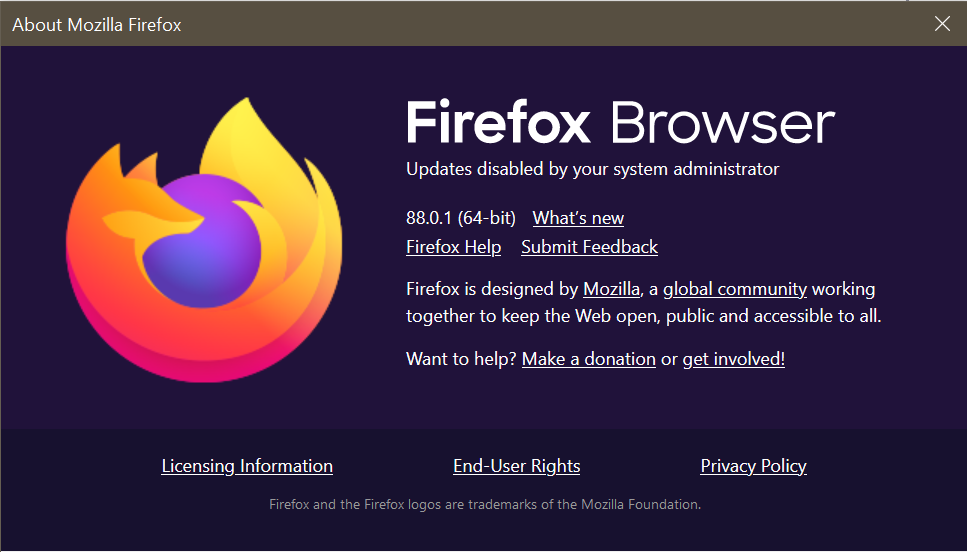
After downgrade first try run Firefox from command line firefox.exe --allow-downgrade. After you can run normally and hopefully it will accept your old-new profile.
It worked for me downgrading from FF 88.0.1 to 78.11.0 ESR.
I recommend downgrading to Firefox ESR, It has security updates but no new features! https://support.mozilla.org/en-US/kb/switch-to-firefox-extended-support-release-esr
Τροποποιήθηκε στις από τον/την gsfc12