I have big error: I lost all my data like passwords and bookmarks in my account, why???
After Format my laptop, I install Firefox and forget password after Reset your password all fine then enter email and password to Sync all data but, I don't see any data this data have a lot of passwords and bookmarks, How can I FIX IT????
Όλες οι απαντήσεις (3)
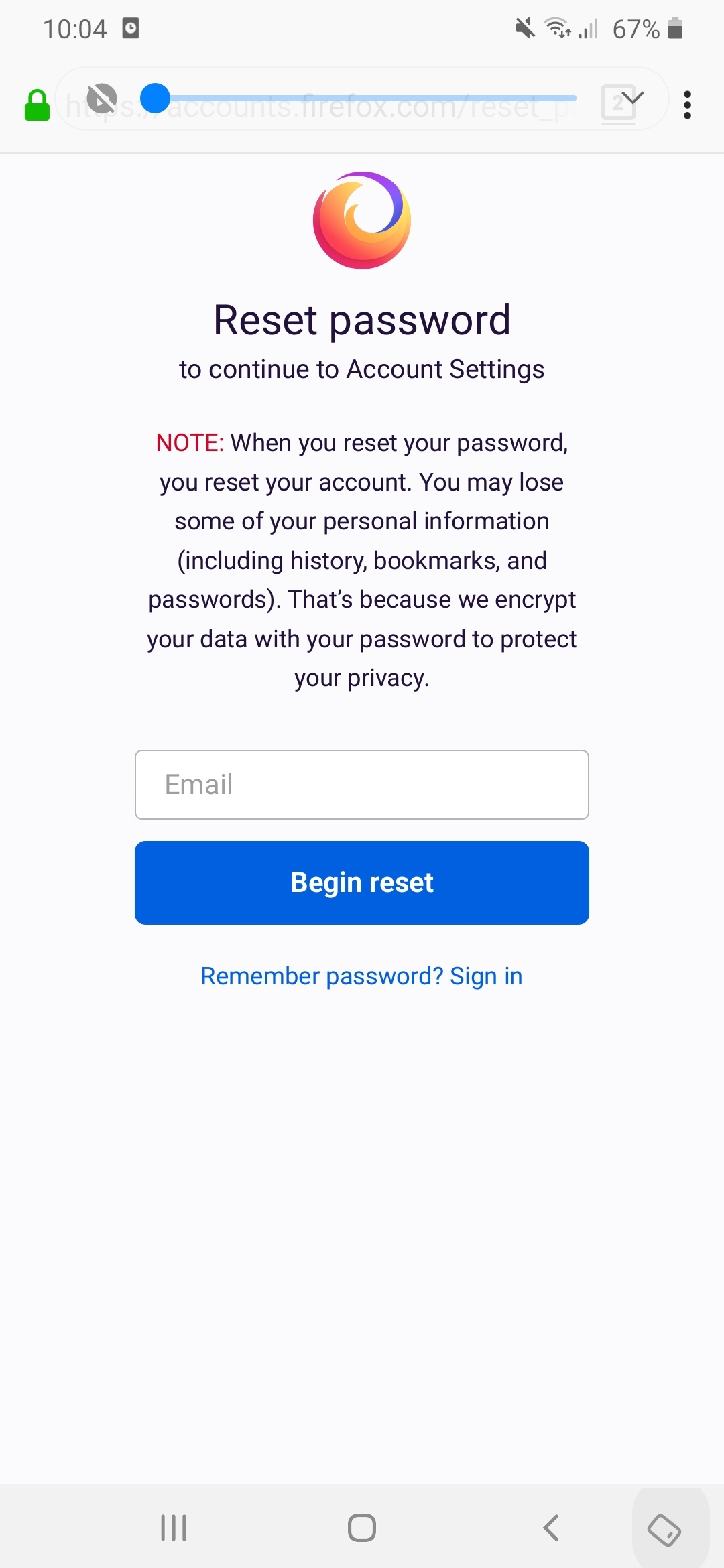
As stated during the password reset process, any information stored on Firefox Sync is removed if you change your account password, unless you use the account recovery key.
This is due to the way that Firefox Sync works. To keep your information private, your data is encrypted with your account password. If you change your password, it will not match what the data was encrypted with, so the data can't be decrypted and loaded into the browser.
Unfortunately, any data on the account prior to the password change is not recoverable.
This is the big problem for me, Firefox can tell users for this in first use. I hate this policy and change my browser to chrome
That's always been the way that Firefox Sync works, unfortunately. It's also mentioned explicitly on the password reset page.