


Error Message
When I try to log into my Verizon Account I'm getting the following message:
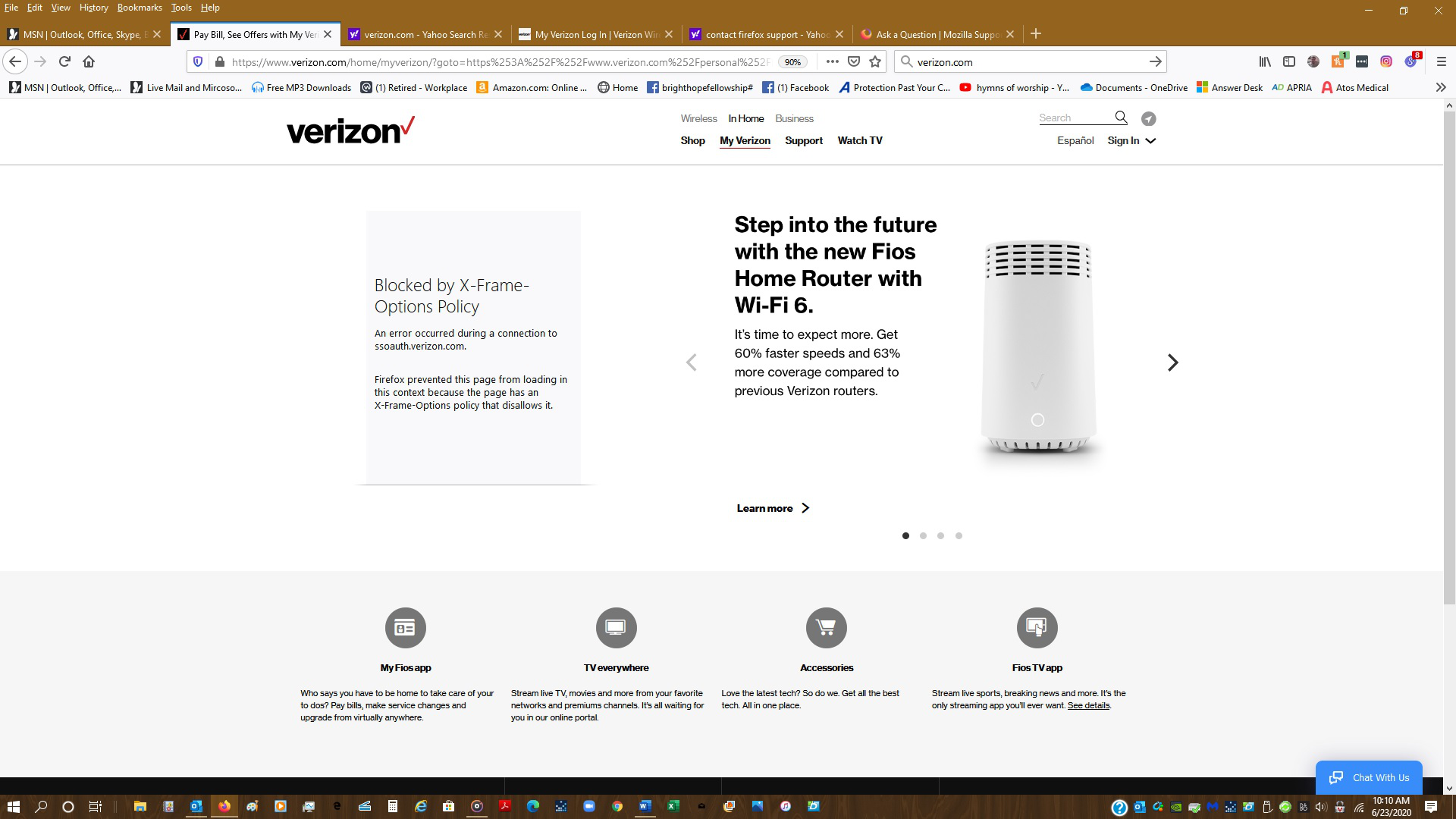
Blocked by X-Frame-Options Policy
An error occurred during a connection to ssoauth.verizon.com.
Firefox prevented this page from loading in this context because the page has an X-Frame-Options policy that disallows it.
Well this is not a good situation. What do I do so I can get into my account?
Επιλεγμένη λύση
Hello,
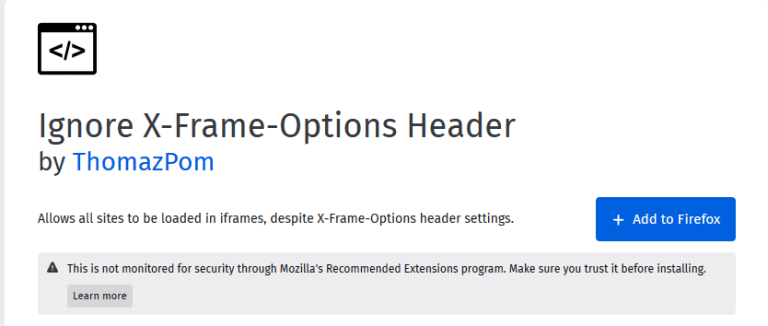
Install “Ignore X-Frame-Options Header” Firefox Add-on
This is a Firefox add-on that can be used to achieve the same results if you do not have access to the web server.
Installing this Add-on will let you bypass the x-frame-options policy and allow the website to be loaded in the iframe.
Hope it works. Thanks.
Προβολή απάντησης εντός συζήτησης 👍 0Όλες οι απαντήσεις (8)
Επιλεγμένη λύση
Hello,
Install “Ignore X-Frame-Options Header” Firefox Add-on
This is a Firefox add-on that can be used to achieve the same results if you do not have access to the web server.
Installing this Add-on will let you bypass the x-frame-options policy and allow the website to be loaded in the iframe.
Hope it works. Thanks.
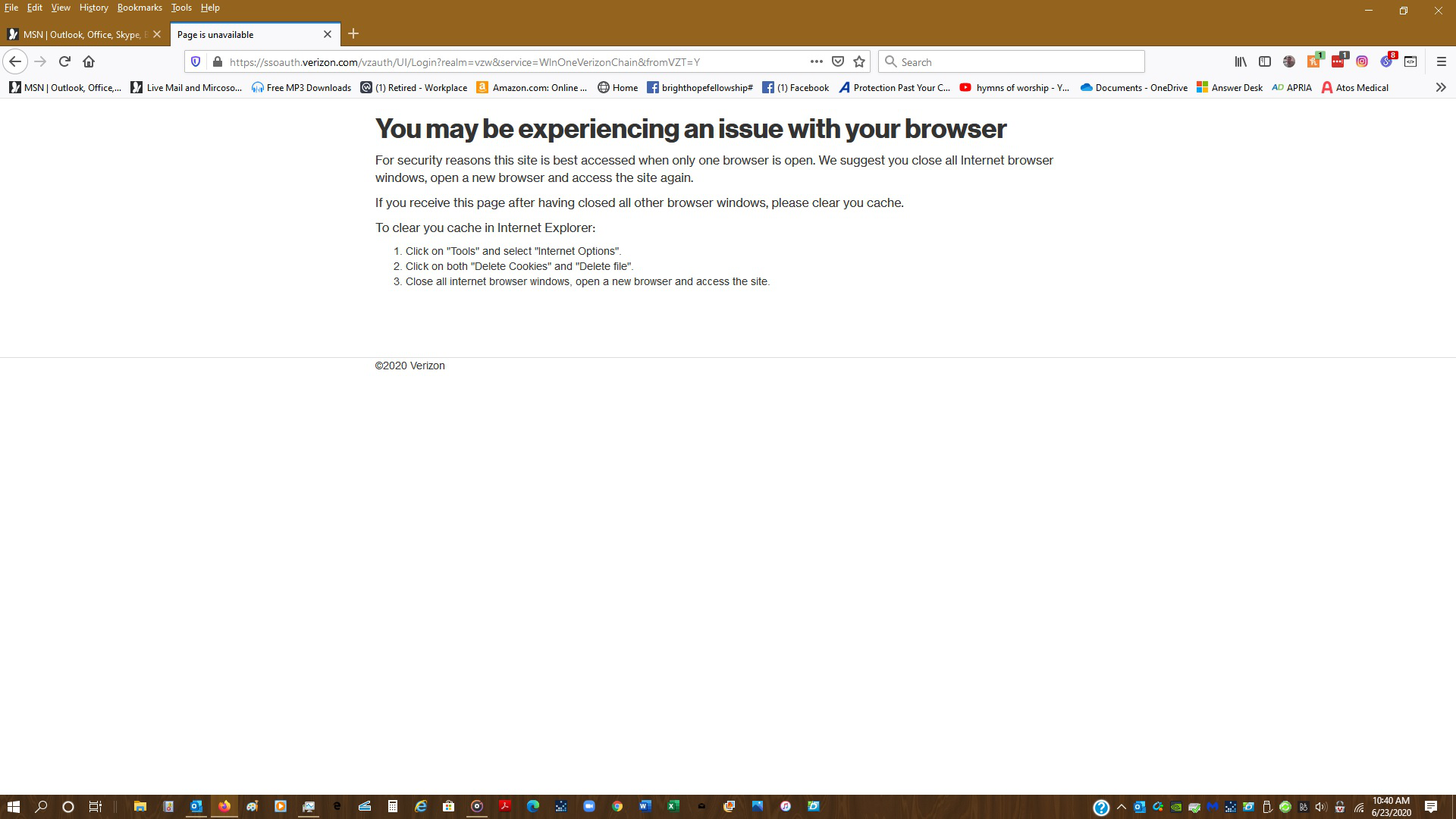
Now I'm getting another error - See Attachment
Did you open another browser at the same time, If it's not then try clearing cookies and sites data.
- Click the menu button. and select Options. Preferences.
- Select the Privacy & Security panel and go to the Cookies and Site Data section.
- Click the Clear Data… button. The Clear Data dialog will appear. ...
- Click Clear.
I'm not sure we're using the same Firefox. I have looked everywhere I know to look and cannot find a "Menu" button so I can't even begin doing what you ask. I'm using 77.0.1 (64-bit) I mean it, I have looked everywhere for a menu button Jerry
Ok, I found the menu and followed through and deleted the cookies and data.
Still getting the same message.
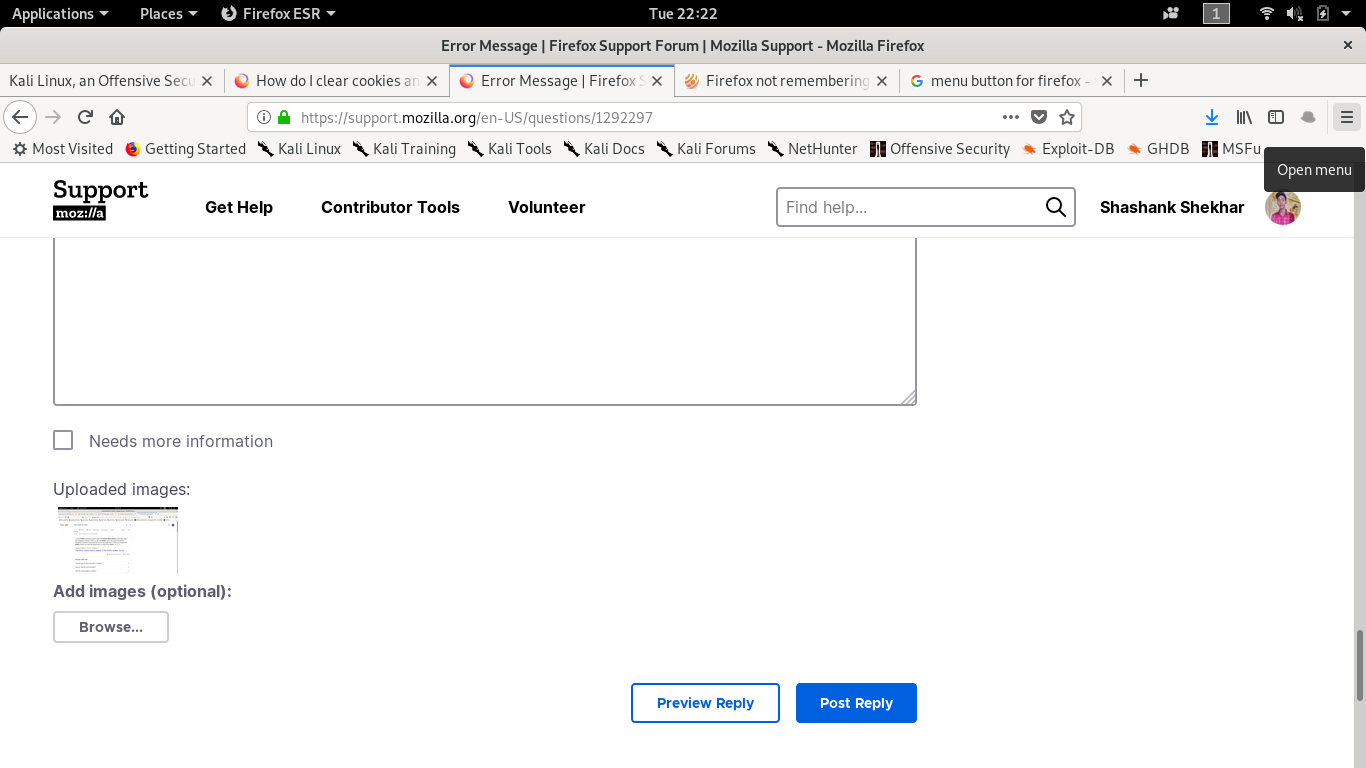
Its 3 vertical bars look at my mouse cursor in attached screenshot.
I found it and followed through. I'm going to uninstall Firefox, reinstall it and if I have the same problems I'll use Chrome.