


Firefox Browser not Opening up with "Mozilla Crash Reporter" Error Dialogue
Firefox Browser not Opening up with "Mozilla Crash Reporter" Error Dialogue
Uninstalled Mozilla Firefox from Control Panel; Deleted all Mozilla folders from App Data and Program Data folder; Deleted all Mozilla related folder and items from Registry; Rebooted and re-installed Firefox, still got the Mozilla Crash Reporter error window.
Όλες οι απαντήσεις (1)

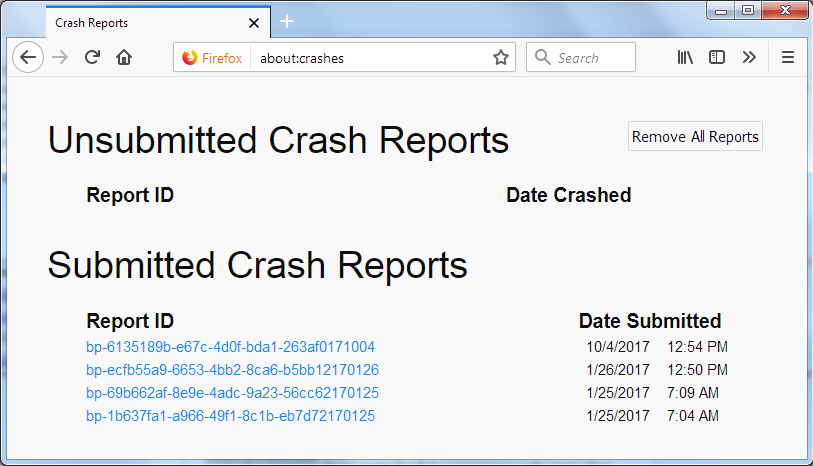
In the address bar, type about:crashes<enter>.
Note: If any reports do not have BP- in front of
the numbers/letters, click it to submit them.
The crash report is several pages of data. We
need the report numbers to see the whole report.
Using your mouse, mark the most recent 7 - 10
Submitted crash reports, and copy them.
Now go to the reply box and paste them in.
For more help on crash reports, see;
https://support.mozilla.org/en-US/kb/firefox-crashes-asking-support