


Can't edit Google Word Docs and WordPress posts on the new Firefox Developer edition

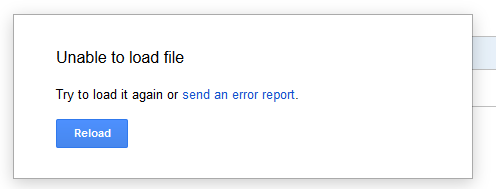
Starting on March 6th, I can't edit Google Word Docs. I type, but nothing gets written, and I get an error: "Unable to load file. Try to load it again or send an error report" (attached screenshot).
When I try to edit a post on WordPress (tried on several sites), the visual editor text area in empty and shrunk to almost no height (screenshot attached). The text editor, However, is fine.

Επιλεγμένη λύση
Thanks, WestEnd for your reply.
I found that the problem wasn't Firefox itself, but one of its extensions - Stylish was causing this problem. I disabled Stylish and now everything works fine. Thank you!
Προβολή απάντησης εντός συζήτησης 👍 0Όλες οι απαντήσεις (2)
Did you try it on other Browsers to see what happens?
Επιλεγμένη λύση
Thanks, WestEnd for your reply.
I found that the problem wasn't Firefox itself, but one of its extensions - Stylish was causing this problem. I disabled Stylish and now everything works fine. Thank you!