UTF -8 encoding disabled

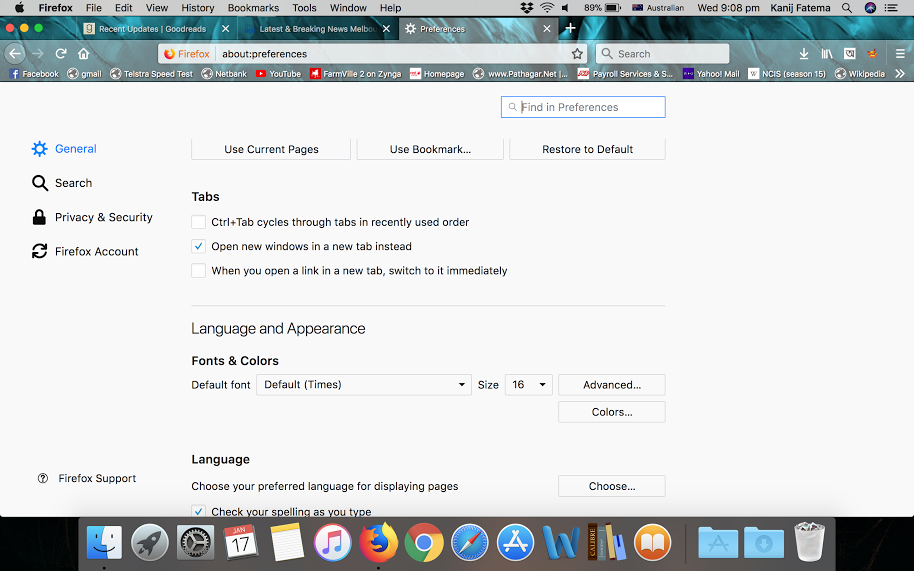
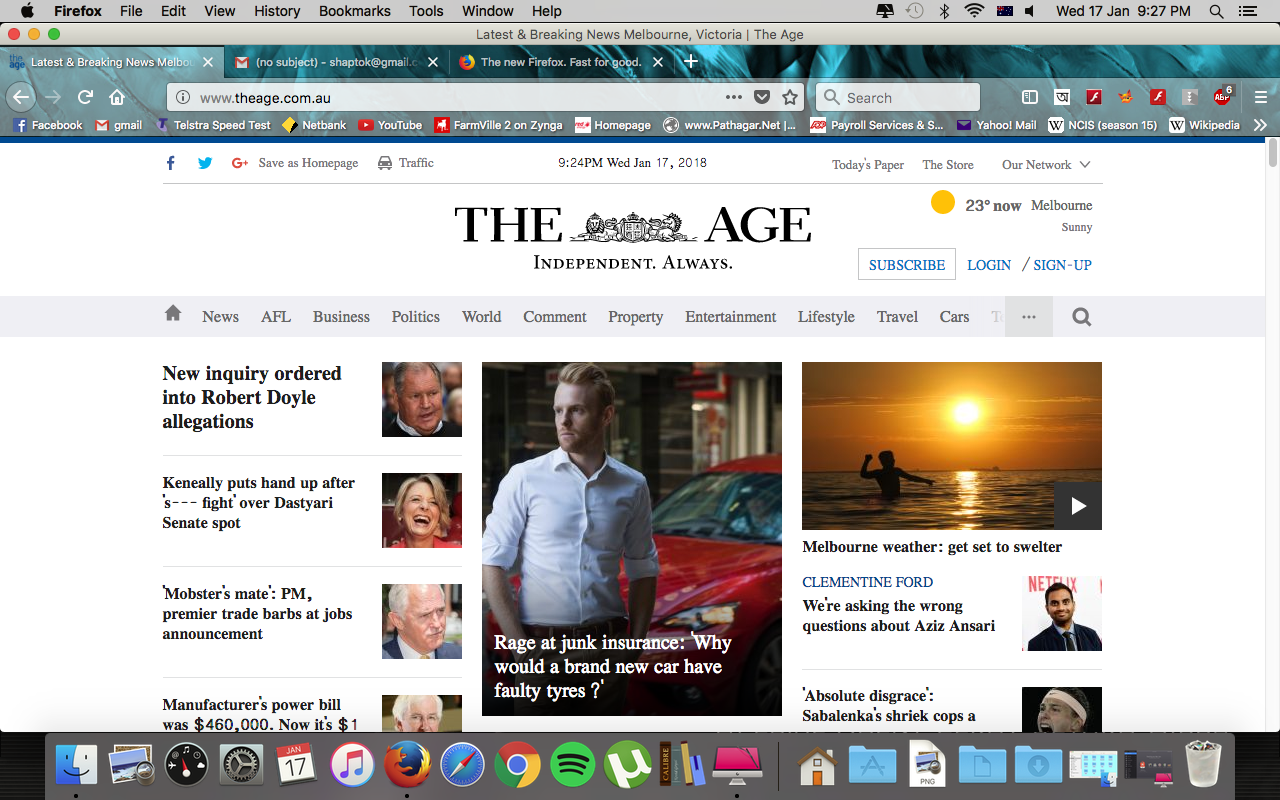
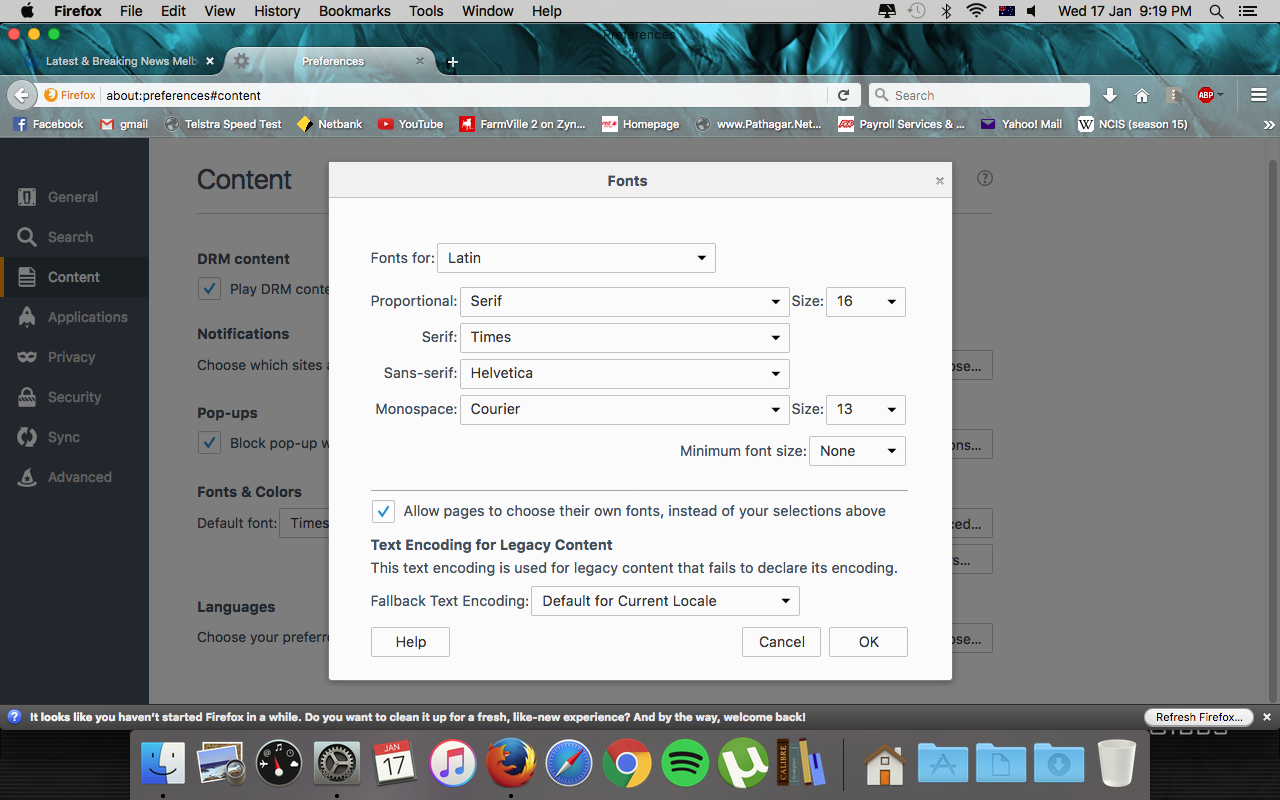
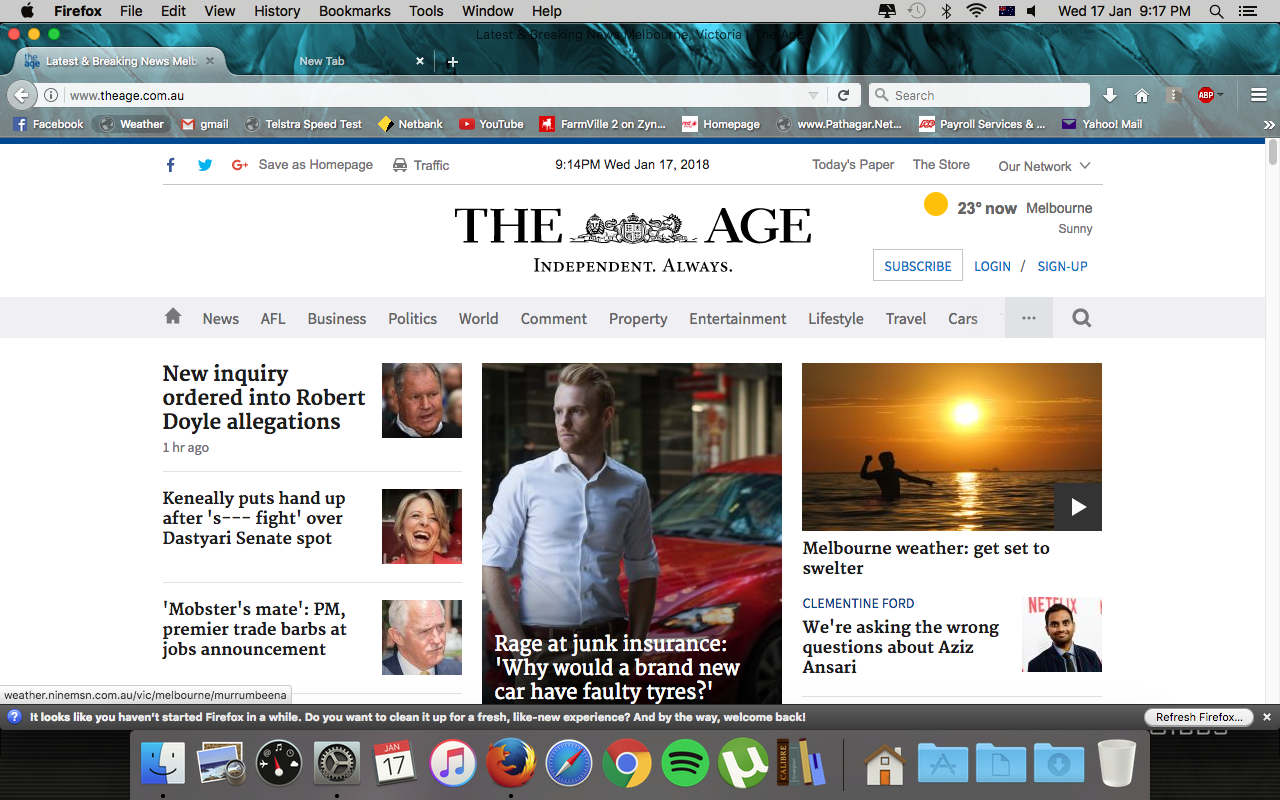
The UTF -8 encoding has suddenly been disabled on my macbook. Now I have Times new roman as default font, and the unicode preferences are being ignored. I have added screenshots of my Firefox wondows text to show the before and after effects of the issue. I believe, the "auto-detect" for text-encoding is currently not working.
Όλες οι απαντήσεις (4)
Is this with files loaded from internet or with opening local files stored on your computer?
Firefox no longer has a specific Unicode setting. There are only settings for 8-bit windows and western encodings available as a fallback encoding. It is normally the server that sends the file with the correct encoding specified in the HTTP response headers. Firefox doesn't do that much content sniffing to check if the file contains UTF-8 characters.
With local files there are always problems with UTF-8 and a possible workaround is to add a UFT-8 byte order mark (BOM) at the start of the file. Some editors have the option to save a file with a BOM.
Hi,
I am using Mac IOS, and this is for browsing in firefox.
I am no longer able to turn off the "auto-detect" option for text-encoding in the viewing option.
Would it be helpful if I send you the screenshot to show you the difference between the screens on my MacBook and imac? And I have not made any changes before it decided to make the change itself.
Can you post a link to a publicly accessible page (i.e. no authentication or signing on required)?
Auto-detect won't work for Unicode (UTF-8). This only works for the locale you see listed further down.
- Options/Preferences > General > Fonts & Colors > Advanced > Character Encoding for Legacy Content
about:config ->
- intl.charset.fallback.override
- intl.charset.fallback.tld
I hope these helps.