


Print page size is incorrect. Preview shows a tall, slim page

In firefox, and only in firefox, printing errors occur. Printing works perfectly with all other browsers and applications.
Approximately half of the web page is printed and only on 1/3 of the paper. Only the left side of the page is printed. The right 2/3 of the paper is blank.
The problem occurs in print preview and in actual printing. We have 2 different printers and the same thing happens when printing to either. We have another PC with firefox browser and it prints correctly to both printers. The problem is with the browser and only on one of our pc's.
I have reset the entire firefox print_printer setting. It did not help. Margins are at .5" on all sides.
Επιλεγμένη λύση
Have you checked all suggestions in both the Pages appear tiny when I print or view them in Print Preview and Fix printing problems in Firefox support articles?
Όλες οι απαντήσεις (4)
Here is the screenshot
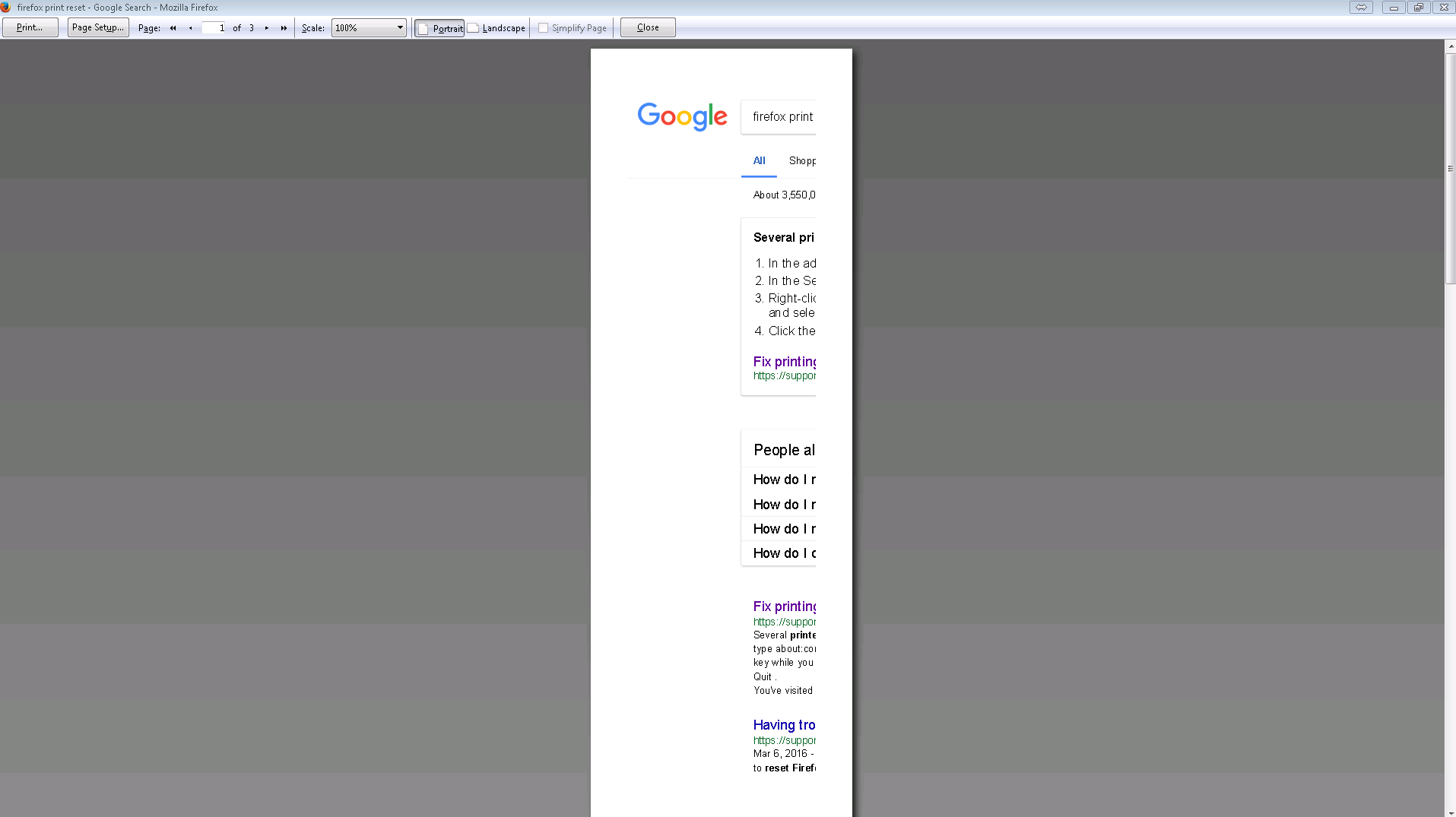
Still having this problem
Επιλεγμένη λύση
Have you checked all suggestions in both the Pages appear tiny when I print or view them in Print Preview and Fix printing problems in Firefox support articles?
Thanks for the suggestions.
Using some of the information from the "Pages appear tiny when I print or view them in Print Preview" link that you supplied, I was able to fix the problem.
Changing the numbers as suggested did not fix the problem but I just went through and reset every single value in the list.