


Setting change to keep all pages inCACHE

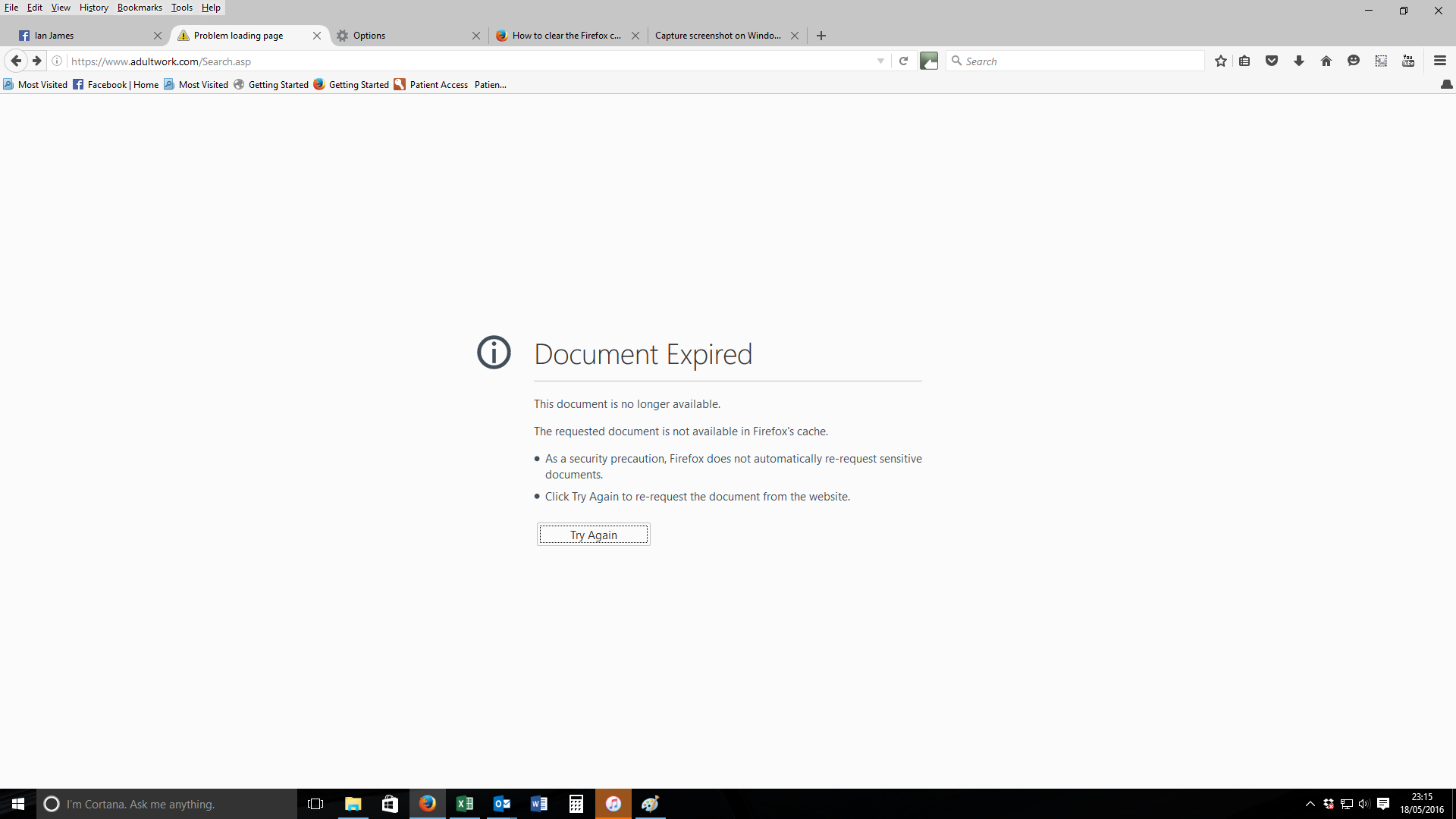
Is there a setting I can change to prevent me getting the below message screen and having to resend the information when clicking on back button.

Όλες οι απαντήσεις (4)
You can get a "document has expired" message if you use the back button or a bookmark to go back to a specific page and the web site has instructed Firefox not to cache the page. Firefox tries to retrieve the page from the server and possibly sends POST data that is no longer valid. In such a case best is to open links from such a page in a new tab/window by middle-clicking a link to avoid using the Back button, but instead close the tab to return to the previous tab.
There might be an add-on to replace the site's real caching instructions with different instructions so that Firefox is fooled into storing the page. If this is absolutely critical for you, you could search for possible options here: https://addons.mozilla.org/firefox/
cor-el said
You can get a "document has expired" message if you use the back button or a bookmark to go back to a specific page and the web site has instructed Firefox not to cache the page. Firefox tries to retrieve the page from the server and possibly sends POST data that is no longer valid. In such a case best is to open links from such a page in a new tab/window by middle-clicking a link to avoid using the Back button, but instead close the tab to return to the previous tab.
The problem is only a very recent one, so it is an obvious recent change in Firefox default settings. I do not wish to click in three different places or slowing down my browsing. it is not opening links in a new tab.
rattlerwoo said
The problem is only a very recent one, so it is an obvious recent change in Firefox default settings.
Hmm, I replied to a thread about this issue almost three years ago involving Firefox 21. (How to stop Document Expired security message) I'm not aware that Firefox has changed, but maybe the site where you're experiencing this changed its caching headers or switched from GET requests to POST requests?