


I had my computer reconfigured. I managed to recover my bookmarks, however, they don't show in "show your bookmarks" They r only visible in "show all bookmarks

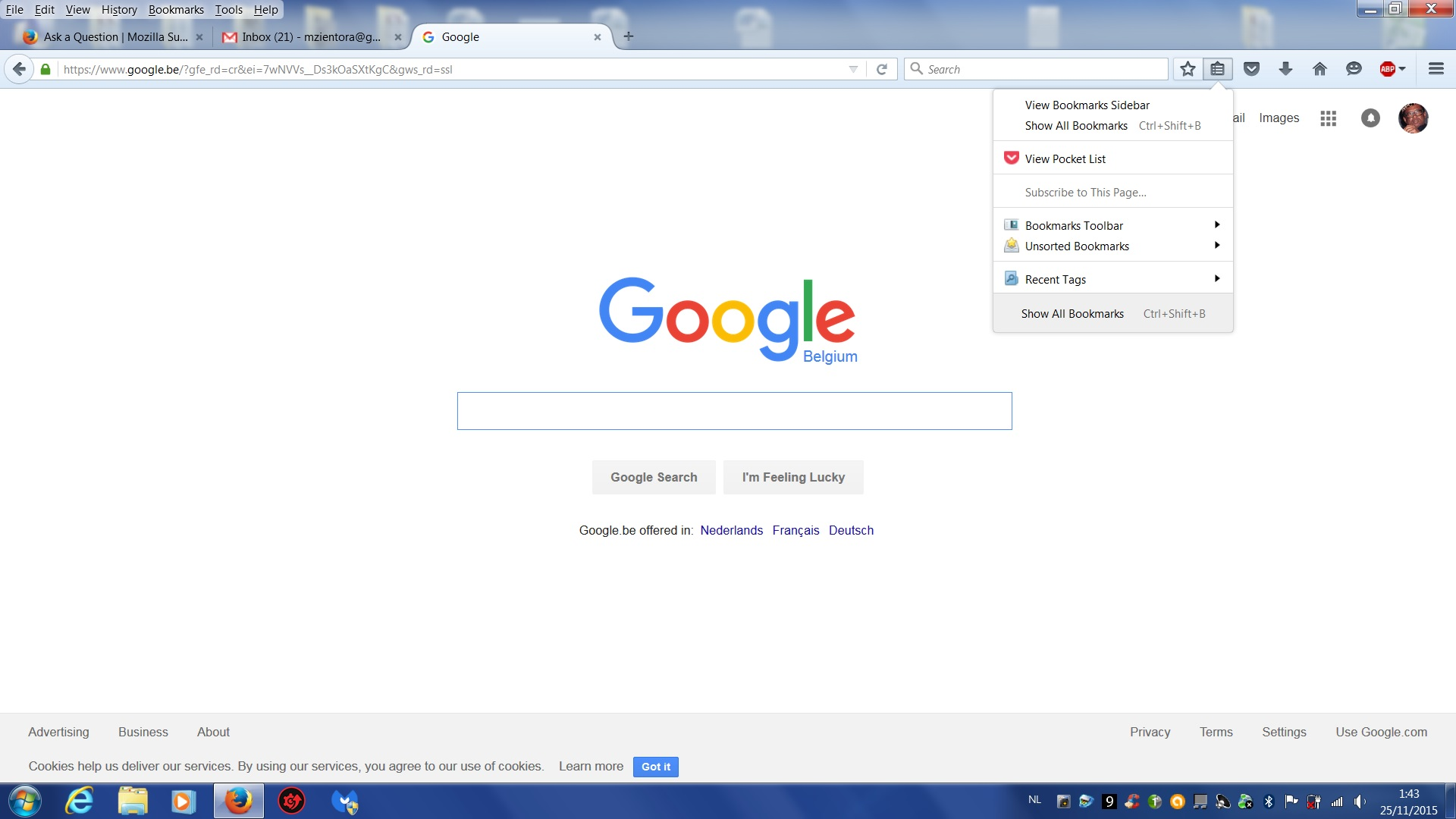
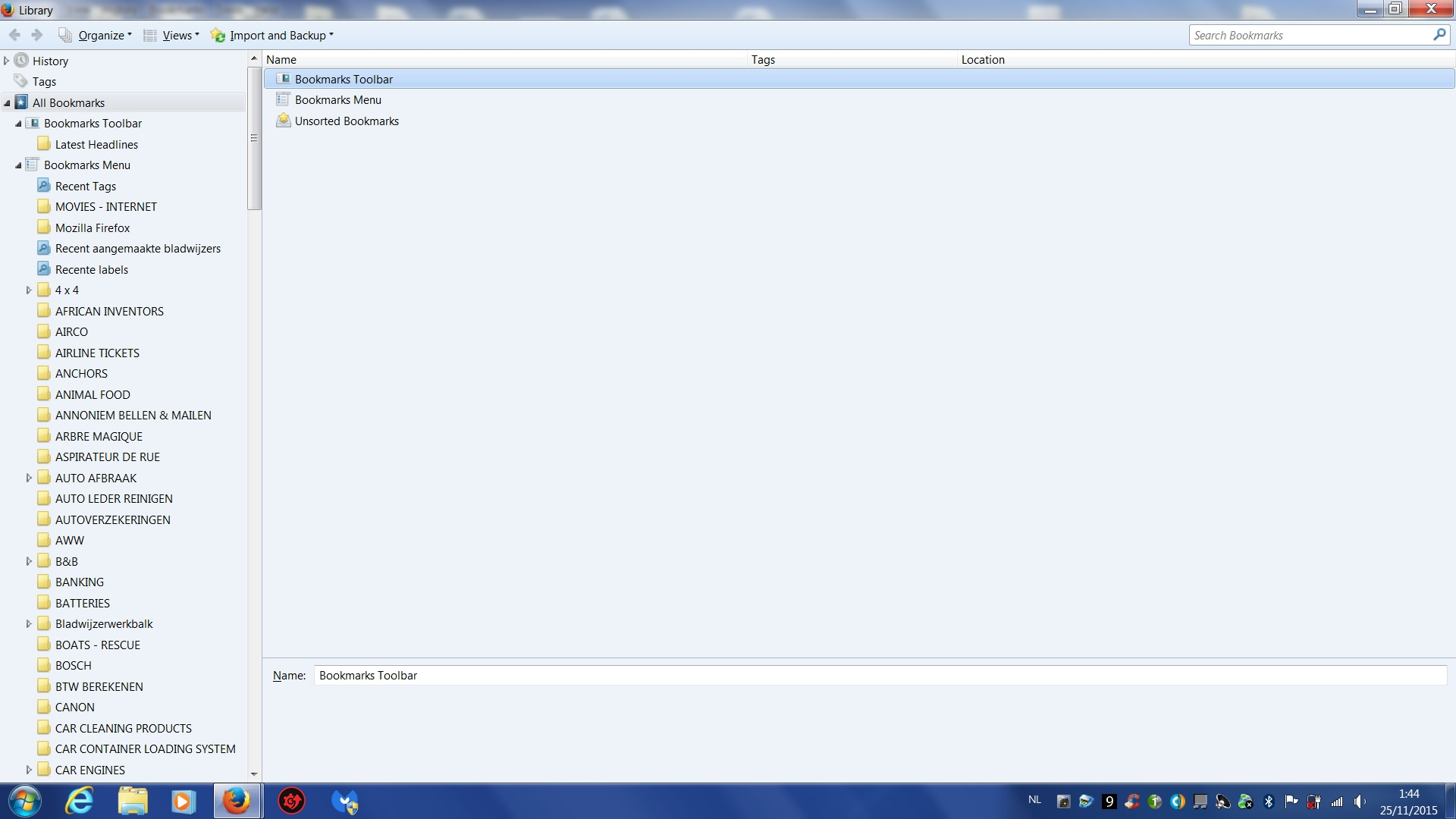
I had my computer reconfigured. I managed to recover my bookmarks, however, they don't show in "show your bookmarks". See attached image/file (named Firefox BOOKMARKS 1) They are only visible in "show all bookmarks". See attached image/file (named Firefox BOOKMARKS 2) Also, when I open "show all bookmarks", I cannot delete any bookmark ?
Όλες οι απαντήσεις (2)

Do you see the entries with the right arrows? Your bookmarks should be in there. You will need to move things around in the manager to have them show up with just the icon.
You can check for problems with the places.sqlite database file (bookmarks, history) in the Firefox profile folder.
- Places Maintenance: https://addons.mozilla.org/firefox/addon/places-maintenance/
If the Places Maintenance extension can't repair the places.sqlite database file then remove all places.sqlite file(s) in the Firefox profile folder to make Firefox rebuild the places.sqlite database file from the most recent JSON backup in the bookmarkbackups folder.