


Windows 10 reached EOS (end of support) on October 14, 2025. If you are on Windows 10, see this article.

Шукати в статтях підтримки

Остерігайтеся нападів зловмисників. Mozilla ніколи не просить вас зателефонувати, надіслати номер телефону у повідомленні або поділитися з кимось особистими даними. Будь ласка, повідомте про підозрілі дії за допомогою меню “Повідомити про зловживання”

Докладніше

Ця тема перенесена в архів. Якщо вам потрібна допомога, запитайте.

bookmarks error

  • 2 відповіді
  • 0 мають цю проблему
  • 108 переглядів
  • Остання відповідь від cor-el

I imported my bookmarks, but they're not displaying in the bookmarks toolbar. I've tried hiding it and unhiding and restarting the program/my computer. The imported bookmarks can be seen when I go to "recent bookmarks" in the manage your bookmarks section. It also says that they're listed in the bookmarks menu, but they're not visible outside of the manage bookmarks settings window.

I imported my bookmarks, but they're not displaying in the bookmarks toolbar. I've tried hiding it and unhiding and restarting the program/my computer. The imported bookmarks can be seen when I go to "recent bookmarks" in the manage your bookmarks section. It also says that they're listed in the bookmarks menu, but they're not visible outside of the manage bookmarks settings window.

Усі відповіді (2)

What are you seeing in the bookmark manager? see screenshot
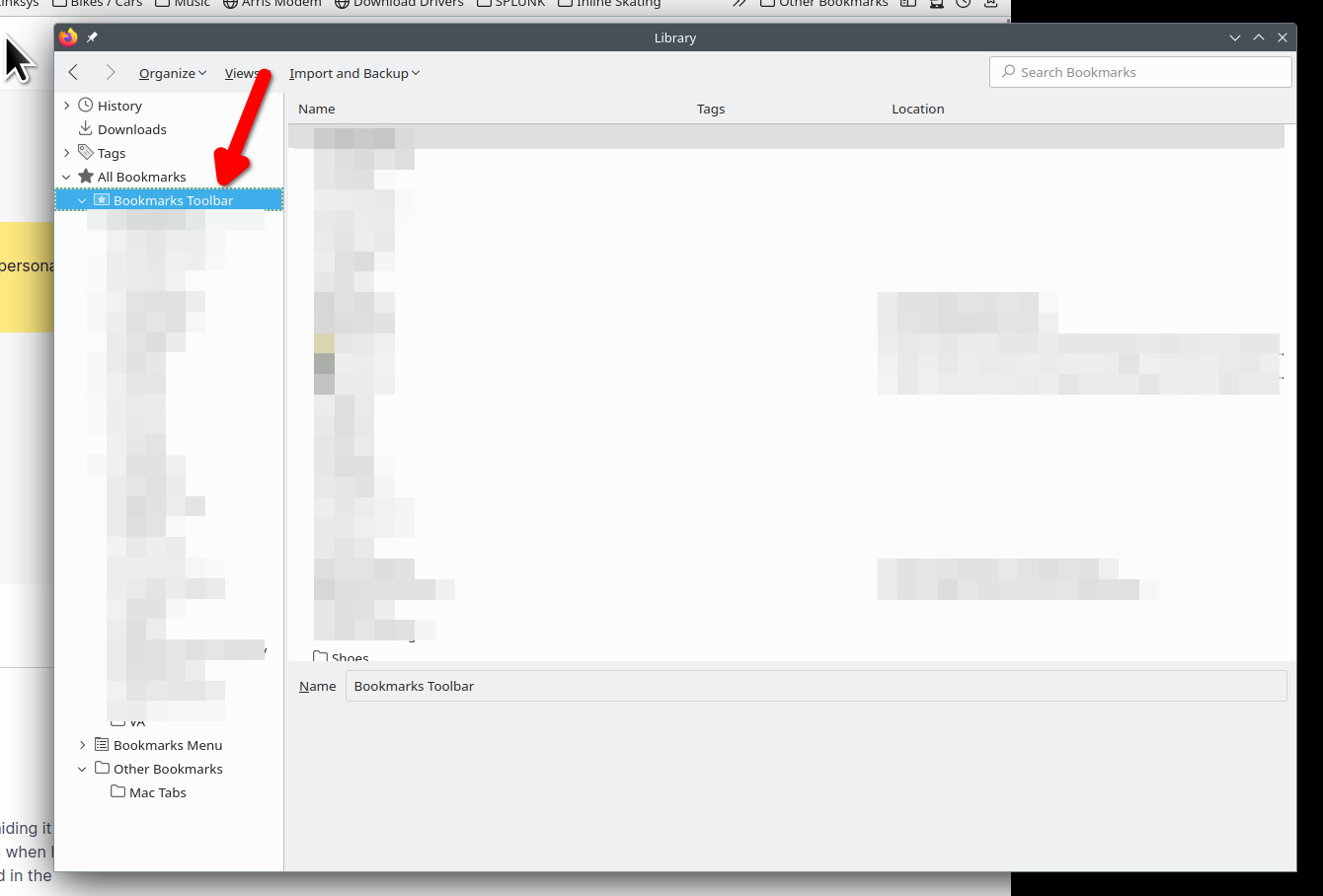
Sometimes a Bookmarks HTML import fails and the bookmarks in the Bookmarks Toolbar folder end up in a fake Bookmarks Toolbar folder positioned in the Bookmarks Menu folder and not in the real Bookmarks Toolbar folder placed directly under the "All Bookmarks folder". You will have to move (Copy/Paste) the bookmarks from the fake Bookmarks Toolbar folder to the real Bookmarks Toolbar folder.