Toś ta nitka jo se archiwěrowała.
Pšosym stajśo nowe pšašanje, joli trjebaśo pomoc.

Archiwěrowany
flash player plug-in doesn't render correctly

happy new year
I am about talking about bug in adobe flash player. The adobe support didn't reply to my bugbase topic.
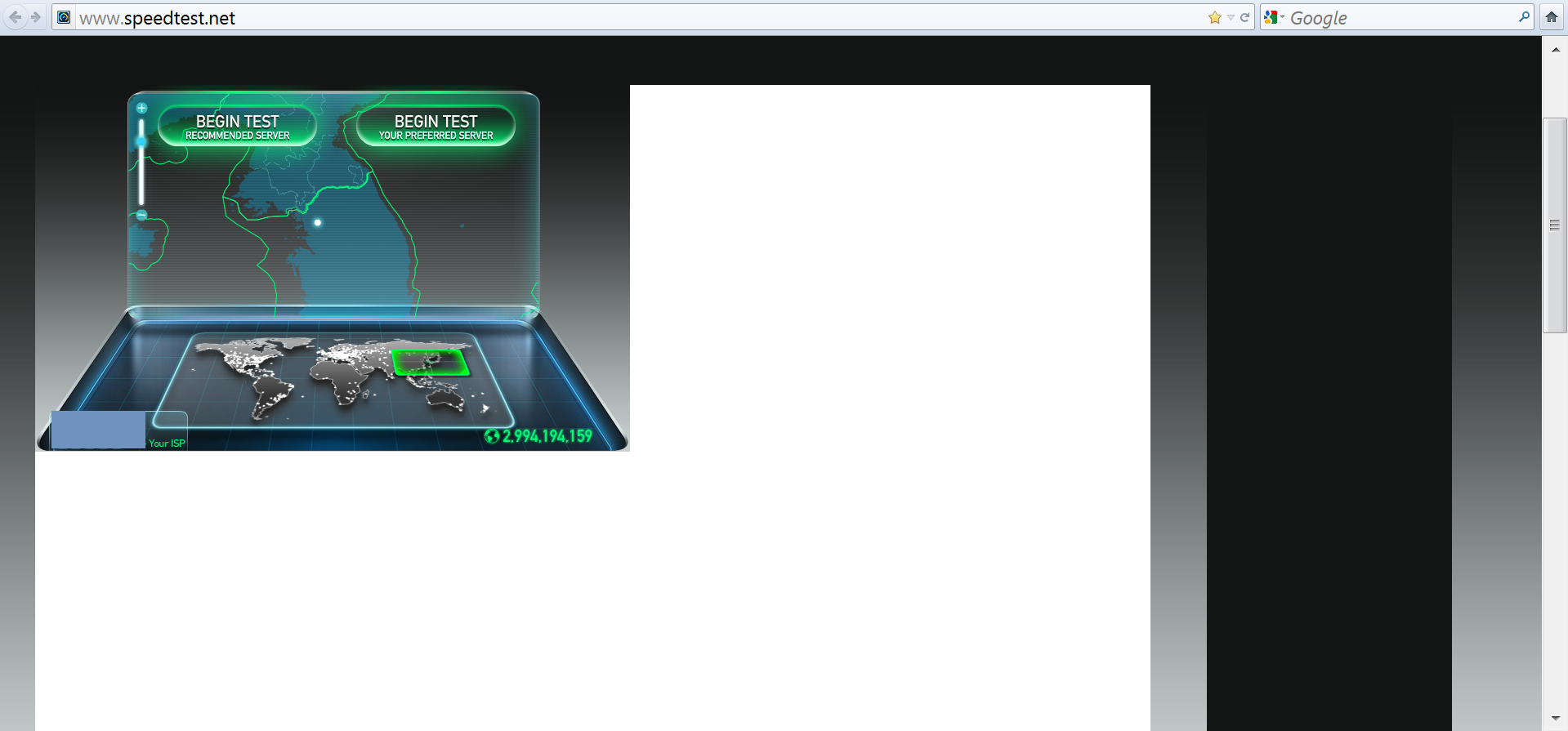
To reproduce the bug: 1. use windows 7 and flash player any version. 2. set your dpi to 190% by right clicking on desktop -> screen resolution -> make items larger or smaller -> custom text size (dpi) -> 190% -> ok -> log off and log on again. Also set your resolution to native. 3. Open http://www.speedtest.net/ 4. ctrl + mouse wheel to increase page size 5. you should see bug similar to attached image.
happy new year
I am about talking about bug in adobe flash player. The adobe support didn't reply to my bugbase topic.
To reproduce the bug:
1. use windows 7 and flash player any version.
2. set your dpi to 190% by right clicking on desktop -> screen resolution -> make items larger or smaller -> custom text size (dpi) -> 190% -> ok -> log off and log on again. Also set your resolution to native.
3. Open http://www.speedtest.net/
4. ctrl + mouse wheel to increase page size
5. you should see bug similar to attached image.
Wšykne wótegrona (1)
the picture: