


Microsoft Outlook authentication failure.

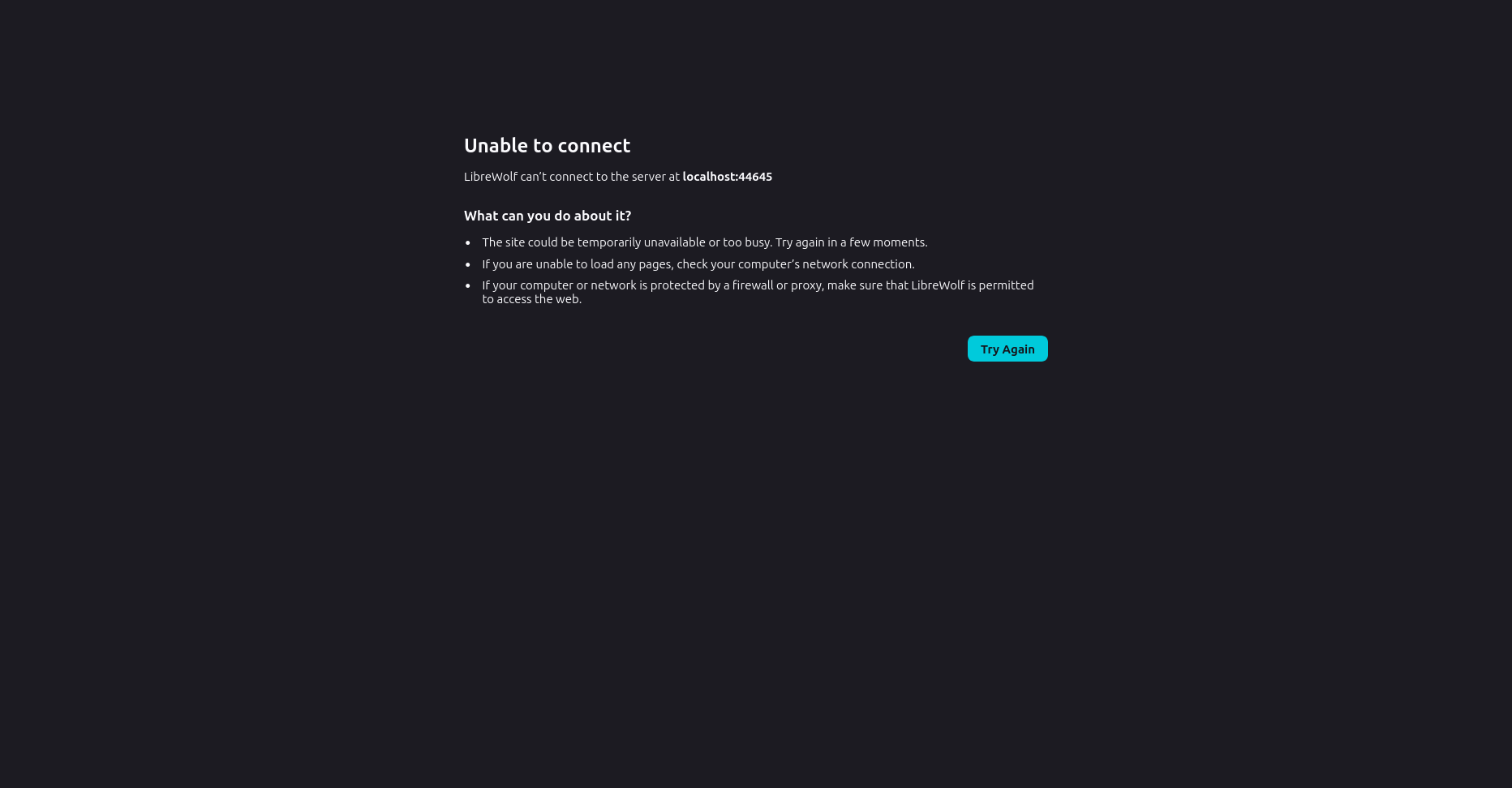
when I try and add my microsoft outlook account, it redirects to a webpage, which after saying yes a few times with an already signed in session, redirects to localhost 44645. localhost 44645 notably does not seemingly direct to anything, and thunderbird does not change. clicking "continue" re opens the microsoft webpage How should i connect my outlook account? system details; ``` OS: Linux Mint 22.3 x86_64 Host: ThinkPad L14 Gen 2a Kernel: 6.14.0-37-generic Uptime: 7 hours, 40 mins Packages: 2177 (dpkg) Shell: bash 5.2.21 Resolution: 1920x1080 DE: Cinnamon 6.6.4 WM: Mutter (Muffin) WM Theme: Mint-Y-Dark-Aqua (Mint-Y) Theme: Mint-Y-Aqua [GTK2/3] Icons: Mint-Y-Sand [GTK2/3] Terminal: gnome-terminal CPU: AMD Ryzen 7 PRO 5850U with Radeon Graphics (16) @ 4.508GHz GPU: AMD ATI Radeon Vega Series / Radeon Vega Mobile Series Memory: 14803MiB ```
Wšykne wótegrona (9)
Following https://support.mozilla.org/en-US/kb/microsoft-oauth-authentication-and-thunderbird-202, it still is a problem, but that probably would have caused problems later
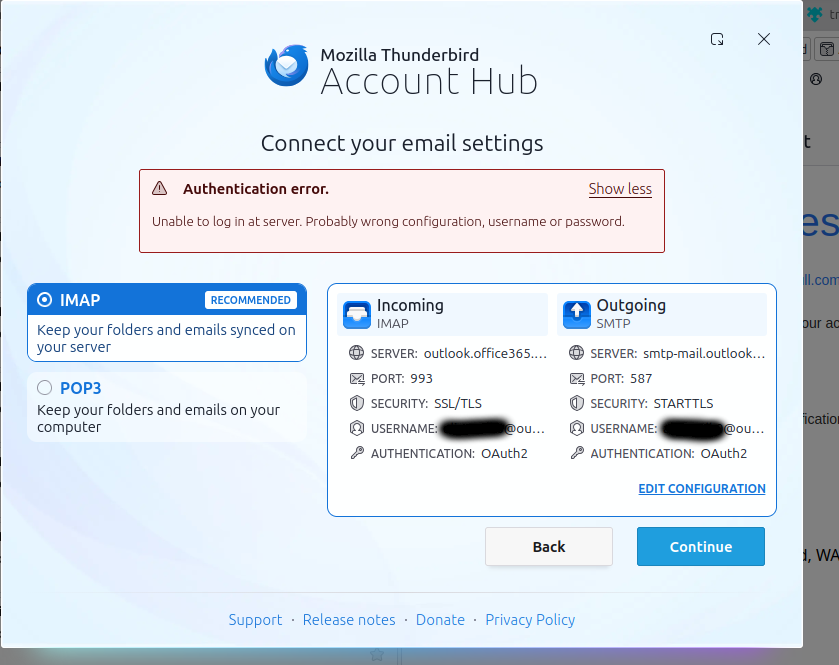
attached is an attempt from chromium, in case librewolf was the problem (librewolf/firefox doesn't properly load the captcha for creating an account, so there was a decent chance that was the issue)
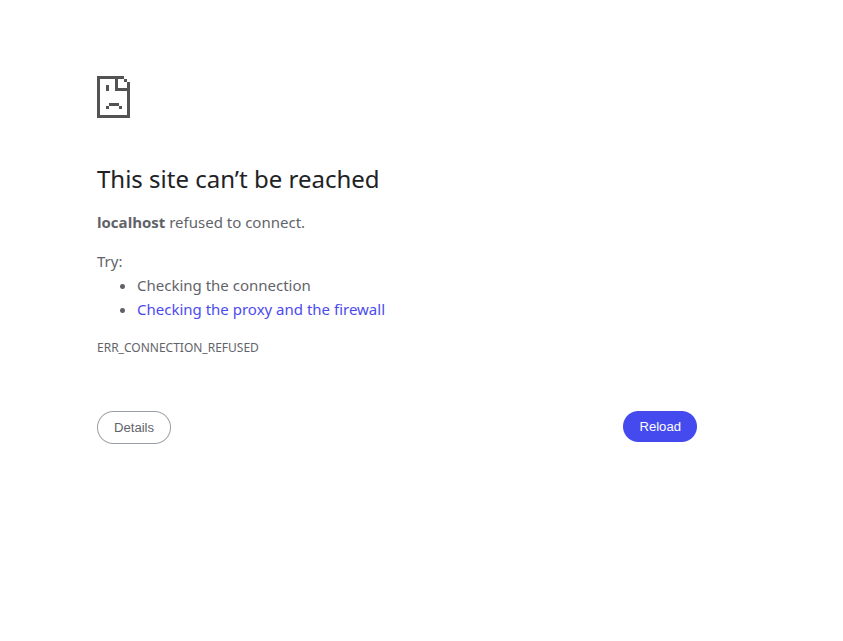
as advised by https://learn.microsoft.com/en-us/answers/questions/4660576/why-i-cant-sync-my-email-from-outlook-to-thunderbi, server settings are currently;
server type: IMAP mail server server name: imap-mail.outlook.com port: 993 user name: <my_outlook_account>@outlook.com connection security: ssl/tls Authentication method: OAuth2
I can't find it in settings, but when setting up the account, outgoing mail settings were; Server Hostname: smtp-mail.outlook.com port: 587 SSL: starttls Authentication: normal OAuth2
Hello there alicenull
Can you enable cookies in thunderbird software?
If that won't work, try changing your default browser.

It looks like you've already signed in to Microsoft from your default web browser. If it is the case then log off from Microsoft account on your default web browser . Restart Thunderbird and try to add your outlook account again .
changing my default browser to chromium (from librewolf) fixed the host not found error (it also used a different port for some reason).
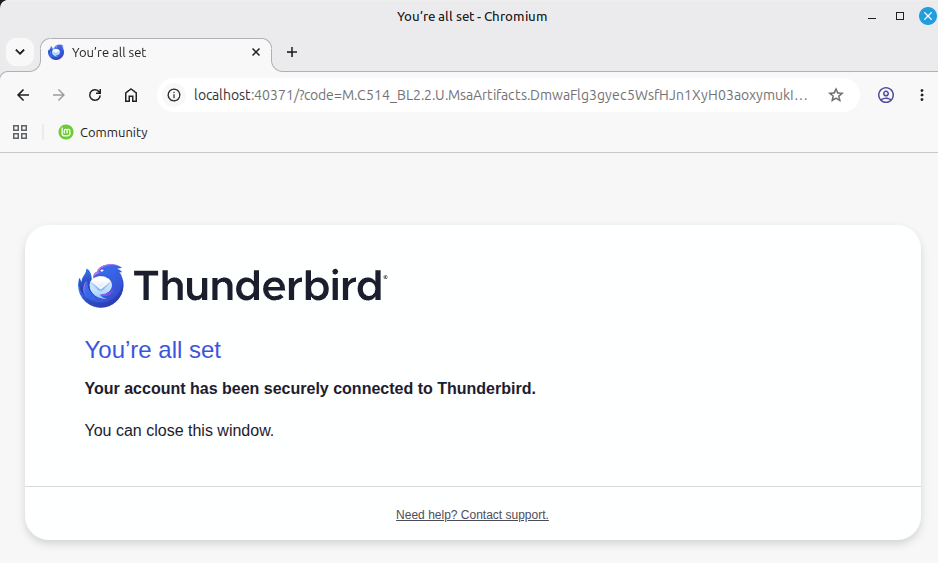
that resulted in a screen saying "you're all set" at localhost:39675 thunderbird nonetheless gives an authentication error
after completely resetting all config and cache for chromium, cache for thunderbird, and manually removing anything with 'outlook' or 'microsoft' from thunderbird config, i tried to add the account again, and got a more interesting error
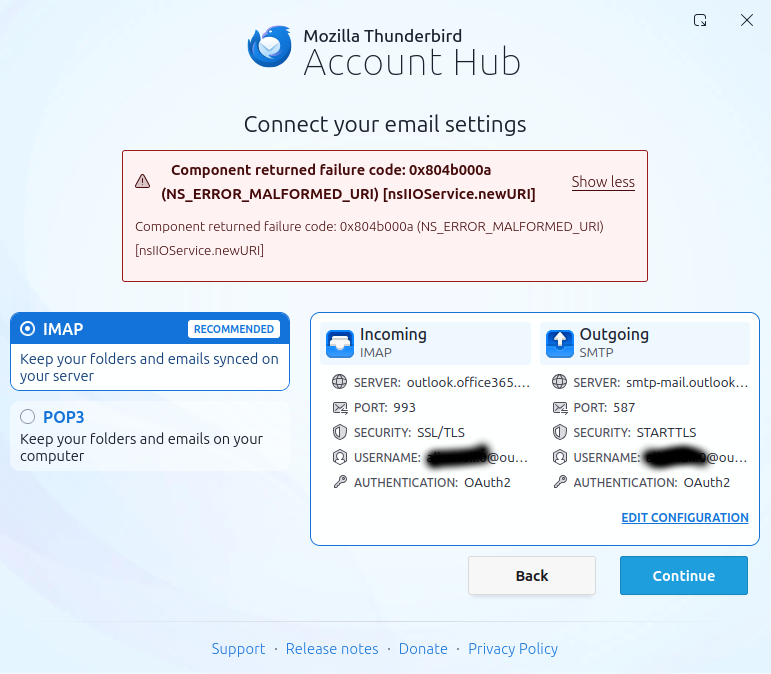
oh and i almost forgot, here's the screenshot of chromium's "you're all set" message
Wót Alicenull změnjony
Hello there
‘Bug code “
The bug is reported and is similar to other bugs too. https://support.mozilla.org/en-US/kb/file-bug-report-or-feature-request-mozilla https://bugzilla.mozilla.org/enter_bug.cgi
Cause
(Firefox/thunderbird) The code in your submission contains an error. The data uses the wrong container, making it too complex to understand because it includes too much advanced information for Thunderbird software to process. It was handed in there somehow
It's more some sort of developer's language, I think.
(I had some spam and phishing techniques in the browser afterwards So be careful with it.)
Tip
Can you start up in troubleshoot mode? Is it working now? If it is not, okay. It’s a Bug.
Use
https://support.mozilla.org/en-US/kb/troubleshoot-mode-thunderbird
Wót Googlethunderbird. změnjony

As per the support article you posted above the incoming server name is outlook.office365.com (not imap-mail.outlook.com). The server name looks good in the last error screeshot you posted, so that isn't the problem.
You can try the following: 1. In Thunderbird > Settings > Config Editor make mailnews.oauth.usePrivateBrowser=true, and mailnews.oauth.useSchemeRedirect=false 2. Restart Thunderbird 3. Login
Hello there
The moderator's (Christ1) advice to use these settings is correct and resolves this OAuth2 loop.
Setting useSchemeRedirect to false ensures that Thunderbird correctly listens to the local host port opened by Chromium correctly ,
the input should be outlook.office.com rather than old settings like imap-mail.outlook.com. The imap-mail.outlook.com settings are too old and do not support OAuth2 methods.
This so-called local loopback callback bug does not necessarily need to be logged immediately. You can resolve it by performing the steps provided by us, but make sure to reset your application's cache.
If possible.
Wót Googlethunderbird. změnjony