


How do I stop Firefox from suggesting emails for autofill?

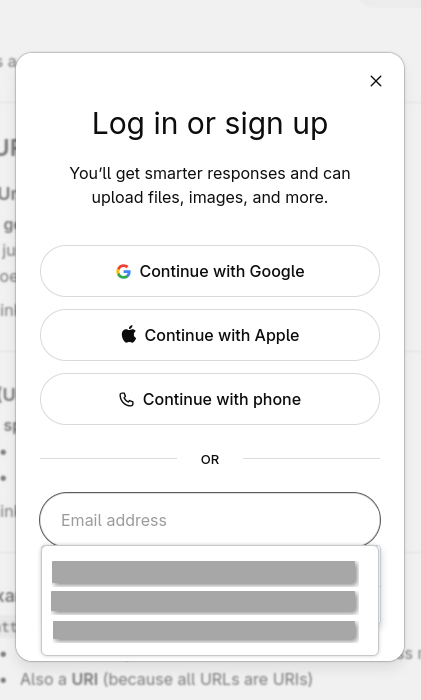
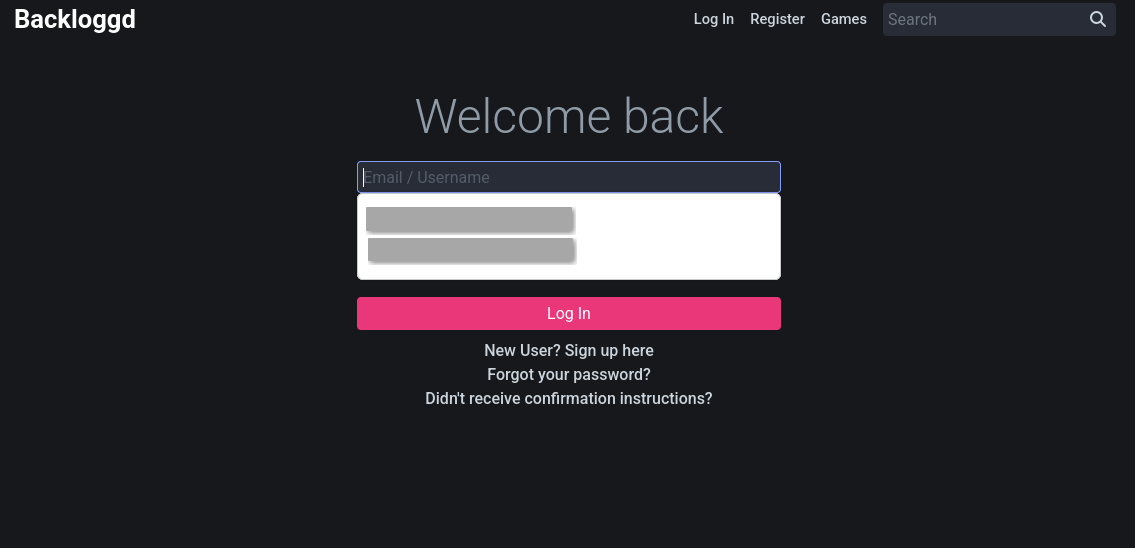
Hello, when I am using a login form, it sometimes suggests an email I can use, but I do not want this behavior in case I am sharing my screen. And some of the emails that are suggested are also not mine to begin with, so I simply do not want Firefox suggesting it to me.
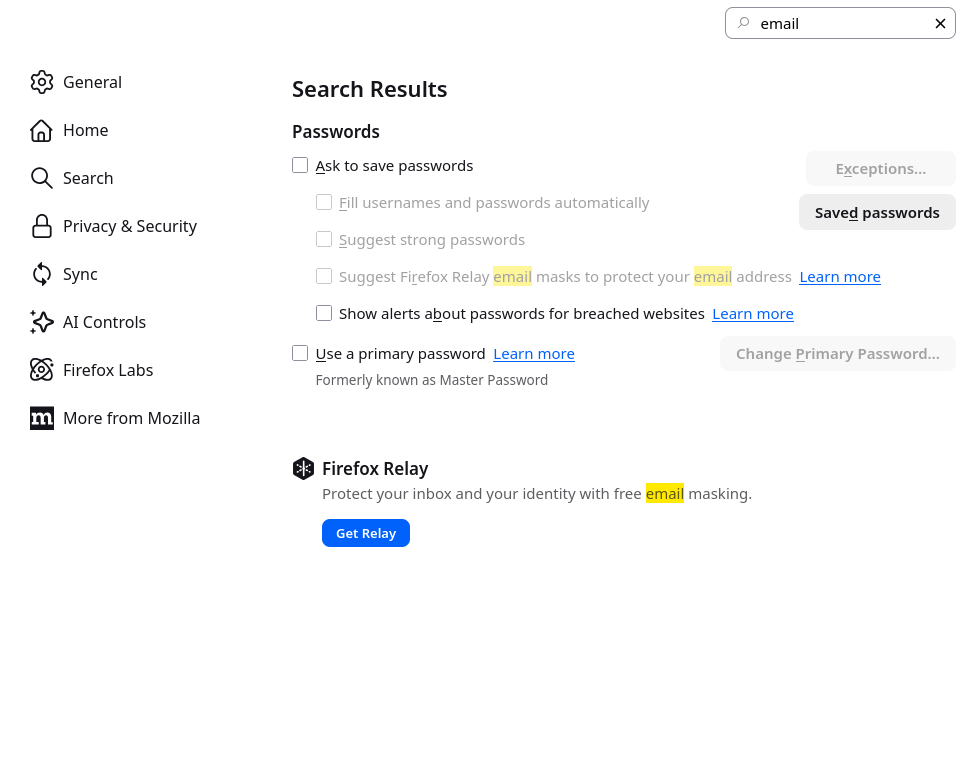
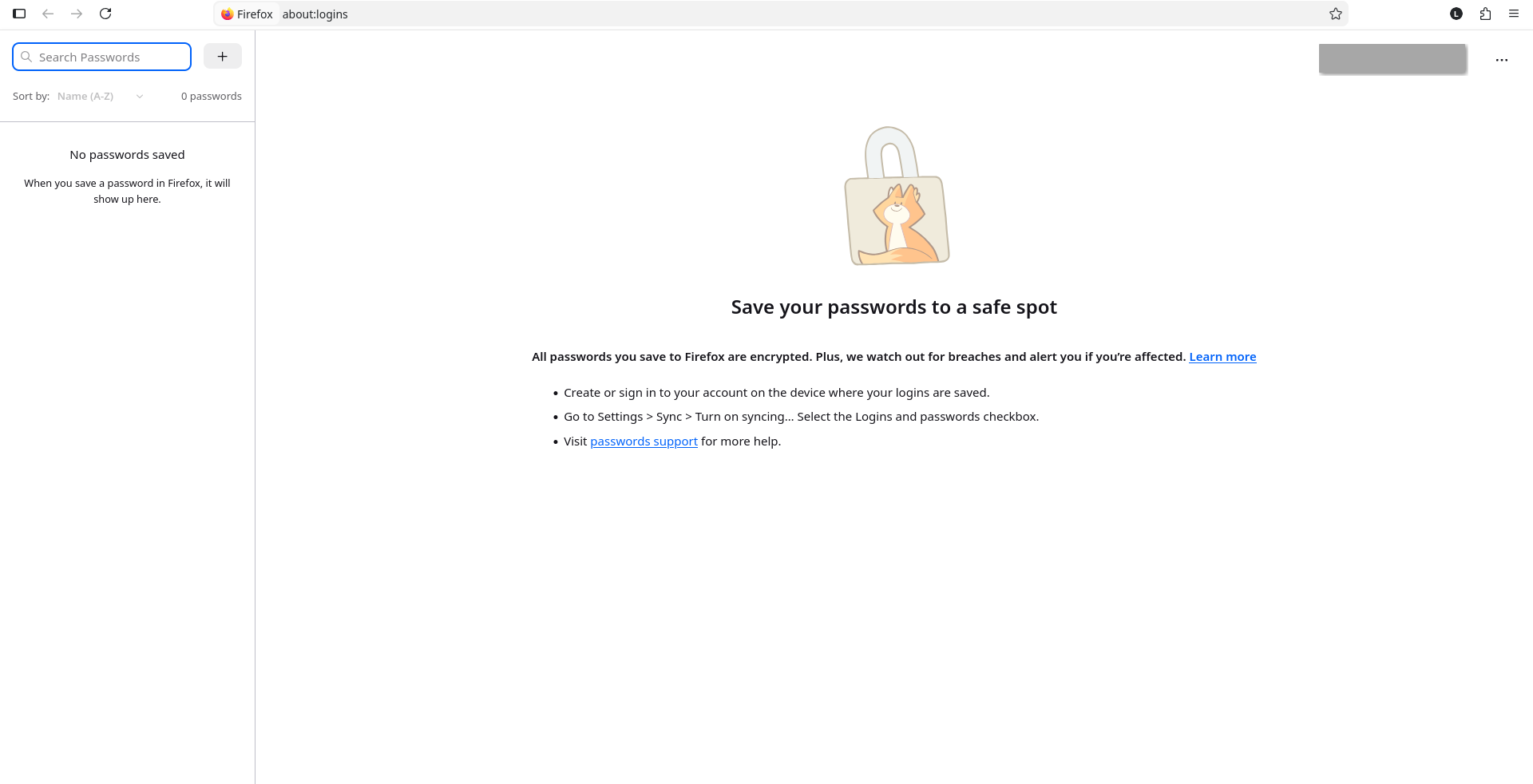
I would like to disable this feature altogether, but I have looked online, searched the settings, and yet I found no way of disabling this. I even confirmed that my Firefox Passwords doesn't have any entries, so I don't understand where it is getting these emails from. I would like help with disabling these suggested emails.
Wubrane rozwězanje
This is so called "formfill" memory. Select unwanted addresses and remove it using Del button.
Toś to wótegrono w konteksće cytaś 👍 1Wšykne wótegrona (4)
The image example where 3 emails are suggested, happens on ChatGPT. But this is not exclusive to this website and often happens on many other, totally unrelated, websites.
Wubrane rozwězanje
This is so called "formfill" memory. Select unwanted addresses and remove it using Del button.
Thank you very much for you help and quick response! This seems to have done the trick for me. It's unfortunate that it is designed like this, as this functionality was not obvious to me at all.
Suggestions in a login drop-down menu that have a key icon in front are login suggestions that you need to remove in the Password Manager.
Suggestions in a drop-down menu without a key symbol are autocomplete saved form data. Suggestions without a key icon are part of autocomplete saved form data that you should be able to remove by selecting this item with the cursor Down key and pressing Delete (Mac: Shift+Delete).