


New tab

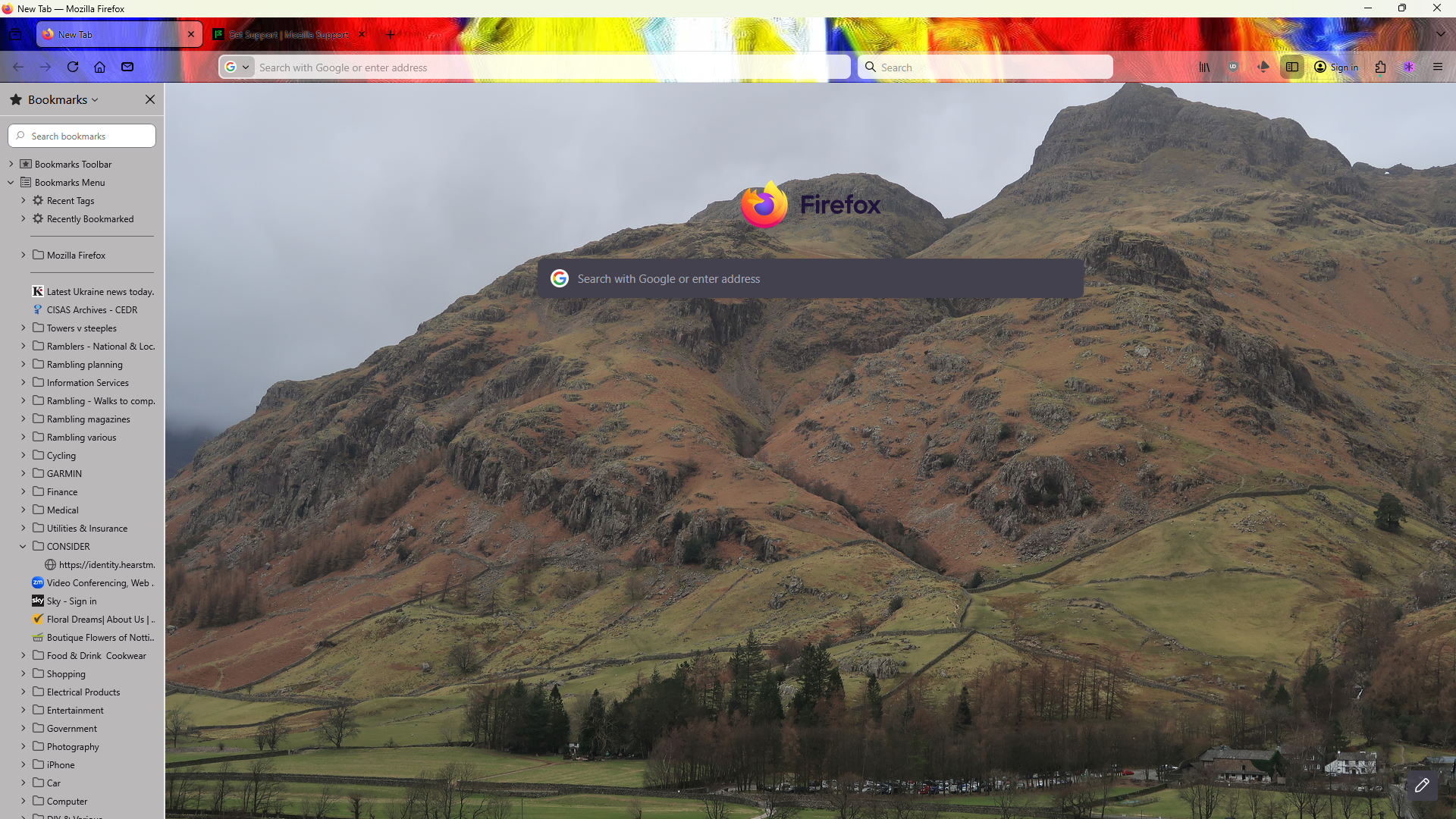
Good morning One and All Why is the 'customise' facility, bottom right of tab, not available if the tab is blank? I have downloaded a personal photograph as my background but it is ruined by the Google search bar and the Firefox logo above it. Why can't these 2 items be moved either to the side, below or above?
Wubrane rozwězanje
Instead of using the Customize ("pencil") icon on the bottom right corner of the New Tab page, you can open the Firefox Menu  -> Settings option, select the Home panel on the left and go to the Firefox Home Content section, if that helps:
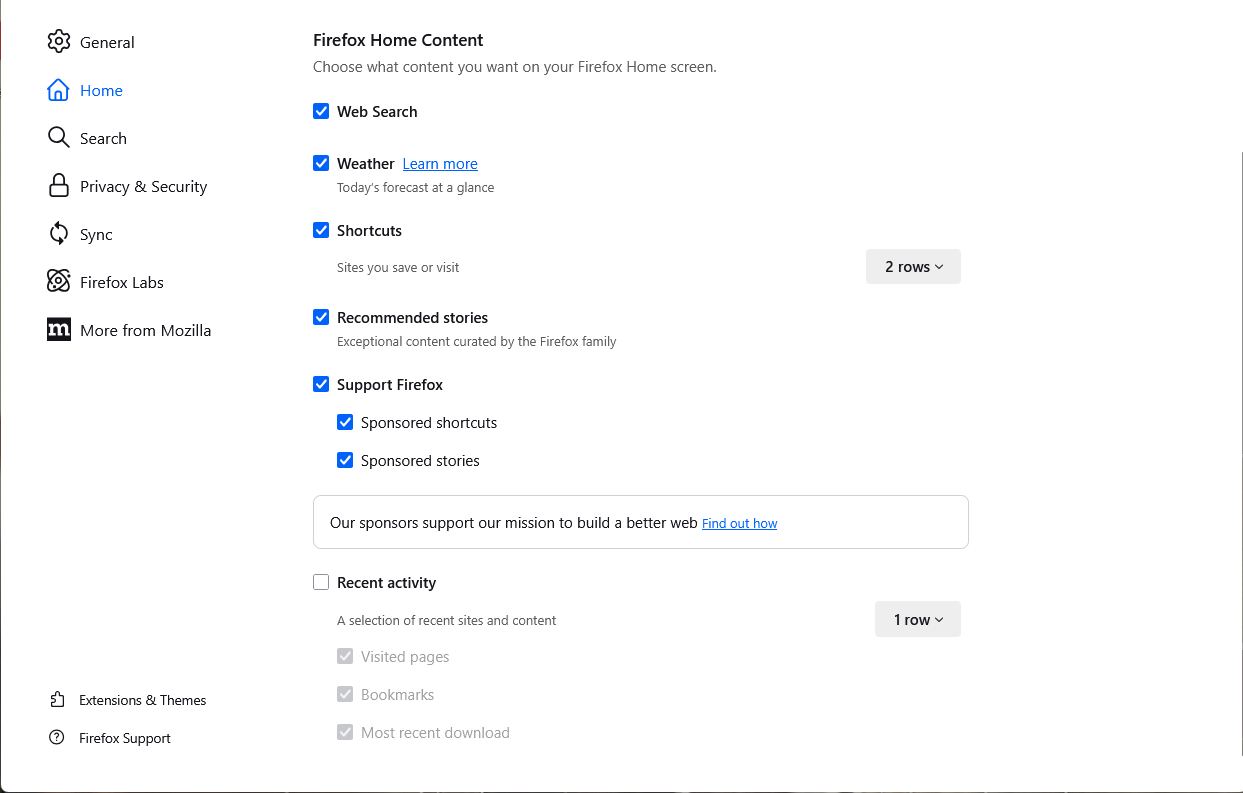
^ Image is from the Customize items on your Firefox New Tab page article.
Toś to wótegrono w konteksće cytaś 👍 0Wšykne wótegrona (4)
I'm sure you can remove these things using browser.newtabpage.activity-stream.showSearch and browser.newtabpage.activity-stream.logowordmark.alwaysVisible.
WARNING from the moderator team: Changing Firefox preferences from the about:config page can sometimes break Firefox or cause strange behavior. You should only do this if you know what you're doing. Please read Firefox advanced customization and configuration options to learn more.
Wót Paul změnjony

Wubrane rozwězanje
Instead of using the Customize ("pencil") icon on the bottom right corner of the New Tab page, you can open the Firefox Menu -> Settings option, select the Home panel on the left and go to the Firefox Home Content section, if that helps:
^ Image is from the Customize items on your Firefox New Tab page article.
You're welcome.
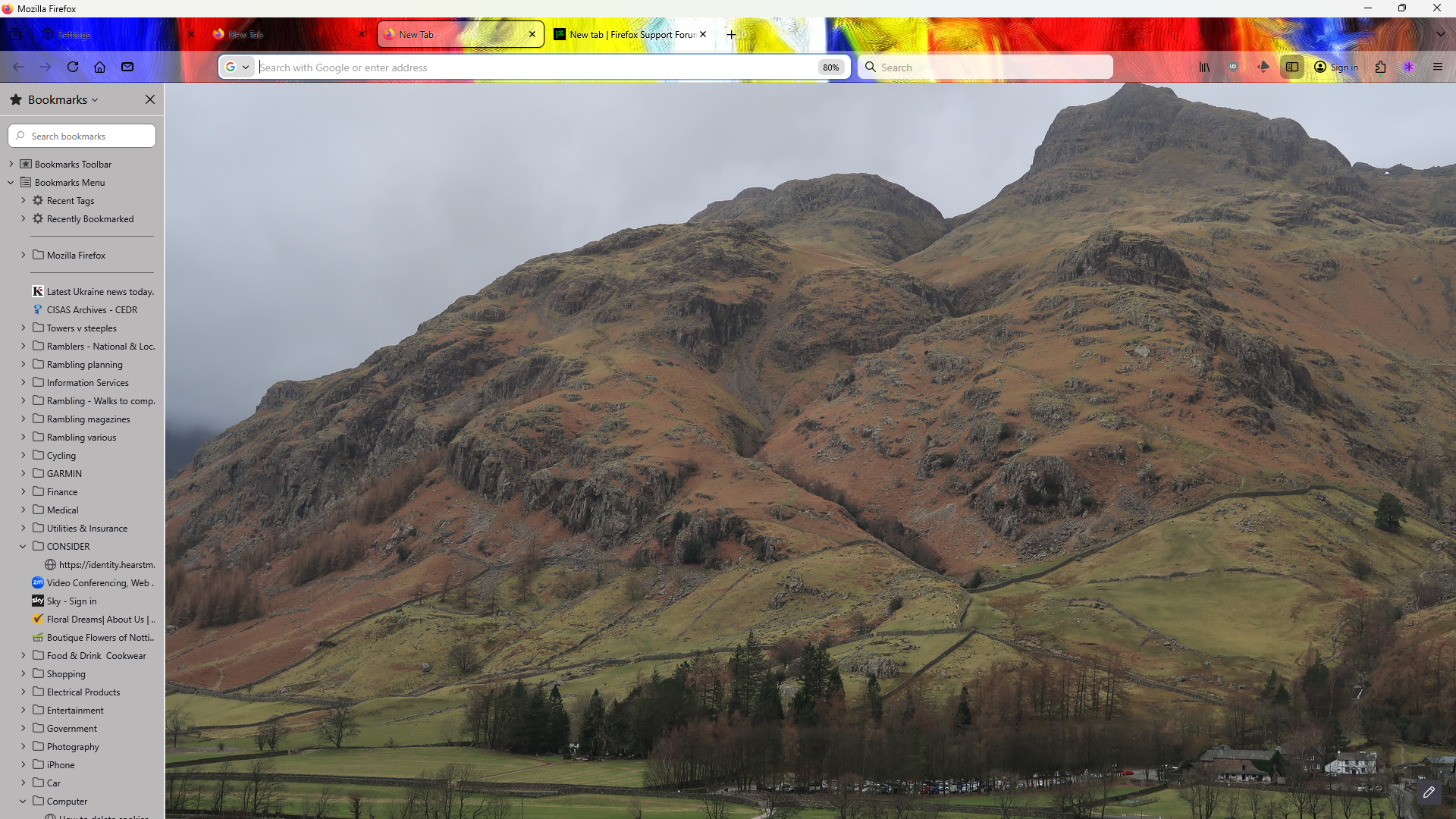
I marked my reply as the solution, that you can use the Firefox menu -> Settings -> Home panel to remove unwanted Firefox Home Content settings from the New Tab page, such as Web Search.
P.S. For others reading: Removing Web Search from the Home settings panel may not remove the Firefox logo, since the layout of the New Tab page depends on the Firefox version and any experimental studies being run. More here:
Wót AliceWyman změnjony