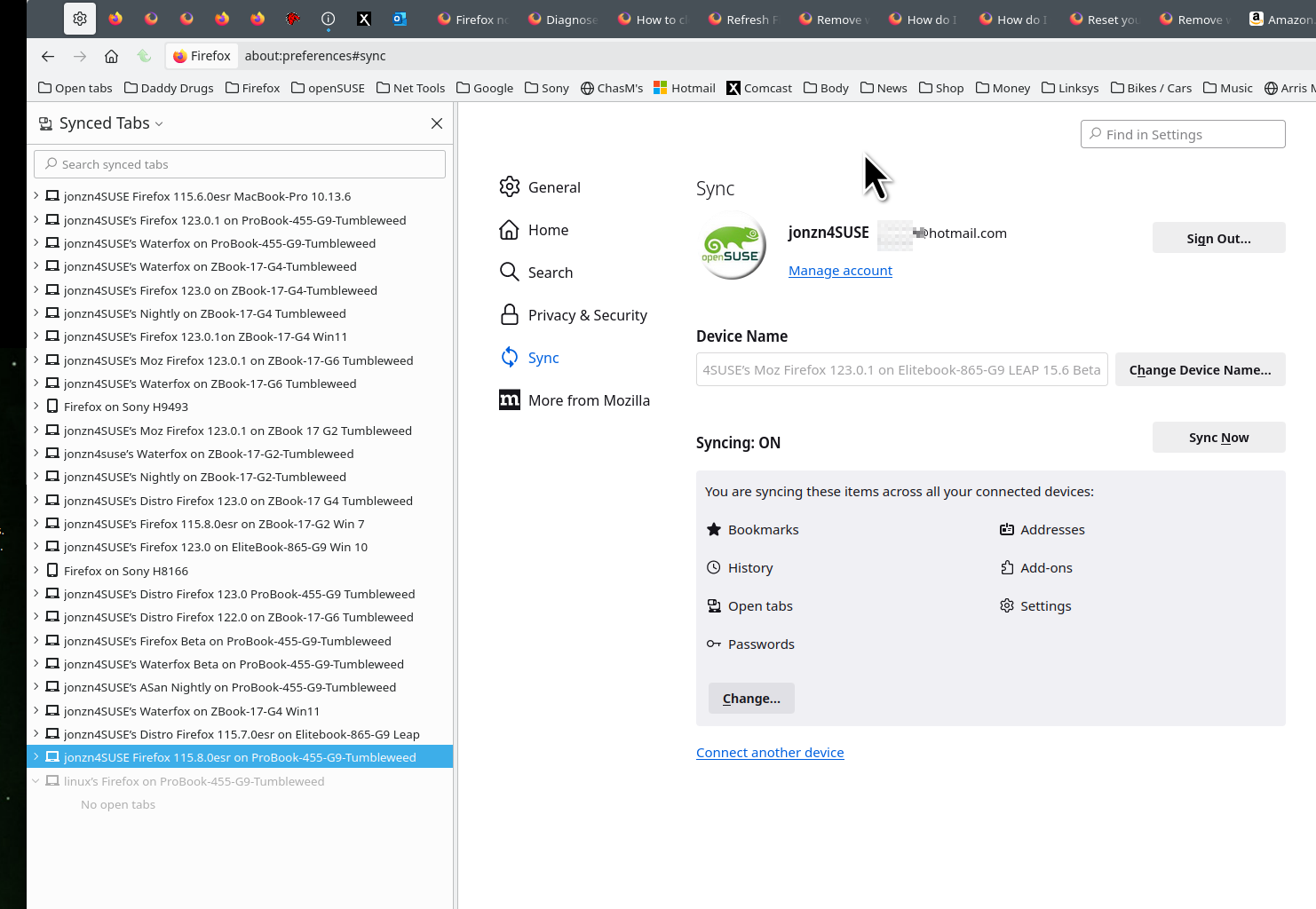
account syncs

I had a Firefox debian version installed on my desktop running Ubuntu Ubuntu 24.04.3 LTS and now I just installed the latest 143.0.1 "Mozilla Firefox Flatpak" version.
How can I synchoronized or migrate all my data such as bookmarks, add-ons, open tabs, settings for syncing ?
Thanks in advance for prompt clear step by step answer.
I had a Firefox debian version installed on my desktop running Ubuntu Ubuntu 24.04.3 LTS and now I just installed the latest 143.0.1 "Mozilla Firefox Flatpak" version.
How can I synchoronized or migrate all my data such as bookmarks, add-ons, open tabs, settings for syncing ?
Thanks in advance for prompt clear step by step answer.
Wšykne wótegrona (1)

How do I set up Sync on my computer? https://support.mozilla.org/en-US/kb/how-do-i-set-sync-my-computer
How do I choose what information to sync on Firefox? https://support.mozilla.org/en-US/kb/how-do-i-choose-what-information-sync-firefox
See old screenshot