


Firefox New Tab page

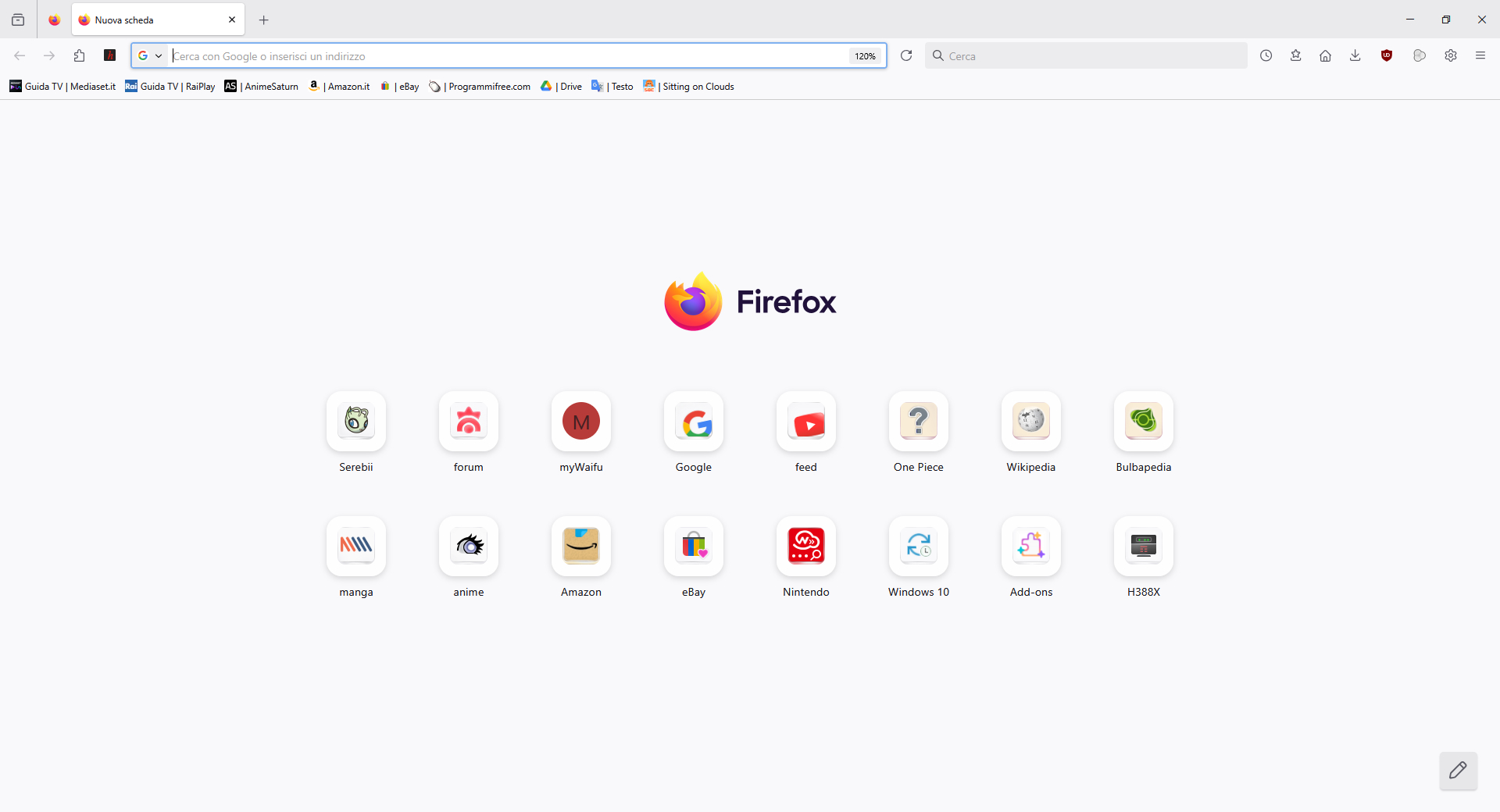
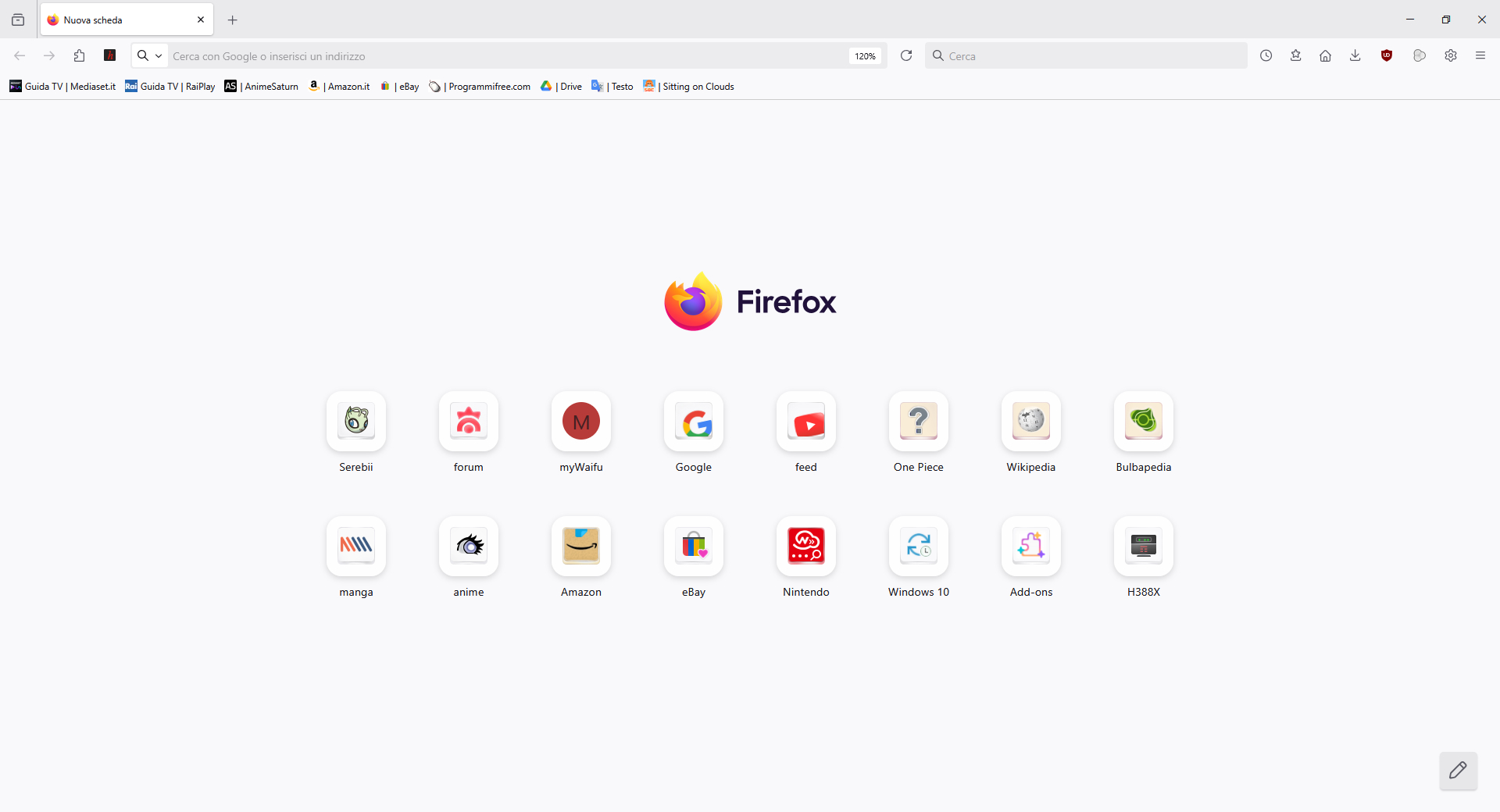
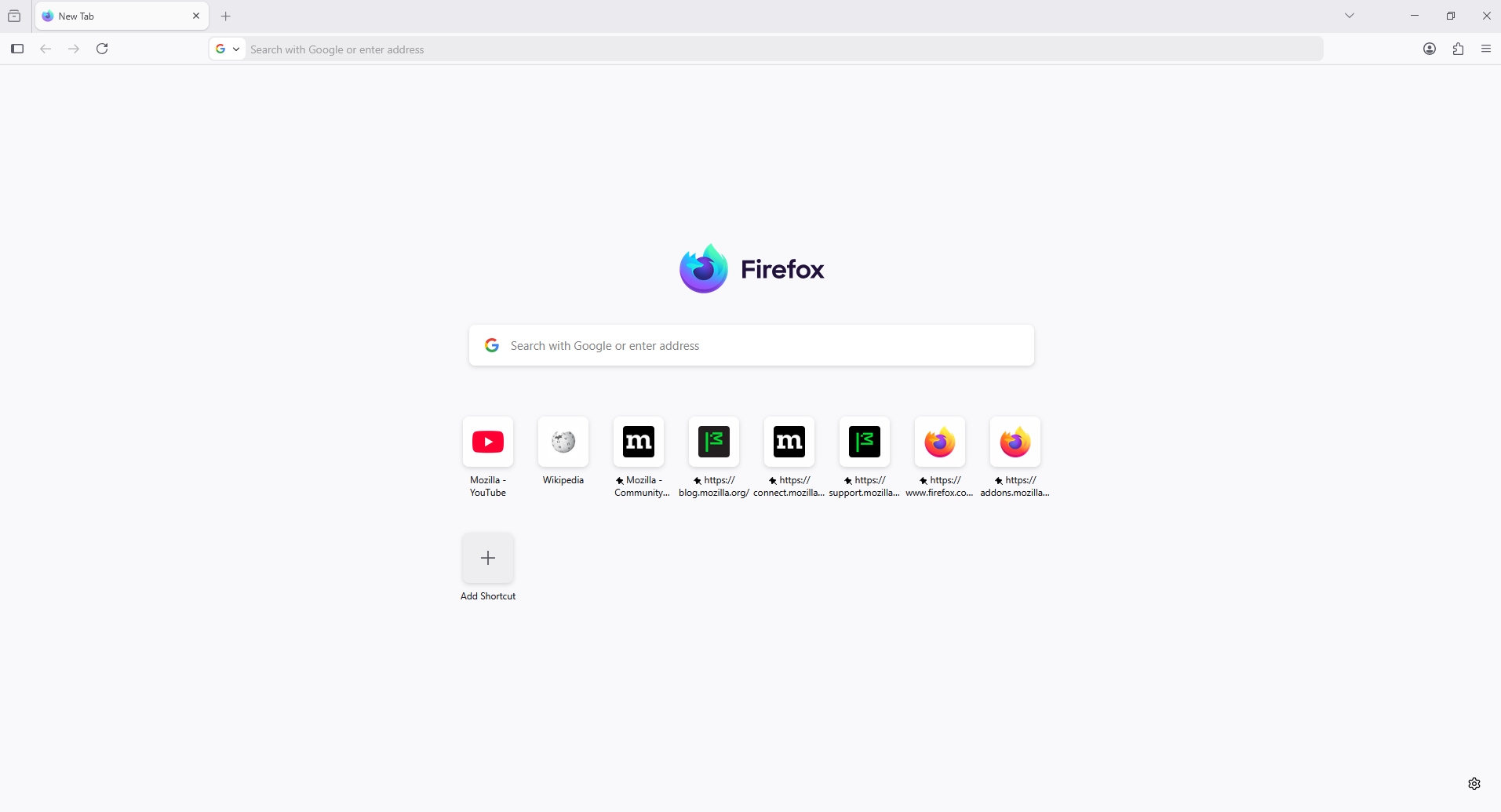
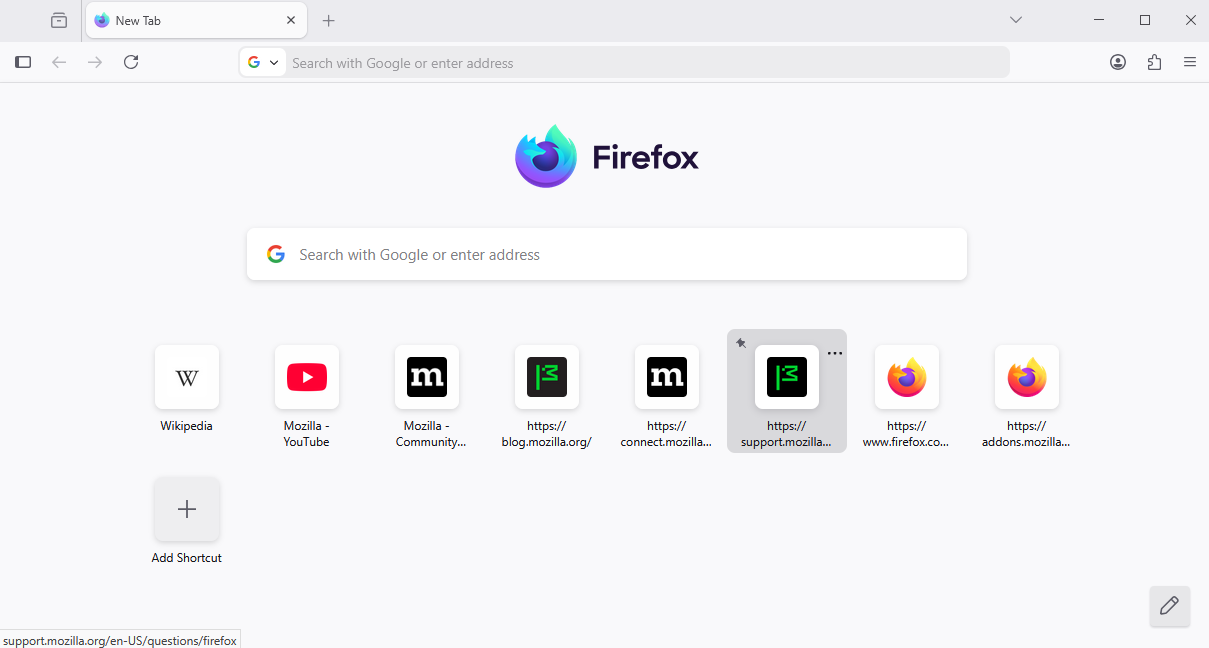
Hi everyone, I'm asking for help following the latest update (Firefox 143.0.1): the corners of the top site preview boxes have changed, as shown in the first screenshot. I was wondering if it's possible to permanently restore them to the same state as in the second screenshot, perhaps via userContent.css.
Wubrane rozwězanje
Hello
For information purposes. Firefox advanced customization and configuration options. https://support.mozilla.org/en-US/kb/firefox-advanced-customization-and-configuration
An subject. https://connect.mozilla.org/t5/discussions/the-new-tab-ui-change-is-terrible/td-p/105808
At the left without userContent.css - with userContent.css at the right.
Toś to wótegrono w konteksće cytaś 👍 0Wšykne wótegrona (8)

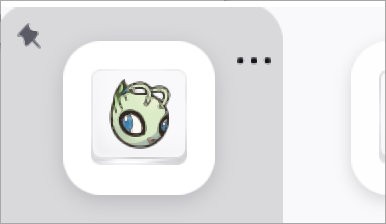

Try this in userContent.css; play with the number:
@-moz-document url(about:home), url(about:newtab) { .top-site-outer .tile .top-site-icon {
 border-radius: 4px !important;
 }
}
Wót Ed změnjony
Wubrane rozwězanje
Hello
For information purposes. Firefox advanced customization and configuration options. https://support.mozilla.org/en-US/kb/firefox-advanced-customization-and-configuration
An subject. https://connect.mozilla.org/t5/discussions/the-new-tab-ui-change-is-terrible/td-p/105808
At the left without userContent.css - with userContent.css at the right.
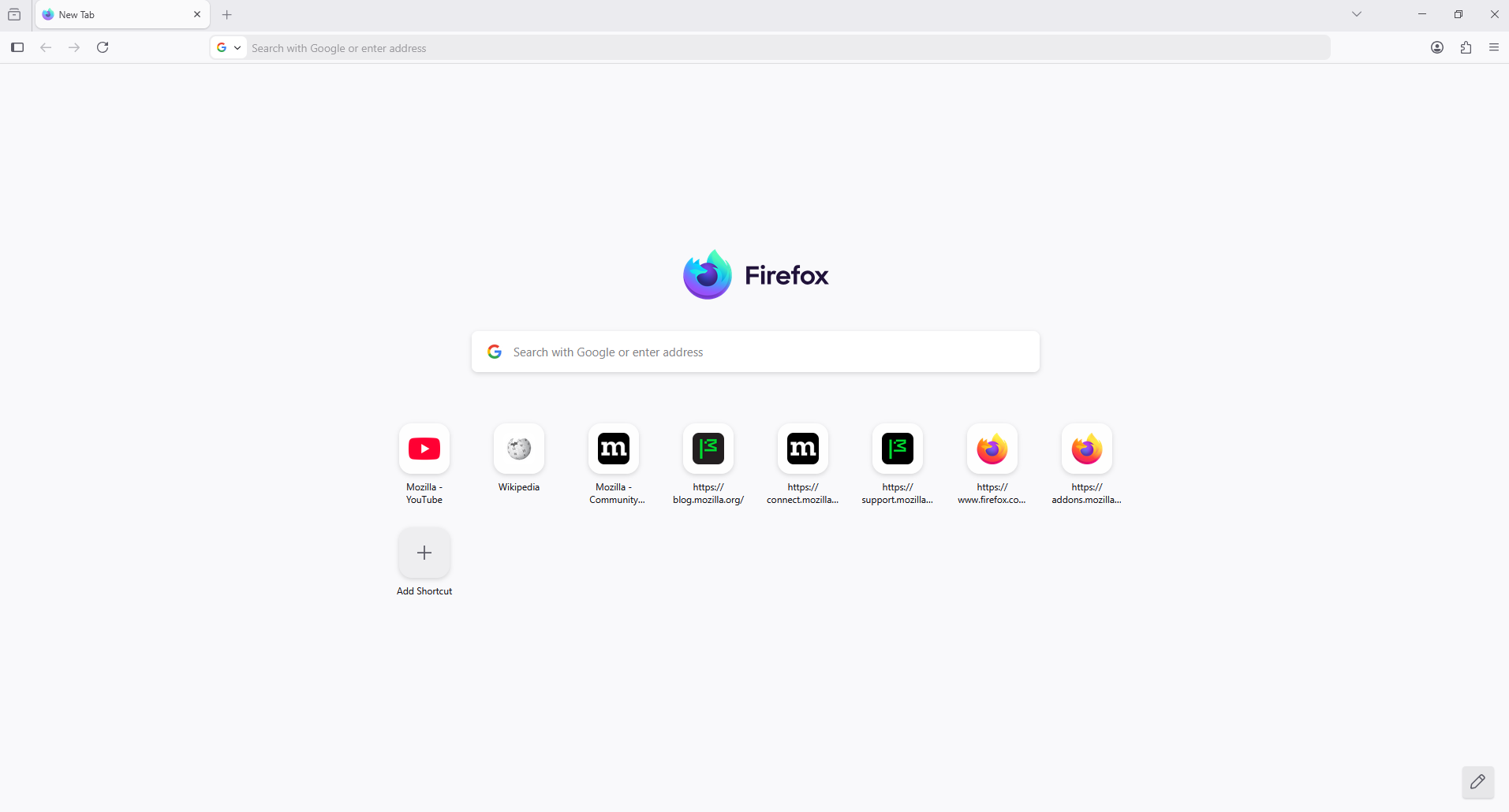
You can try, to see.
@-moz-document url(about:home), url(about:newtab) { /* Smaller border radius */ .tile, .top-site-outer { border-radius: var(--border-radius-medium) !important } .top-site-icon { border-radius: var(--border-radius-small) !important } }
Agent virtuel ha detto
Hello For information purposes. Firefox advanced customization and configuration options. https://support.mozilla.org/en-US/kb/firefox-advanced-customization-and-configuration An subject. https://connect.mozilla.org/t5/discussions/the-new-tab-ui-change-is-terrible/td-p/105808 At the left without userContent.css - with userContent.css at the right.
Thanks for replying. I tried the solution in the second link and it worked. Thanks again.