


Join us to show up for other Firefox users 🦊. Earn fun badges and Mozilla swag vouchers! Find out more: https://mzl.la/askafox150

Windows 10 reached EOS (end of support) on October 14, 2025. If you are on Windows 10, see this article.

Pomoc pśepytaś

Glědajśo se wobšudy pomocy. Njenapominajomy was nigda, telefonowy numer zawołaś, SMS pósłaś abo wósobinske informacije pśeraźiś. Pšosym dajśo suspektnu aktiwitu z pomocu nastajenja „Znjewužywanje k wěsći daś“ k wěsći.

Dalšne informacije

Youtube player does not appear, only showing white

  • 2 wótegronje
  • 1 ma toś ten problem
  • 235 naglědow
  • Slědne wótegrono wót verdant.rivertree
  • Archiwěrowany

When I navigate to youtube and try to watch a video, the player does not load. It just shows white in the space where the player should be. No video, no audio, no nothing. No matter what video I click, the same thing happens. The only workaround I have found is that if I go to a page with an embedded youtube video, and click the "watch on youtube" link that appears in it, it will load a youtube page that can play videos normally. I can use that page to navigate youtube and it will operate normally. However if I type in youtube.com or get to the site some other way, the issue happens where it is only white space. It is very frustrating.
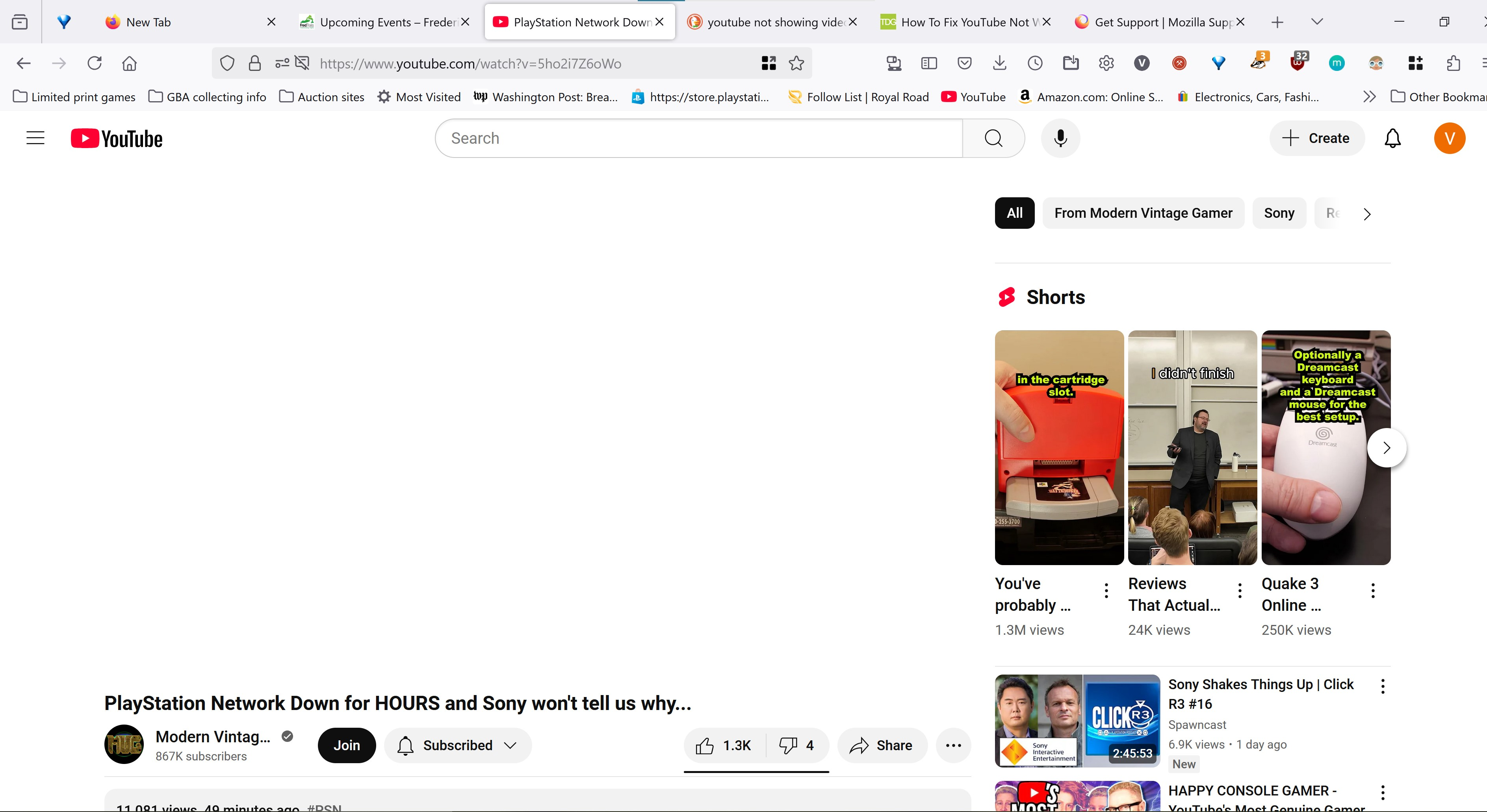
When I navigate to youtube and try to watch a video, the player does not load. It just shows white in the space where the player should be. No video, no audio, no nothing. No matter what video I click, the same thing happens. The only workaround I have found is that if I go to a page with an embedded youtube video, and click the "watch on youtube" link that appears in it, it will load a youtube page that can play videos normally. I can use that page to navigate youtube and it will operate normally. However if I type in youtube.com or get to the site some other way, the issue happens where it is only white space. It is very frustrating.
Pśipowjesone fota wobrazowki

Wšykne wótegrona (2)

I see a lot of add-ons. Did you try with Firefox in Troubleshoot Mode?

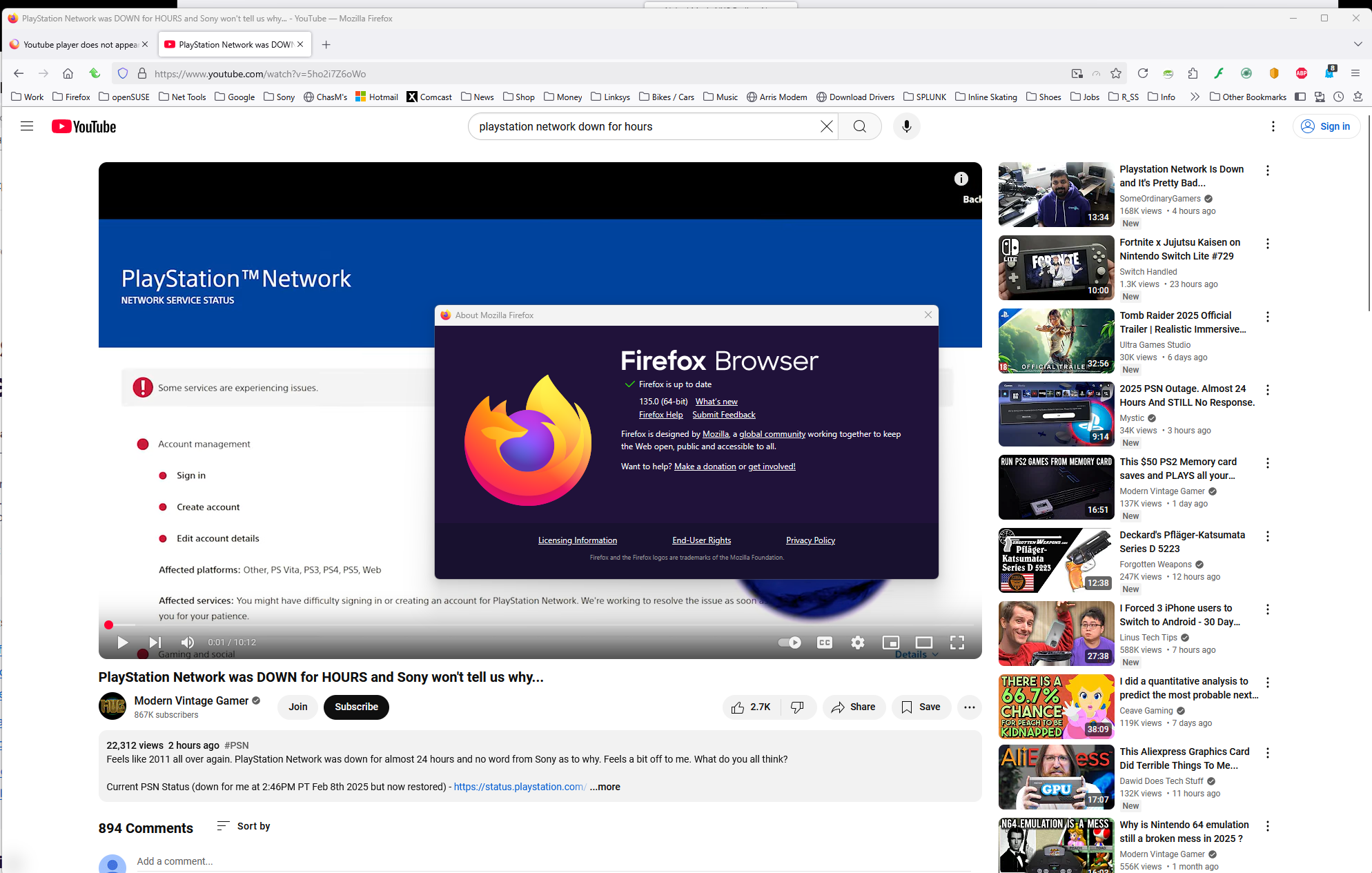
I have no issue with the same video. see screenshot https://www.youtube.com/watch?v=5ho2i7Z6oWo
Wót jonzn4SUSE změnjony

I did try troubleshoot mode. The same issue persists