


No Shutter Button for Image Search

Firefox for Android on Pixel 8: When trying to use the Google image search in the browser or the search widget, there is no shutter button or any other camera controls—see attached screenshot. I have uninstalled/reinstalled FF multiple times and have rebooted the phone. This feature works fine in Chrome and the Google widget.
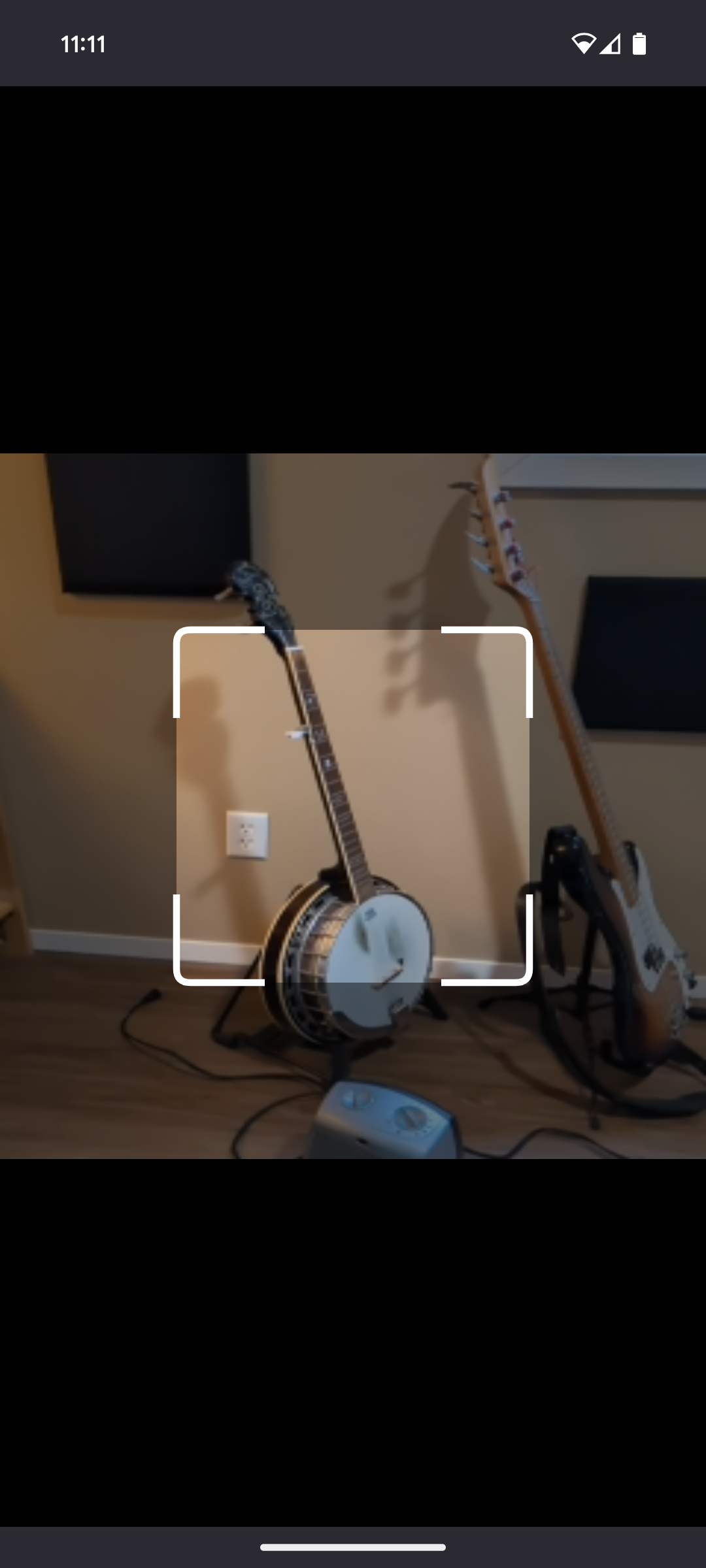
Wšykne wótegrona (5)

Is that Google Lens?
There is no shutter button. You move the finder over what you're looking for and the results update below as you move the finder. I have it over the RVT and it finds similar items below. See screenshots
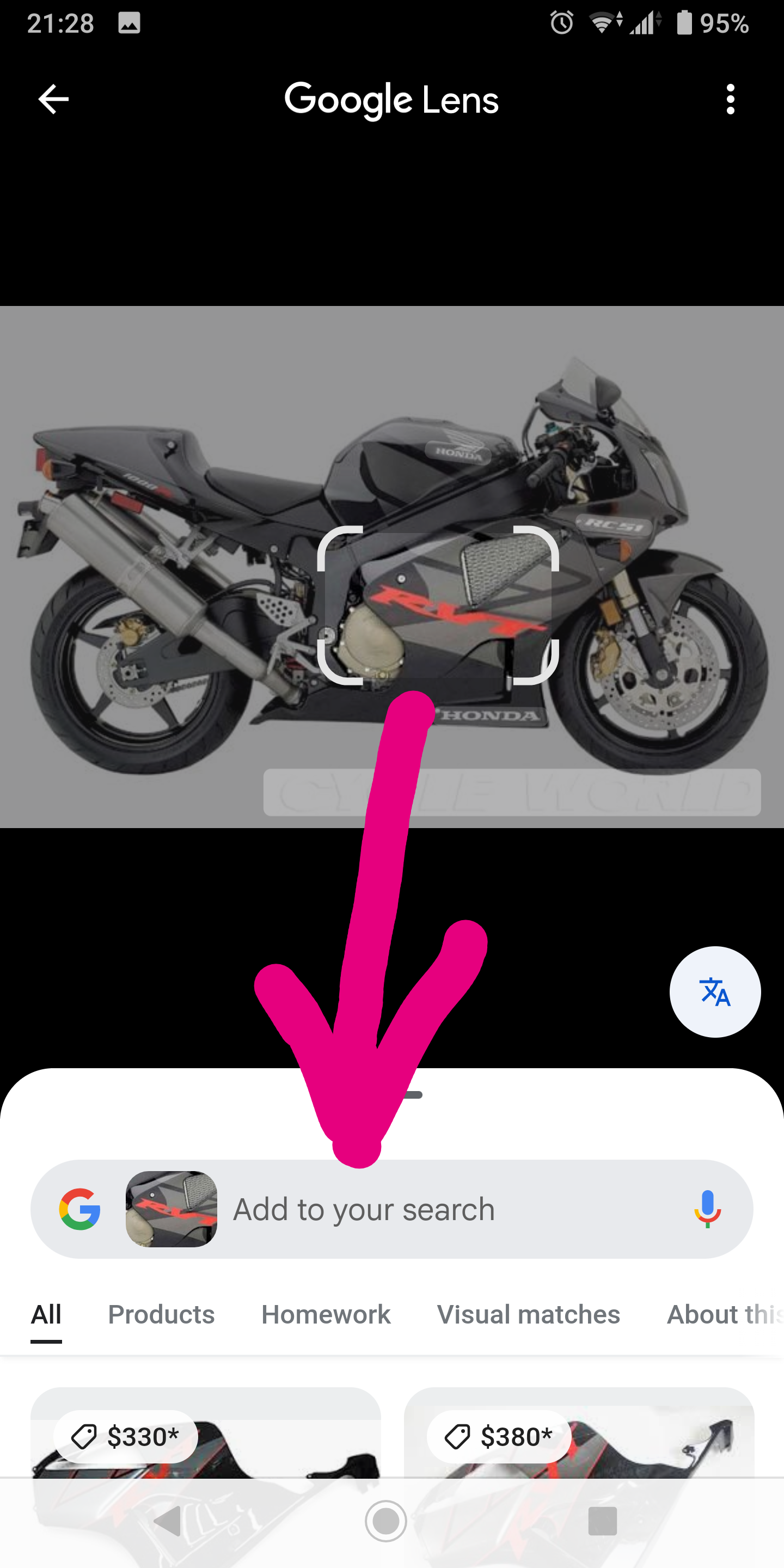

Wót jonzn4SUSE změnjony
Thanks for your reply. I assumed it was Google Lens—it's what happens when I tap the square icon to the right of the microphone icon in the browser or the FF search widget (with Google set as the search engine). I haven't been able to find much documentation about the feature, so maybe I'm guessing wrong about its function.
It doesn't seem to matter what I point the finder at—nothing happens.
Try it from Google Lens app. In the app you can then point to the same pics to get the same results I posted.
Thanks again. While I can use the Google Lens app (or the Google search bar at the bottom of my Pixel's home screen), I was just hoping to figure out how to get the function to work correctly in FF. I had hoped I could use the FF search widget instead of Google's. The microphone works fine; it's just the square-icon-that-looks-like-Google-lens that brings me to a dead end.