


Cannot watch streaming movies on Netflix in Firefox browser??
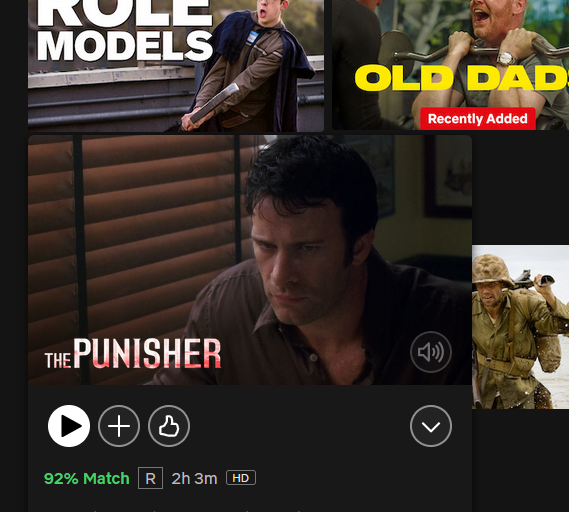
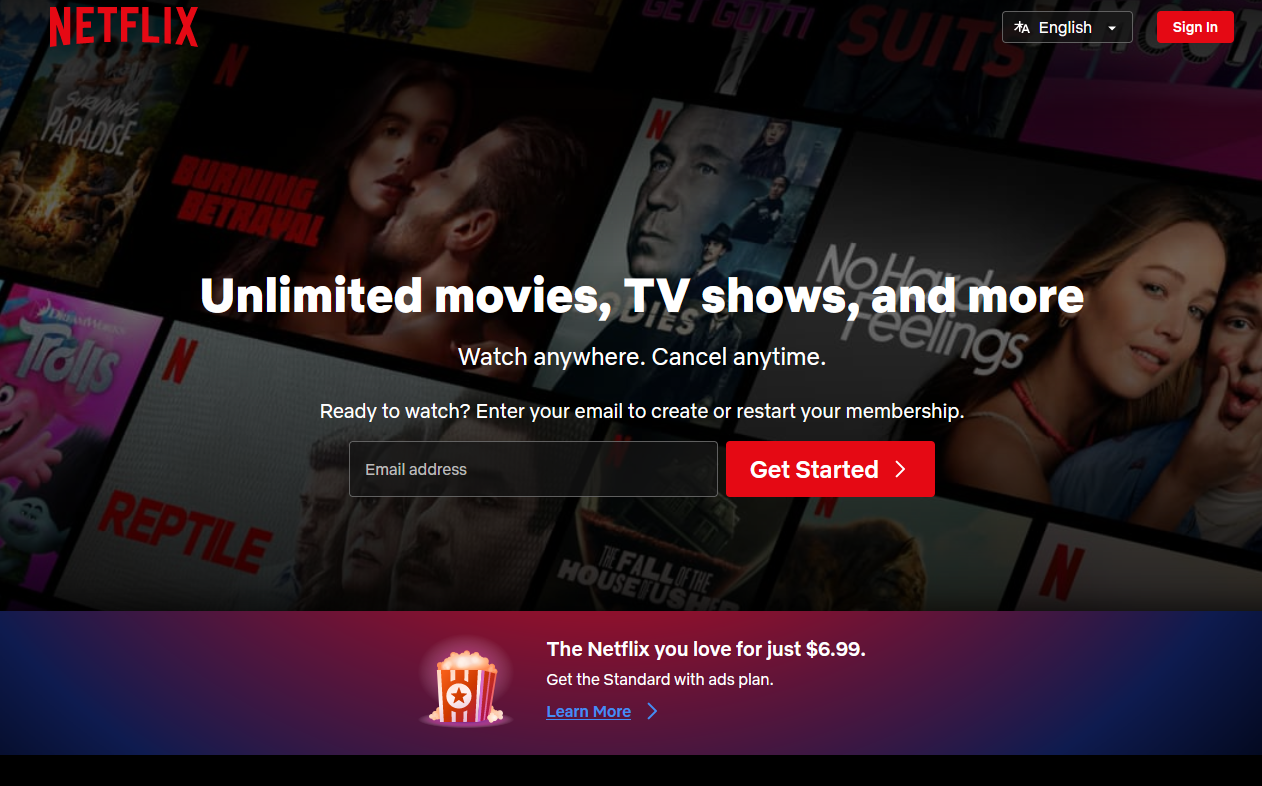
Every time I open Netflix in Firefox browser, to watch streaming movies, it won't show them but keeps taking me to a page asking me to log in again or pay for a Netflix account. (attached) I already have a Netflix account and can watch streaming movies with no problems on other browsers, but not using Firefox, which is my Default browser.
Wót NoahSUMO změnjony

Wubrane rozwězanje
I suspect your HTTP cookies were cleared. In case you're confused, think of HTTP cookies as small pieces of information that websites store on your computer or device when you visit them. It's like a little note that a website leaves behind to remember you.
Imagine you go to a bakery, and they give you a stamp on your hand so they know you've been there. The next time you come back, they look at the stamp, and they remember what you ordered or what you liked before. HTTP cookies work in a similar way for websites.
These "HTTP cookies" are used to remember things about your visit, like what items you put in your shopping cart on an online store, your login information, or your language preferences. This makes it more convenient for you because you don't have to re-enter the same information every time you visit a website.
Not much of a problem-simply enter your e-mail ID and follow the instructions shown on screen.
Wšykne wótegrona (4)
Does it still happen in Troubleshoot Mode?
zeroknight said
Does it still happen in Troubleshoot Mode?
Haven't tried yet, but did contact Netflix Support, except all they could suggest was to download and use the app. Then they said they would 'Add my concern to Feedback' or something, but no fix!!
Wubrane rozwězanje
I suspect your HTTP cookies were cleared. In case you're confused, think of HTTP cookies as small pieces of information that websites store on your computer or device when you visit them. It's like a little note that a website leaves behind to remember you.
Imagine you go to a bakery, and they give you a stamp on your hand so they know you've been there. The next time you come back, they look at the stamp, and they remember what you ordered or what you liked before. HTTP cookies work in a similar way for websites.
These "HTTP cookies" are used to remember things about your visit, like what items you put in your shopping cart on an online store, your login information, or your language preferences. This makes it more convenient for you because you don't have to re-enter the same information every time you visit a website.
Not much of a problem-simply enter your e-mail ID and follow the instructions shown on screen.
Thanks all, but I have given up on finding a fix for this and will just use the app. from here forward!!