


Vanguard contrast issues

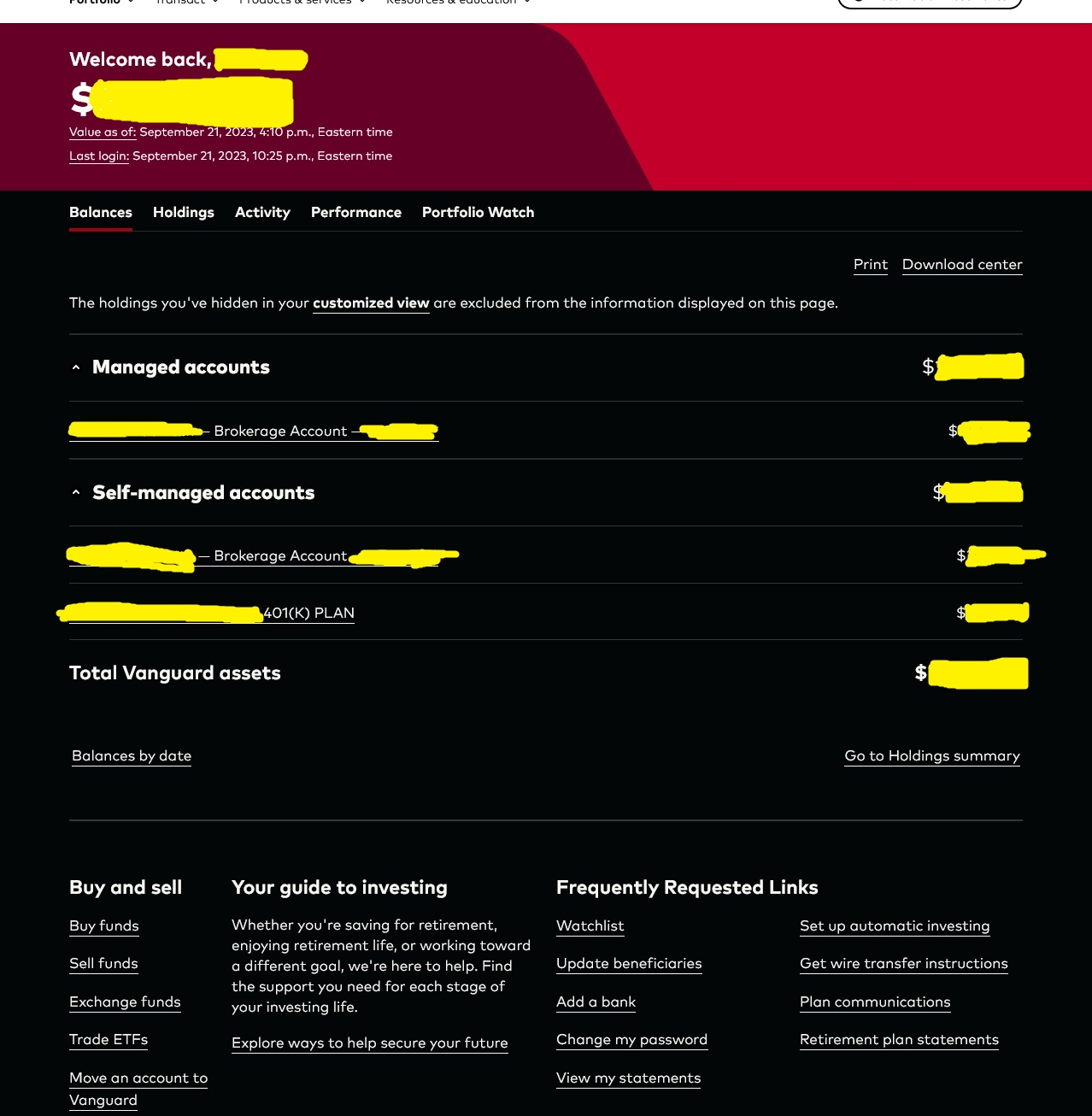
The "Digital Advisor" page on vanguards website (after logging in) seems to default to a white background even when in dark mode, resulting in the page being unreadable due to the light gray/off-white text. It seems to only be on the digital advisor page, though. When viewing other accounts or sections, dark mode seems to work correctly.

Wšykne wótegrona (5)
Does it still happen in Troubleshoot Mode?
Troubleshoot mode doesn't fix it.
Found a fix! I have an extension called "Dark Reader" which is supposed to convert every website to dark mode. Disabling that extension fixed it.
Hello,
I am glad to hear that your problem has been resolved. If you haven't already, please select the answer that solves the problem. This will help other users with similar problems find the solution.
Thank you for contacting Mozilla Support.
Troubleshoot Mode should have disabled all your extensions if you entered it correctly.