


accessing outlook live

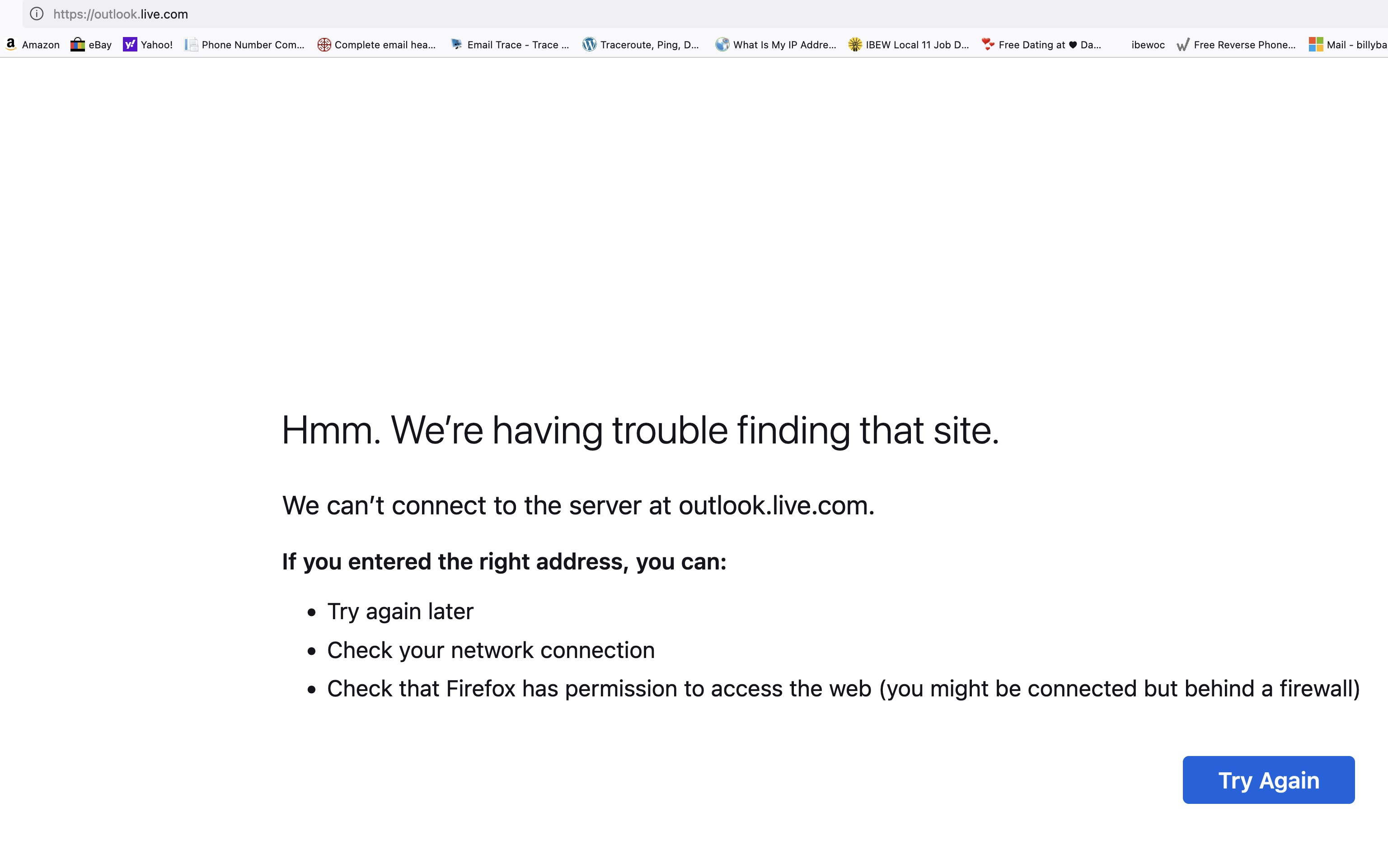
I don't know if this is a firefox or outlook problem, but I can no longer access outlook live (https://outlook.live.com/mail/0/) from my main screen. Blank page. Oddly enough though, I can access it by going to "private browsing." So I'm guessing there's a setting that's keeping outlook from loading, but I don't remember changing any settings recently, so I'm stumped. This has been happening for only the past 3 days.
Wubrane rozwězanje
Clear the Cache and remove the Cookies for websites that cause problems via the "3-bar" Firefox menu button (Settings).
"Remove the Cookies" for websites that cause problems:
- Settings -> Privacy & Security
Cookies and Site Data: "Manage Data"
"Clear the Cache":
- Settings -> Privacy & Security
Cookies and Site Data -> Clear Data -> [X] Cached Web Content -> Clear
- https://support.mozilla.org/en-US/kb/clear-cookies-and-site-data-firefox
- https://support.mozilla.org/en-US/kb/how-clear-firefox-cache
If clearing cookies doesn't help, it is possible that the cookies.sqlite file in the Firefox profile folder that stores the cookies got corrupted.
- rename/remove cookies.sqlite (cookies.sqlite.old) and when present delete cookies.sqlite-shm and cookies.sqlite-wal in the Firefox profile folder with Firefox closed in case cookies.sqlite got corrupted.
You can use the button on the "Help -> More Troubleshooting Information" (about:support) page to go to the current Firefox profile folder or use the about:profiles page (Root directory).
- Help -> More Troubleshooting Information -> Profile Folder/Directory:
Windows: Open Folder; Linux: Open Directory; Mac: Show in Finder - https://support.mozilla.org/en-US/kb/profiles-where-firefox-stores-user-data
Wšykne wótegrona (6)
Sounds like a add-on is causing the issue. A full browser screenshot would be helpful. see screenshot In private browsing, the add-ons should be disabled unless they are allowed to run in private mode. see screenshot
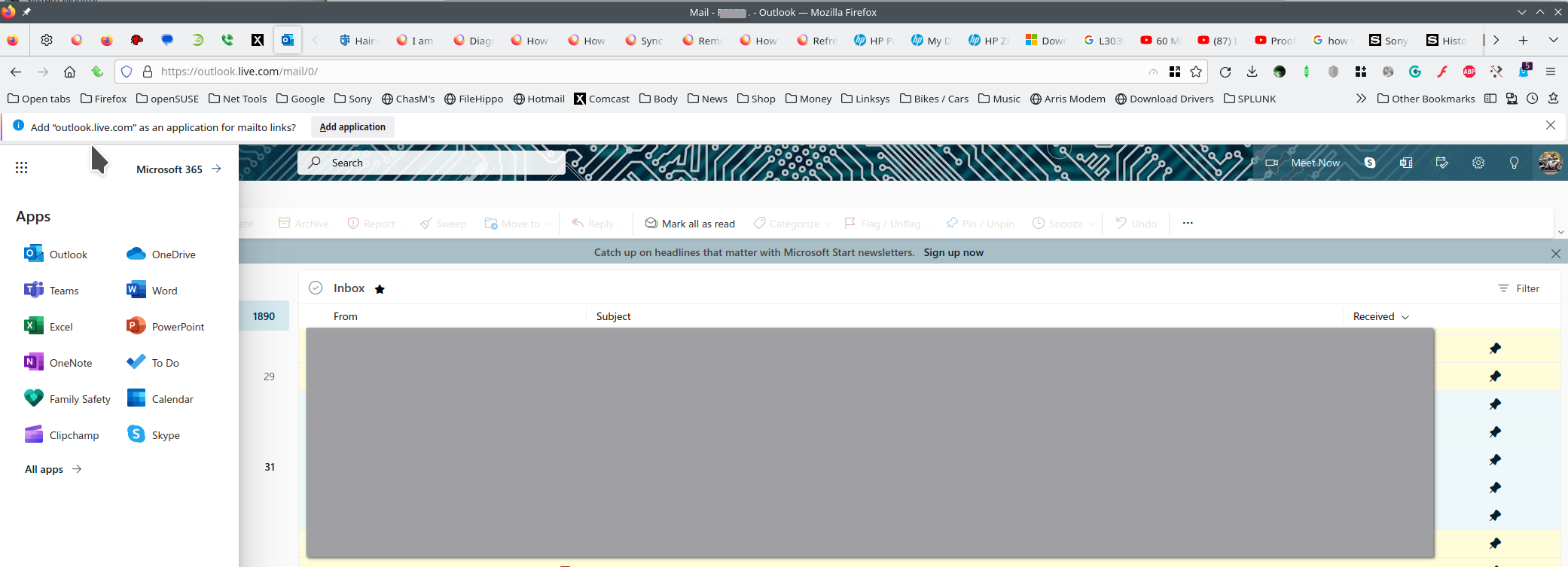
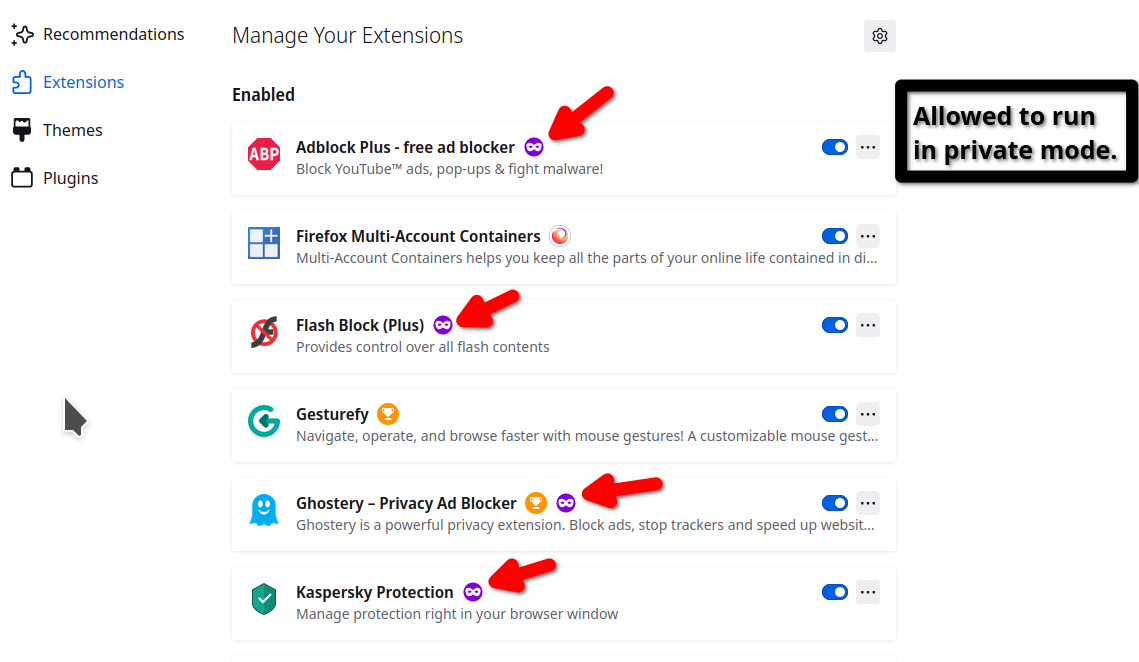
jonzn4SUSE: two screenshots attached. First is shot of what I get when I try to access outlook live email from my firefox home page and second is what I get when I use private browsing. How would I determine if an add-on is causing the problem? And which add-on?
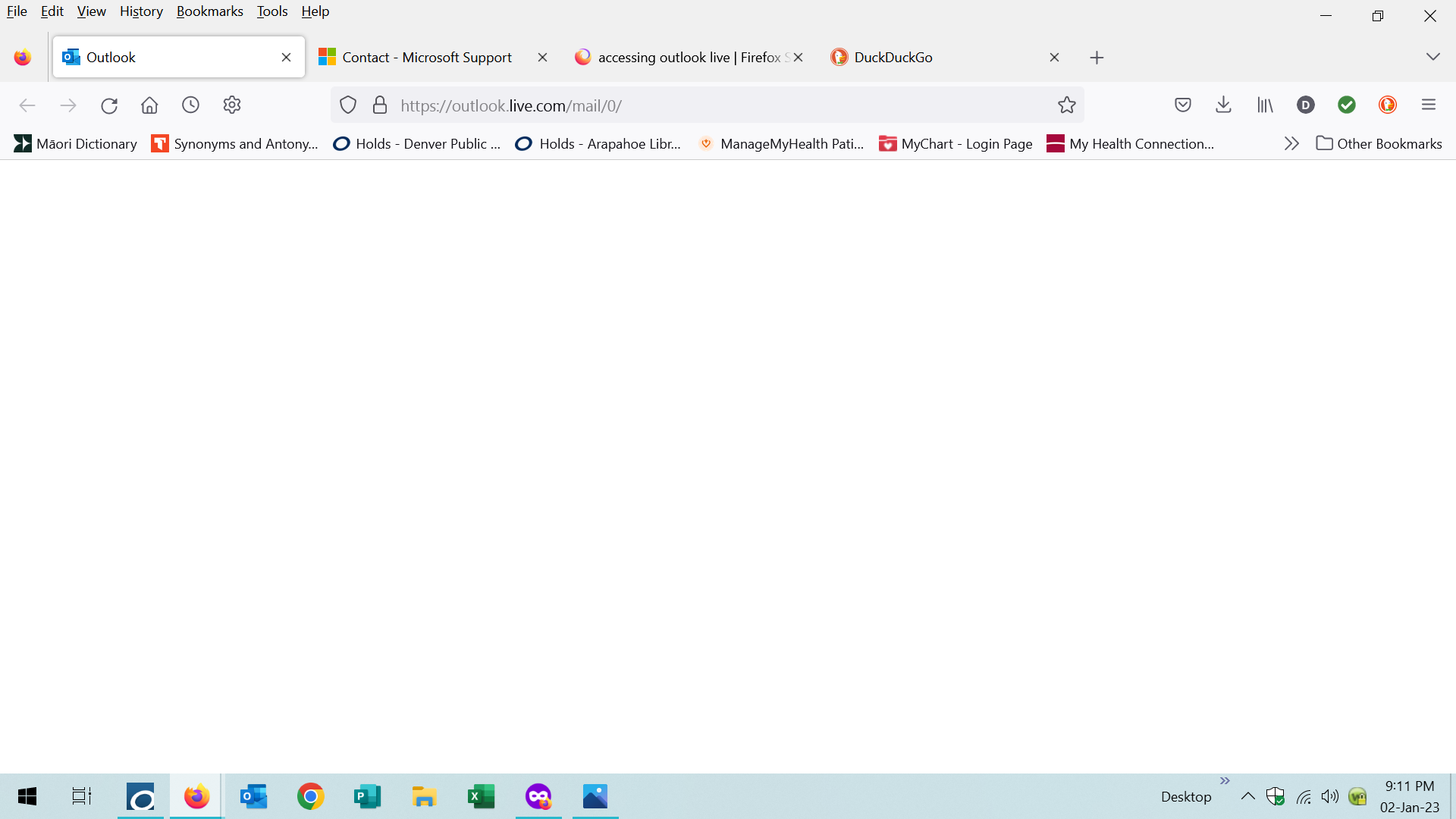

Disable 1 by 1 until it works.
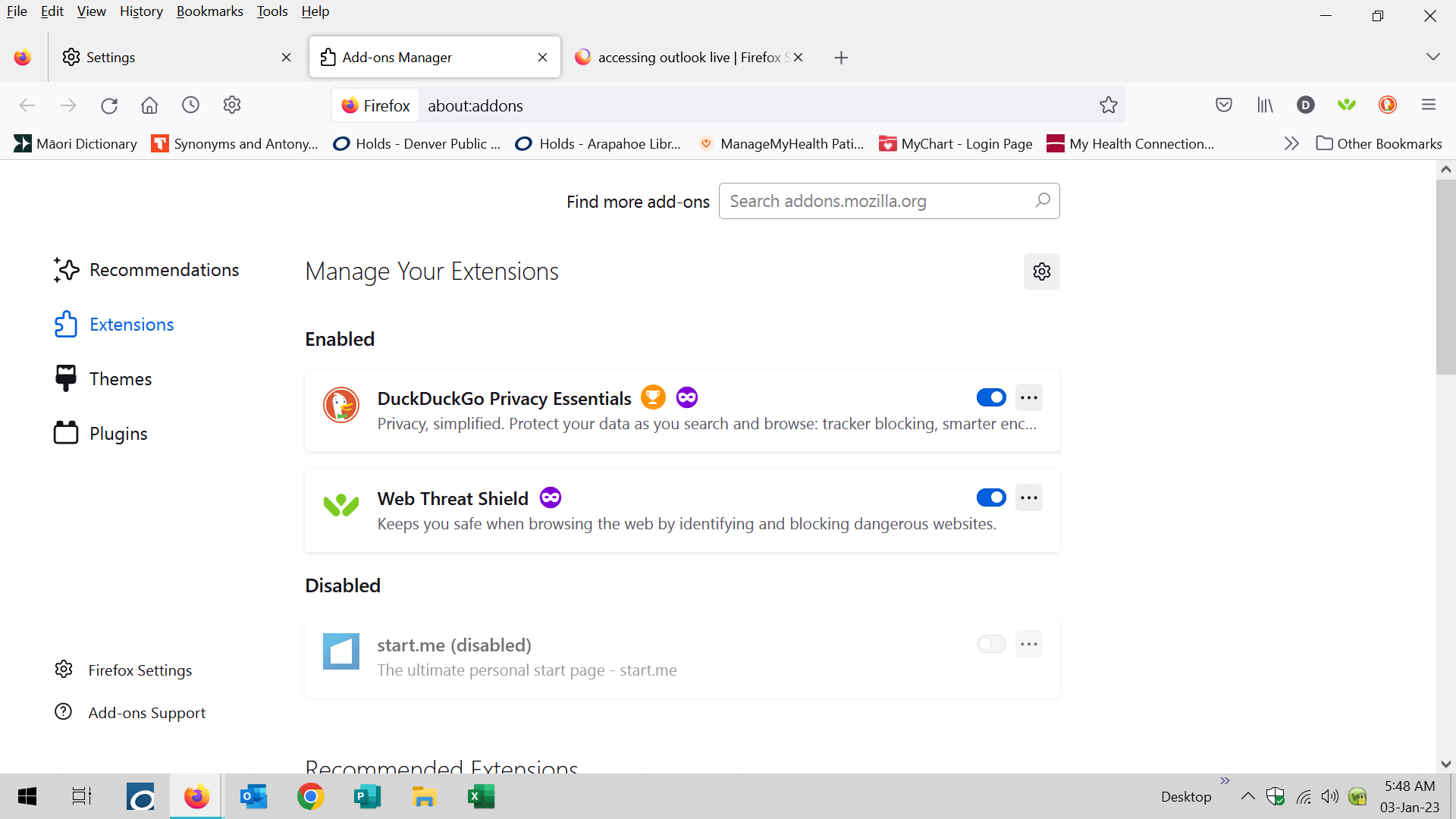
I only have 2 add-ons: duck duck go privacy essentials and web root web threat shield. Disabling each does not solve the problem. Screenshot attached.
Wubrane rozwězanje
Clear the Cache and remove the Cookies for websites that cause problems via the "3-bar" Firefox menu button (Settings).
"Remove the Cookies" for websites that cause problems:
- Settings -> Privacy & Security
Cookies and Site Data: "Manage Data"
"Clear the Cache":
- Settings -> Privacy & Security
Cookies and Site Data -> Clear Data -> [X] Cached Web Content -> Clear
- https://support.mozilla.org/en-US/kb/clear-cookies-and-site-data-firefox
- https://support.mozilla.org/en-US/kb/how-clear-firefox-cache
If clearing cookies doesn't help, it is possible that the cookies.sqlite file in the Firefox profile folder that stores the cookies got corrupted.
- rename/remove cookies.sqlite (cookies.sqlite.old) and when present delete cookies.sqlite-shm and cookies.sqlite-wal in the Firefox profile folder with Firefox closed in case cookies.sqlite got corrupted.
You can use the button on the "Help -> More Troubleshooting Information" (about:support) page to go to the current Firefox profile folder or use the about:profiles page (Root directory).
- Help -> More Troubleshooting Information -> Profile Folder/Directory:
Windows: Open Folder; Linux: Open Directory; Mac: Show in Finder - https://support.mozilla.org/en-US/kb/profiles-where-firefox-stores-user-data

I haven't been able to access outlook (web version) since I upgraded to FF V 114.02. I am on MAC V 11.6.8. I have tried all of the steps above including a new private browsing window, safe mode (removing all extensions), changing cookies.sqlt to cookies.old, clearing cache and cookies. And my network settings for FF are set to use system settings. I can access it using other browsers (including TOR), just not FF. Is there something else I can try?
Wót billy_hill_65 změnjony