


Firefox 4.0.1 reagiert bei fast allen Aktionen extrem langsam

Hallo, seit ein paar Tagen reagiert mein Firefox 4.0.1 (OS WinXP, aktuell) bei fast allen Aktion (Tabwechsel, Eingaben, Googlesuche, Wechsel von anderen Programmen zu Firefox) extrem langsam, die Maus friert hierbei auch bis zu einer Sekunde ein. Ich habe recht viele Programme auf meinem PC (inkl. einiges von Adobe, Corel, Office) mit eigenen Updateroutinen, so dass ich nicht genau sagen kann, ob auch hier ein Zusammenhang besteht.
Kennt jemand dieses Verhalten und kann mir eine Lösung anbieten?
PS: Komplette Neuinstallation (inkl. aller Mozilla-Ordner) brachte keinen Erfolg!
MfG Micha
Ausgewählte Lösung
In Firefox 4 Safe mode disables extensions and disables hardware acceleration.
- Tools > Options > Advanced > General > Browsing: "Use hardware acceleration when available"
If disabling hardware acceleration works then check if there is an update available for your graphics display driver.
Diese Antwort im Kontext lesen 👍 0Alle Antworten (7)
Start Firefox in Abgesicherter Modus to check if one of the extensions is causing the problem (switch to the DEFAULT theme: Firefox (Tools) > Add-ons > Appearance/Themes).
- Don't make any changes on the Safe mode start window.
- https://support.mozilla.com/kb/Safe+Mode
If it does work in Safe-mode then disable all extensions and then try to find which is causing it by enabling one at a time until the problem reappears.
- Use "Disable all add-ons" on the Safe mode start window to disable all extensions.
- Close and restart Firefox after each change via "File > Exit" (Mac: "Firefox > Quit"; Linux: "File > Quit")
Geändert am von cor-el
Hello
and thanks for your answer. I tested the following: 1. Start Firefox with deactivated add-ons, but not in safe mode
=> same faulty behaviour
2. Start Firefox with deactivated add-ons and in safe mode
=> Firefox works normal
3. I activated all add-ons step by step in safe mode
=> Firefox works normal again
Do you have another idea to solve this problem?
Thanks. Michael
If you are in Save mode mode then extensions are always disabled.
Are you in normal mode or in safe-mode in the topic marked as 3?
Hello,
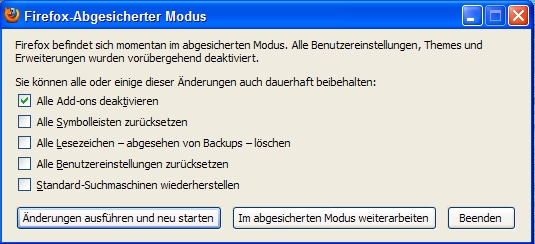
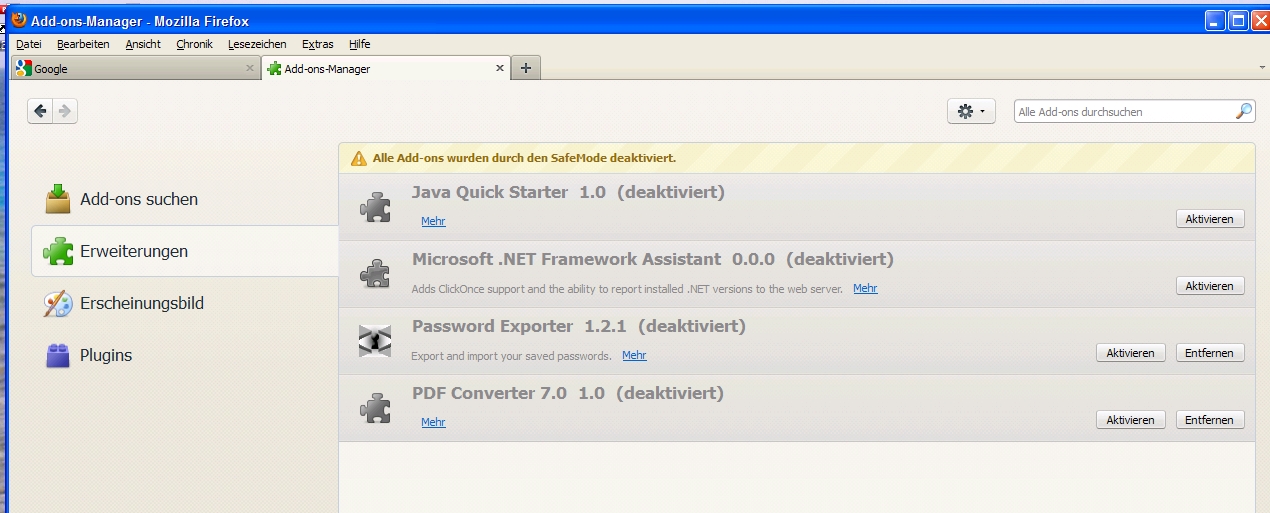
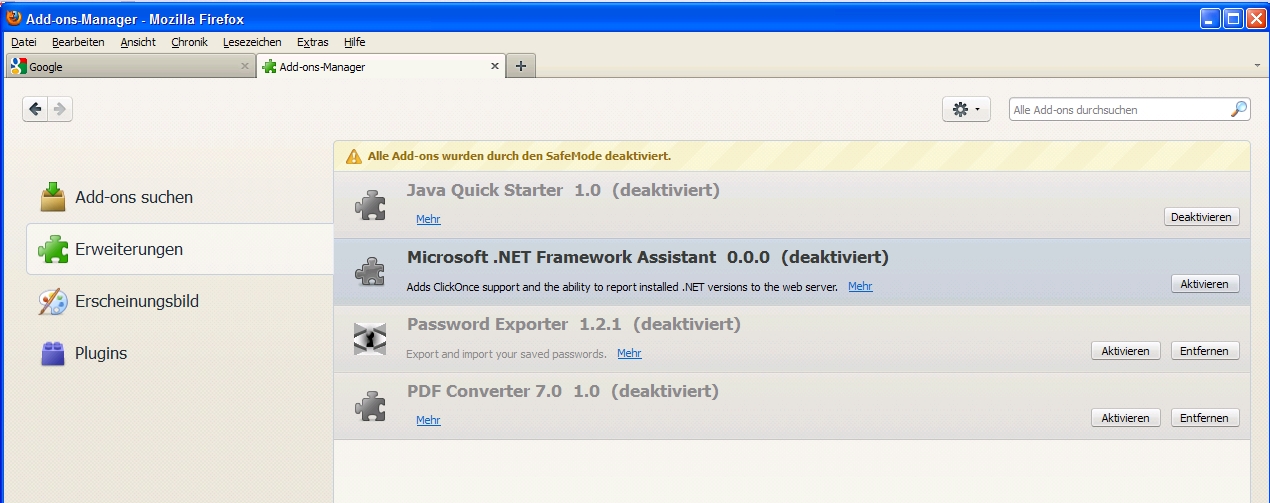
1. I started in safe mode with deactivated add-ons (see picture 1) 2. View of the deactivated add-ons (see picture 2) 3. Then I try to activate the add-ons (see picture 3, with first activated add-on)
Ausgewählte Lösung
In Firefox 4 Safe mode disables extensions and disables hardware acceleration.
- Tools > Options > Advanced > General > Browsing: "Use hardware acceleration when available"
If disabling hardware acceleration works then check if there is an update available for your graphics display driver.
Hello,
that's the solution - thank you. I have the current driver for my Nvidia Quadro NVS450, so I deselect this option permanent. But Firefox works and that's all.
Regards Michael
You're welcome