


I would like to determine which server I am using when connecting to the built-in VPN using the "Location:Recommended" setting.

I would like to determine which server I am using when connecting to the built-in VPN using the "Location:Recommended" setting.
Alle Antworten (7)
Bonjour
Use built-in VPN in Firefox https://support.mozilla.org/en-US/kb/built-in-vpn
Just to see.
According to, about:config, the preference, browser.ipProtection.log, value true
1 - Go to configuration editor https://support.mozilla.org/en-US/kb/about-config-editor-firefox 2 - Enter a search term browser.ipProtection.log
3 - Open the Browser Console https://firefox-source-docs.mozilla.org/devtools-user/browser_console/index.html
Je vis en France. Utiliser le VPN intégré à Firefox https://support.mozilla.org/fr/kb/vpn-integre
In order, Recommandé, Afrique du Sud, Allemagne, Argentine, Australie, États-Unis, Japon.
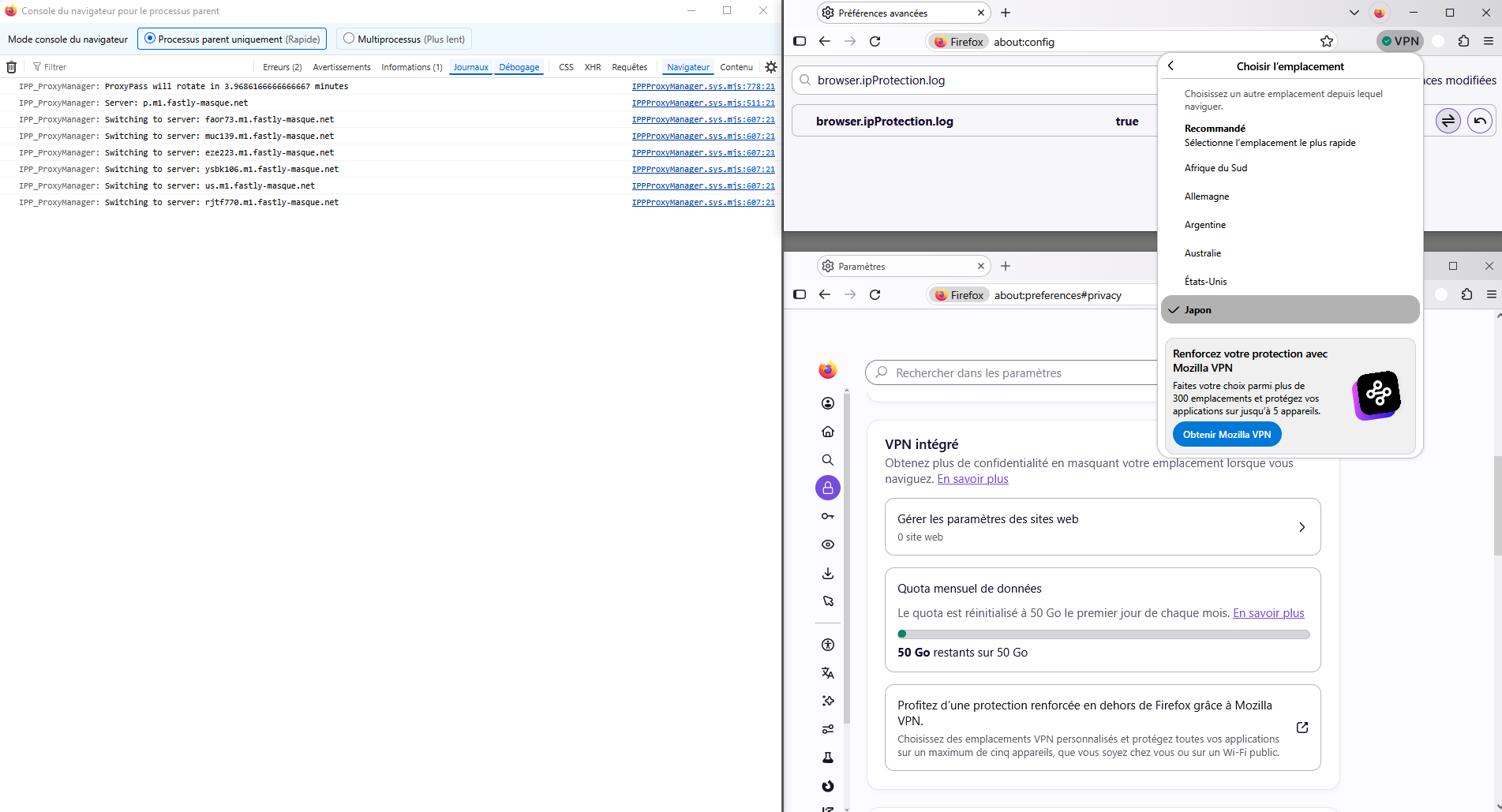
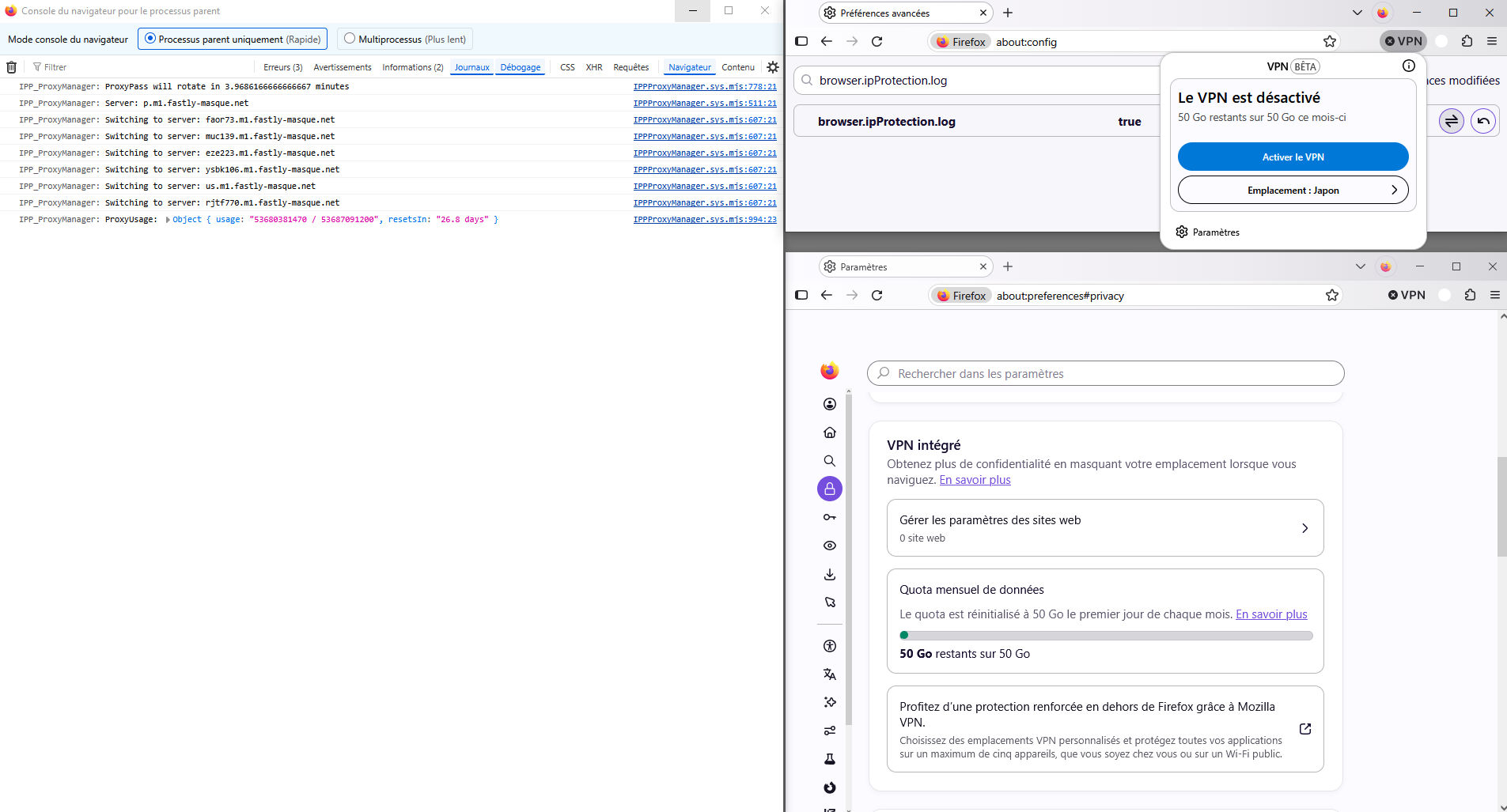
Geändert am von Agent virtuel
You basically go to an IP location site as ipinfo.io/what-is-my-ip to check where the connection appears to originate from.
Recommandé, ok ce n'est pas mon ip, néanmoins, je suis localisé, région Île-de-France, ma région de vie.
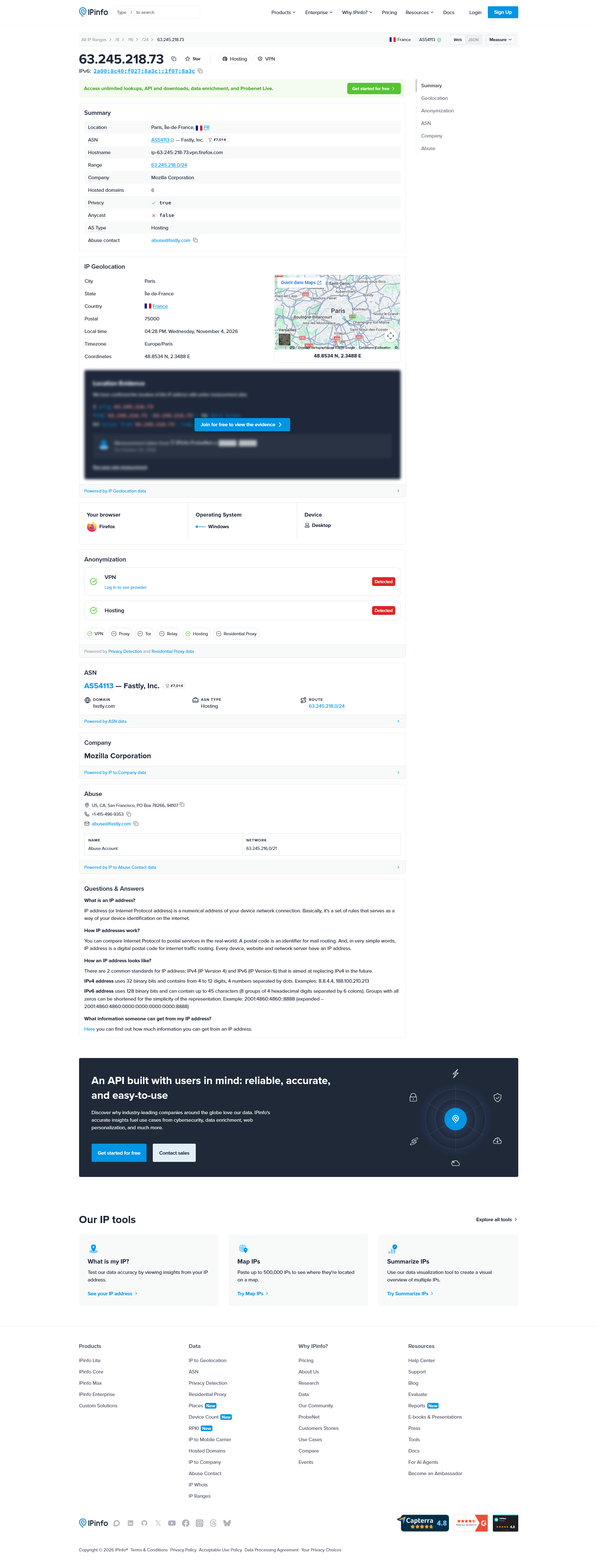
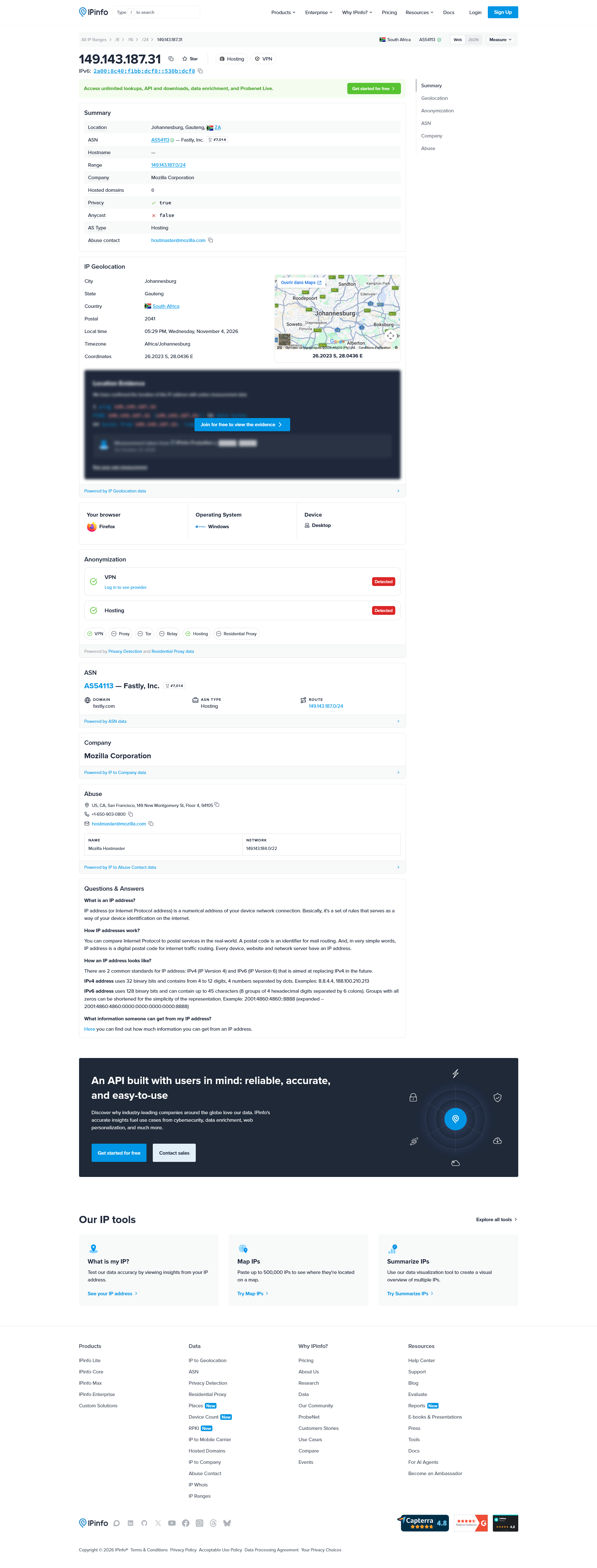
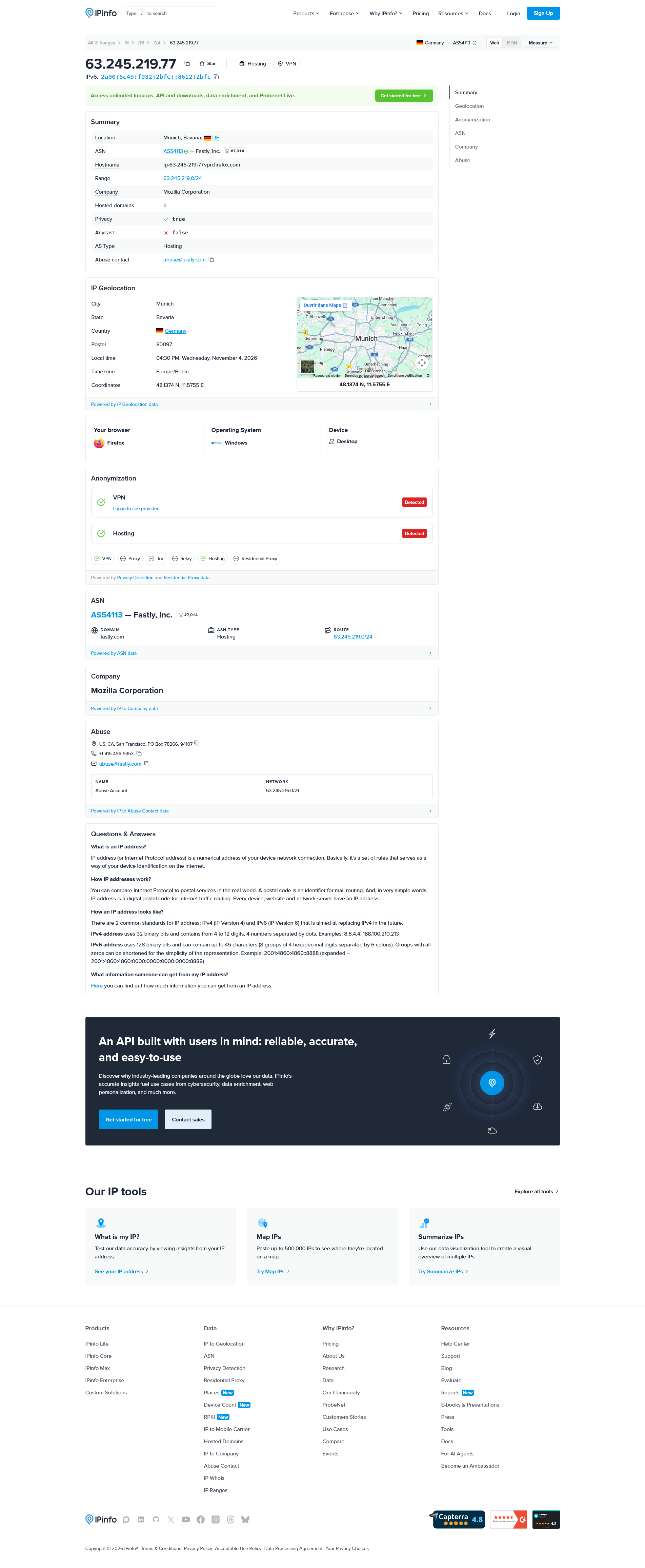
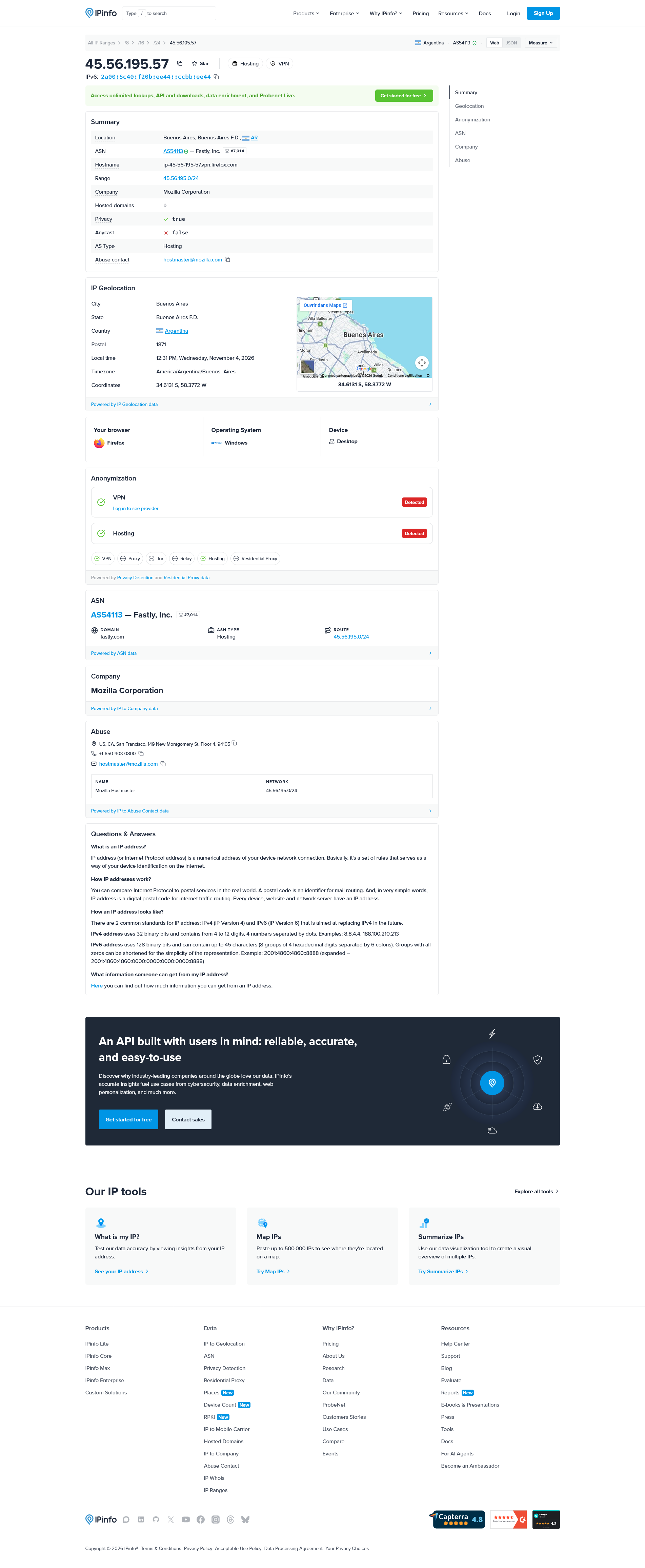
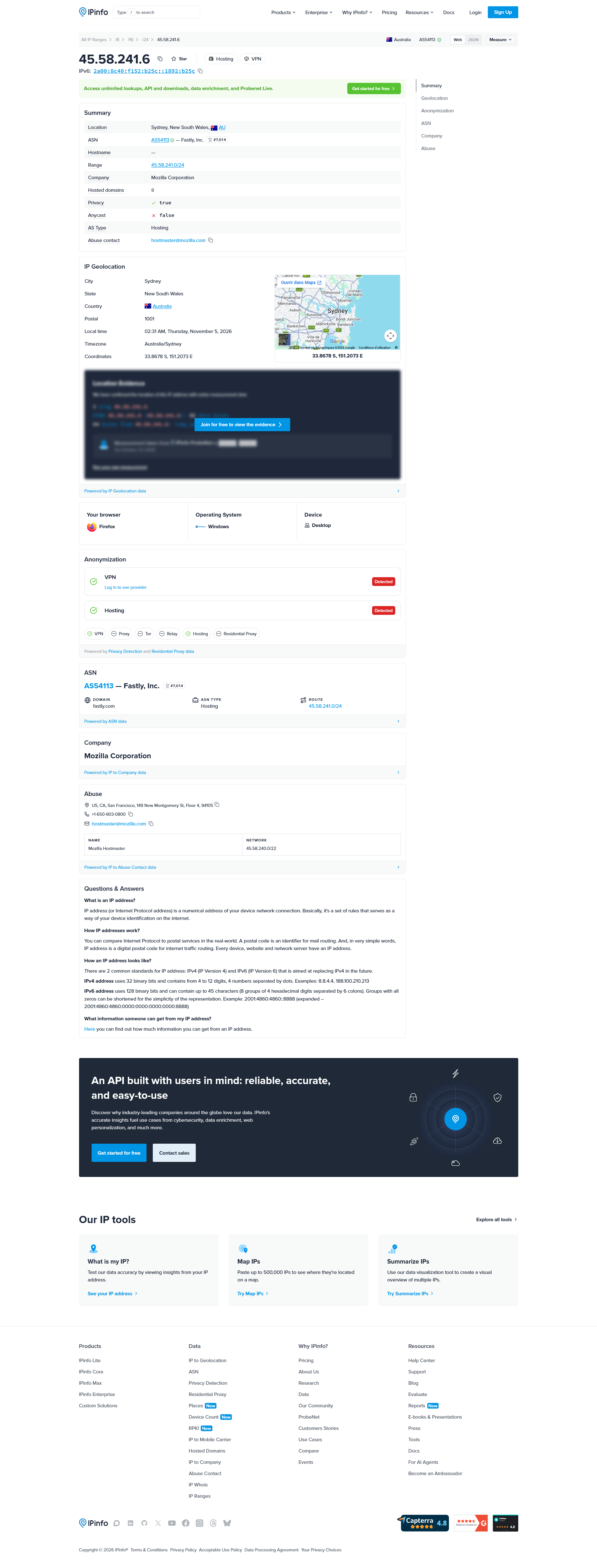
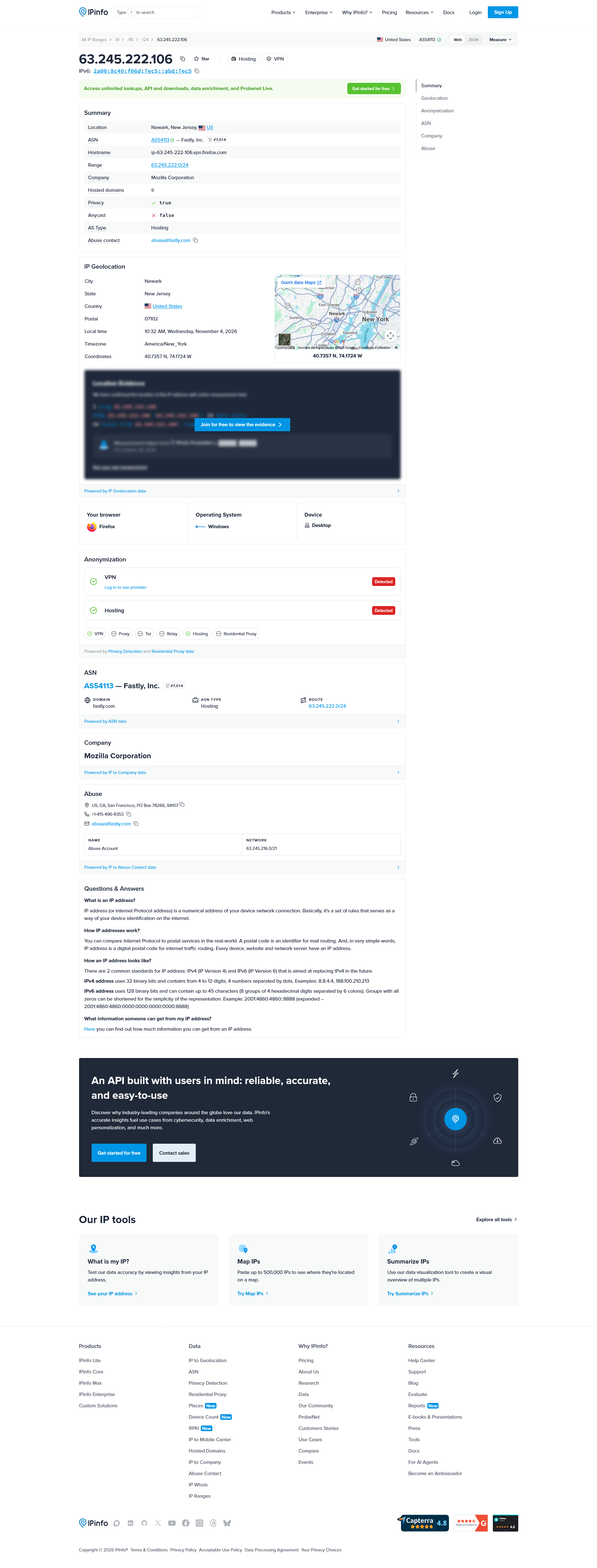
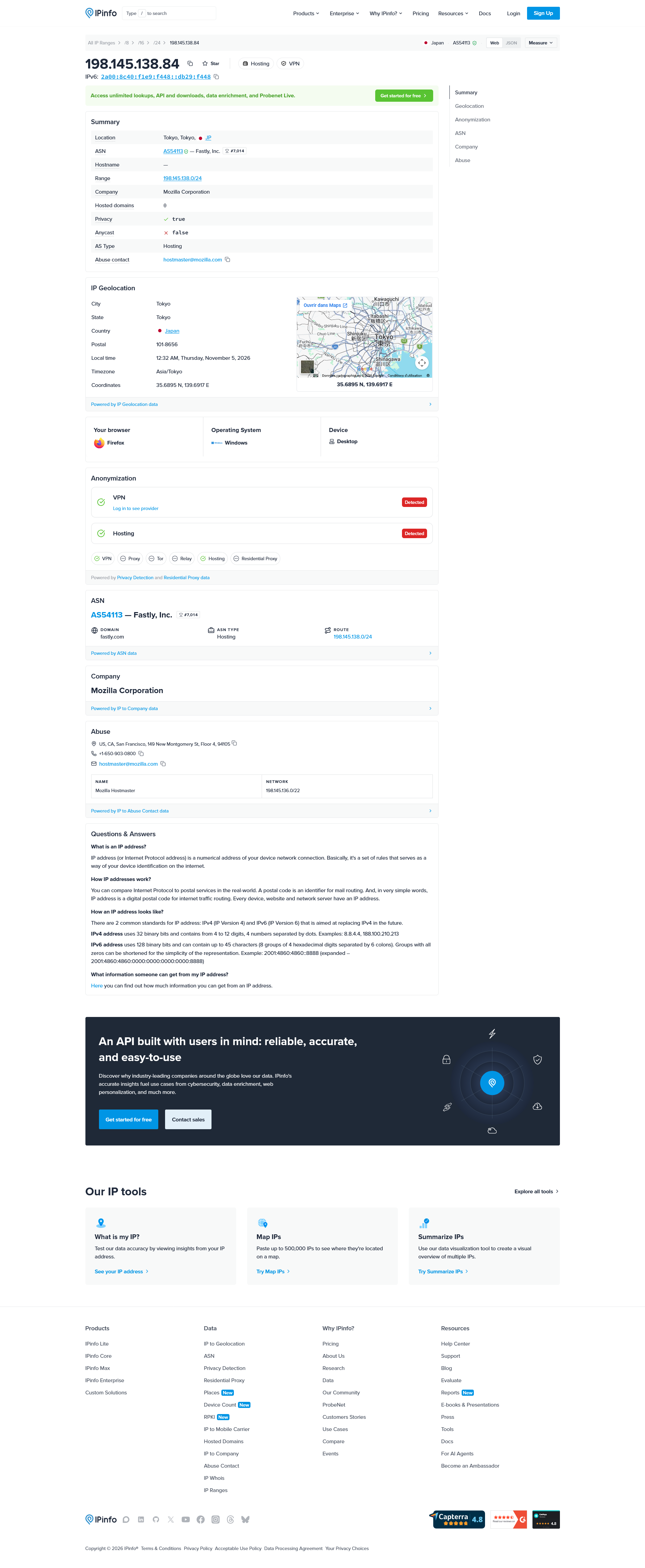
Geändert am von Agent virtuel
Bonjour
A space for users to give feedback, your feedbacks?
Bonsoir
Recommended, the location closest to you by default. Ce n'est pas mon ip.
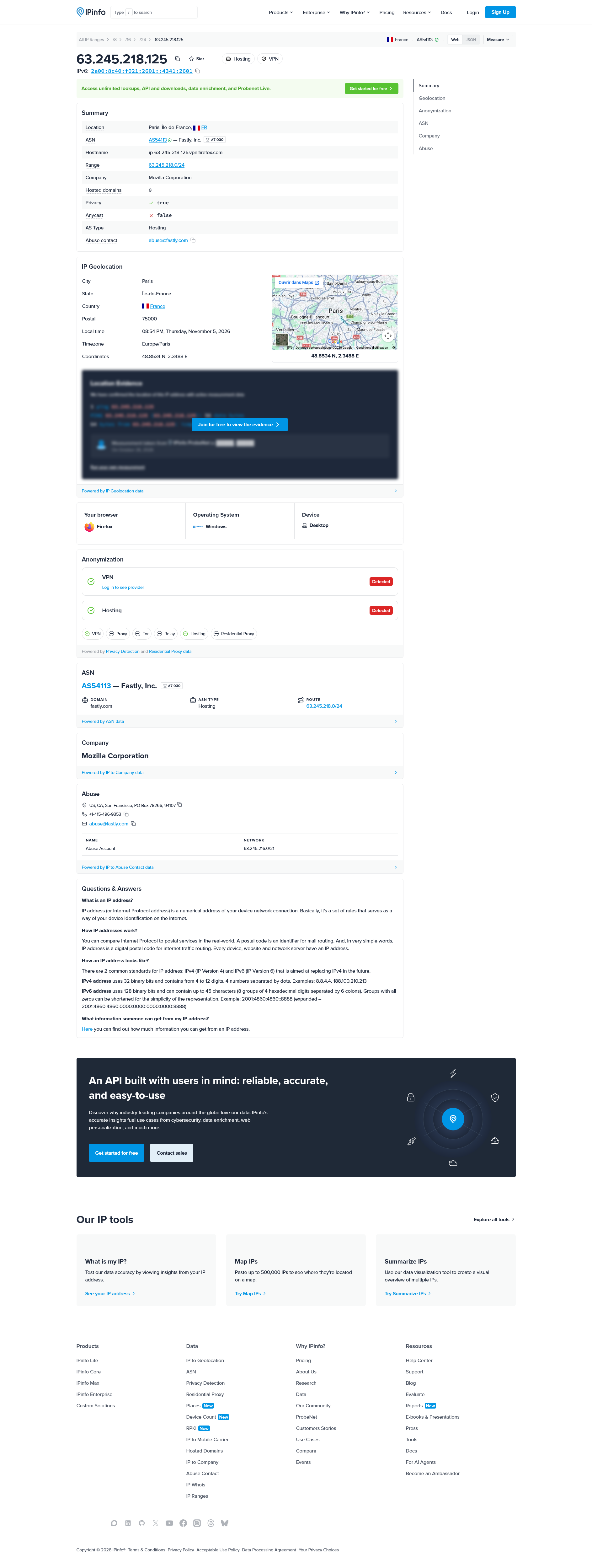

If you want to see which server the Firefox VPN is actually connecting through, checking your public IP while the VPN is enabled is probably the easiest way to start.
You can visit https://ipinfo.io or https://ipleak.net and check the IP address and approximate location being reported. Then disconnect the VPN and compare the results to see whether the connection is going through a different location.
Keep in mind that the IP location shown by these websites may not identify the exact physical server, but it should give you a reasonable idea of the VPN exit location.
It would also be interesting to know whether Firefox's Recommended option always selects the same location or changes depending on your connection. 🌐

If you are using a built-in VPN with the "Location: Recommended" setting, the VPN service usually selects a server automatically based on factors such as your location, server availability, and connection speed.
To determine which server you are connected to, try these steps:
1. Connect to the VPN: Open your VPN settings and select "Location: Recommended." 2. Check the VPN application:Look for connection details, server information, or a status section. Some VPNs display the selected server name or location. 3. Check your IP address:Visit a website such as [WhatIsMyIP](https://www.whatismyip.com/) to see your public IP address and approximate location. 4. Use the VPN provider's support: If the exact server name or server ID is not displayed, contact the VPN provider and ask whether they can identify the selected server.
The exact method depends on which VPN service you are using.