


I cant activate the built in VPN

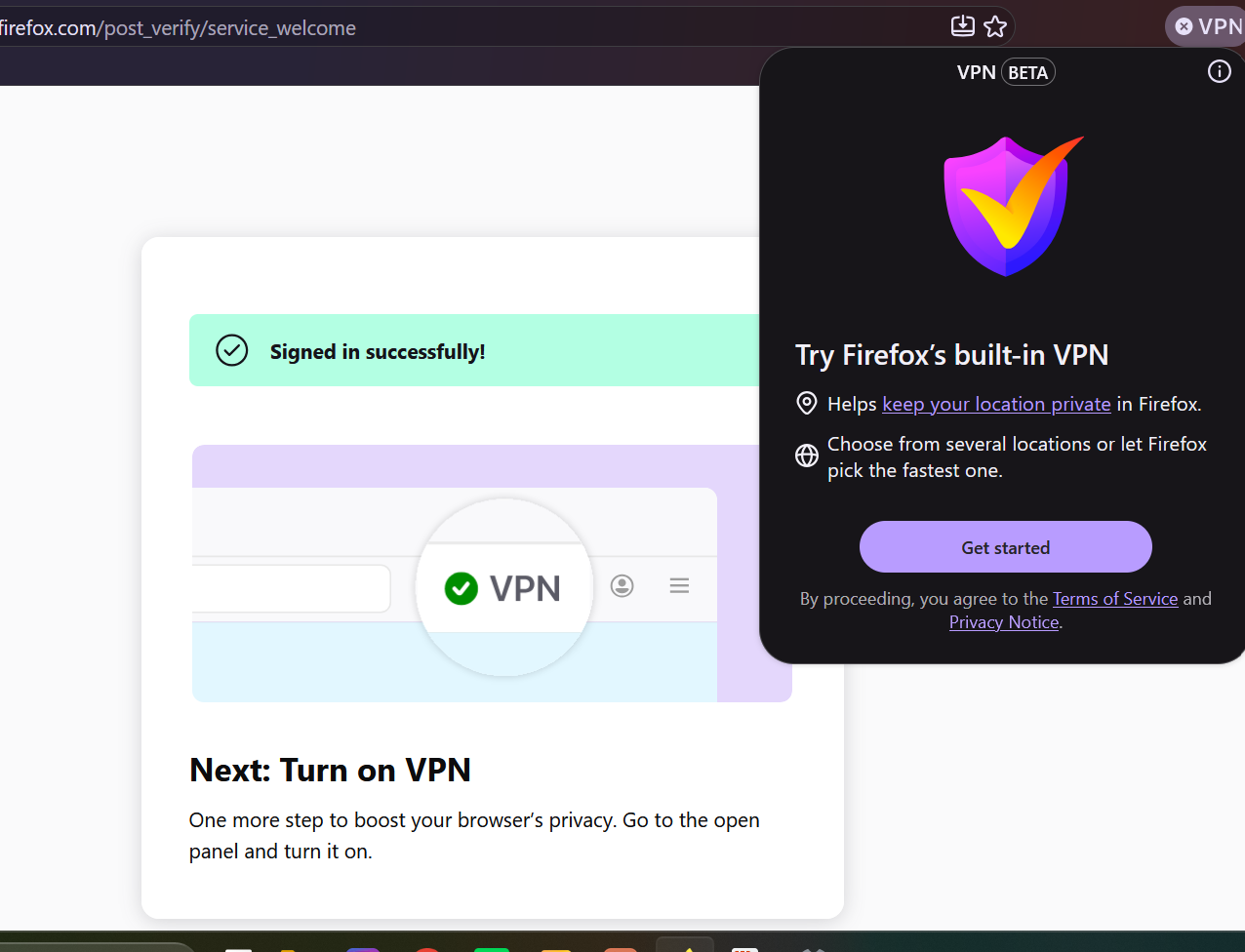
I cant seen to be able to activate VPN. I just try to connect my account but the second window that gives me access to activate VPN doesnt show so its just a vicious cycle
Alle Antworten (2)
Hello,
This is probably due to a sign-in loop.
First, make sure Mozilla sync is turned on. You can try signing out and back in. To do so, just sign out of your Mozilla account, and then sign in again to refresh your sign in token.
Next, if you are using an enterprise machine, try going to about:policies, and check if "browser ip protection enabled" is true or false. if false, it is disabled.
Next, you can force it on/off by going to about:config, browser.ipProtection.enabled or browser.vpn_ip_protection, and toggle it off and then back to on, given that it was originally off.
Lastly, try going into Help > troubleshoot mode. If it works, an extension/theme was causing the problem.
Bonjour
To complement, see also this discussion thread https://support.mozilla.org/en-US/questions/1605682
A subject https://bugzilla.mozilla.org/show_bug.cgi?id=2063725
158.0.1 https://www.firefox.com/en-US/firefox/158.0.1/releasenotes Fixed an issue that could prevent the built-in VPN from turning on for some users. (Bug 2055094)