


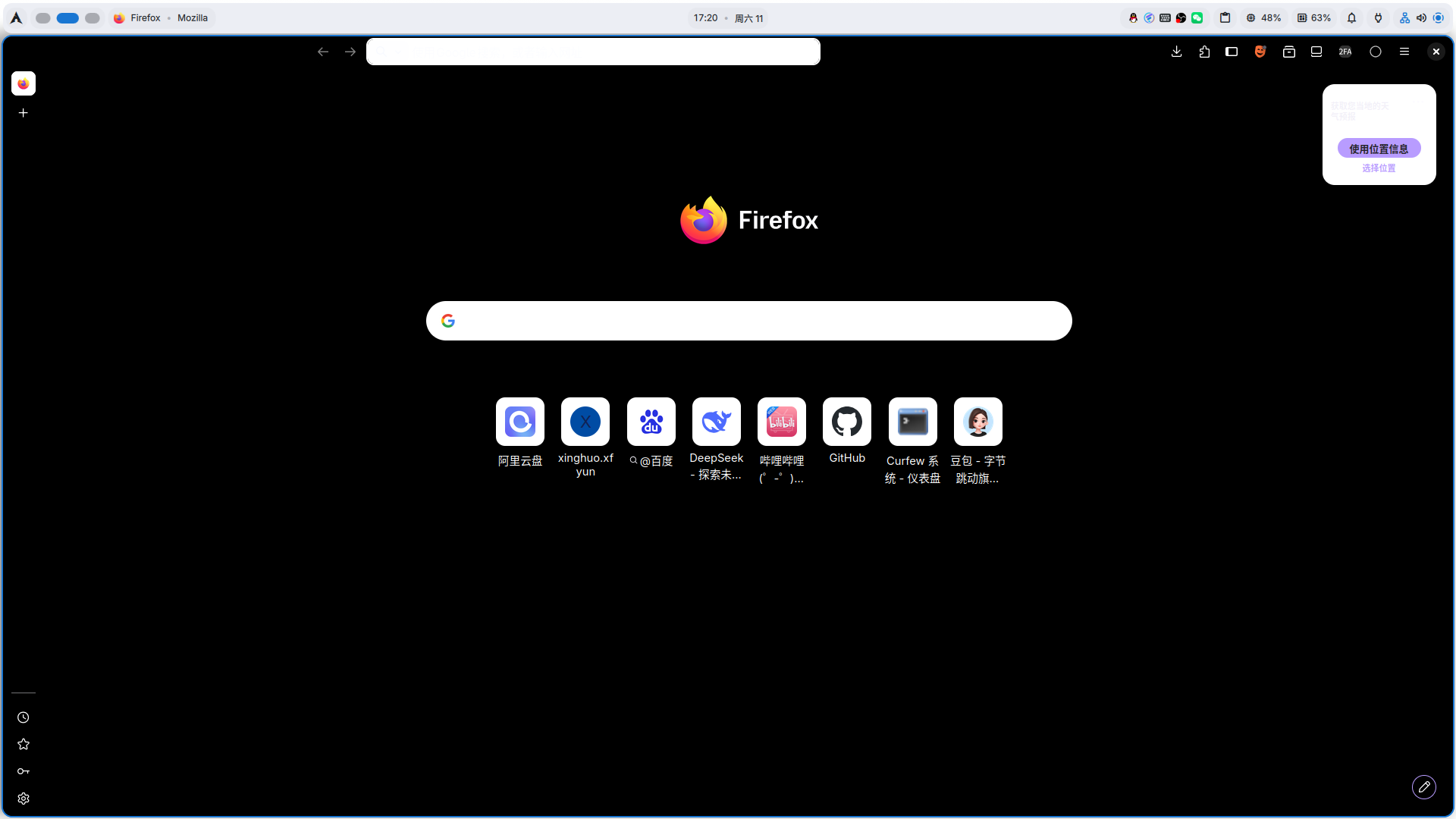
UI elements turn black due to a theme loading failure.

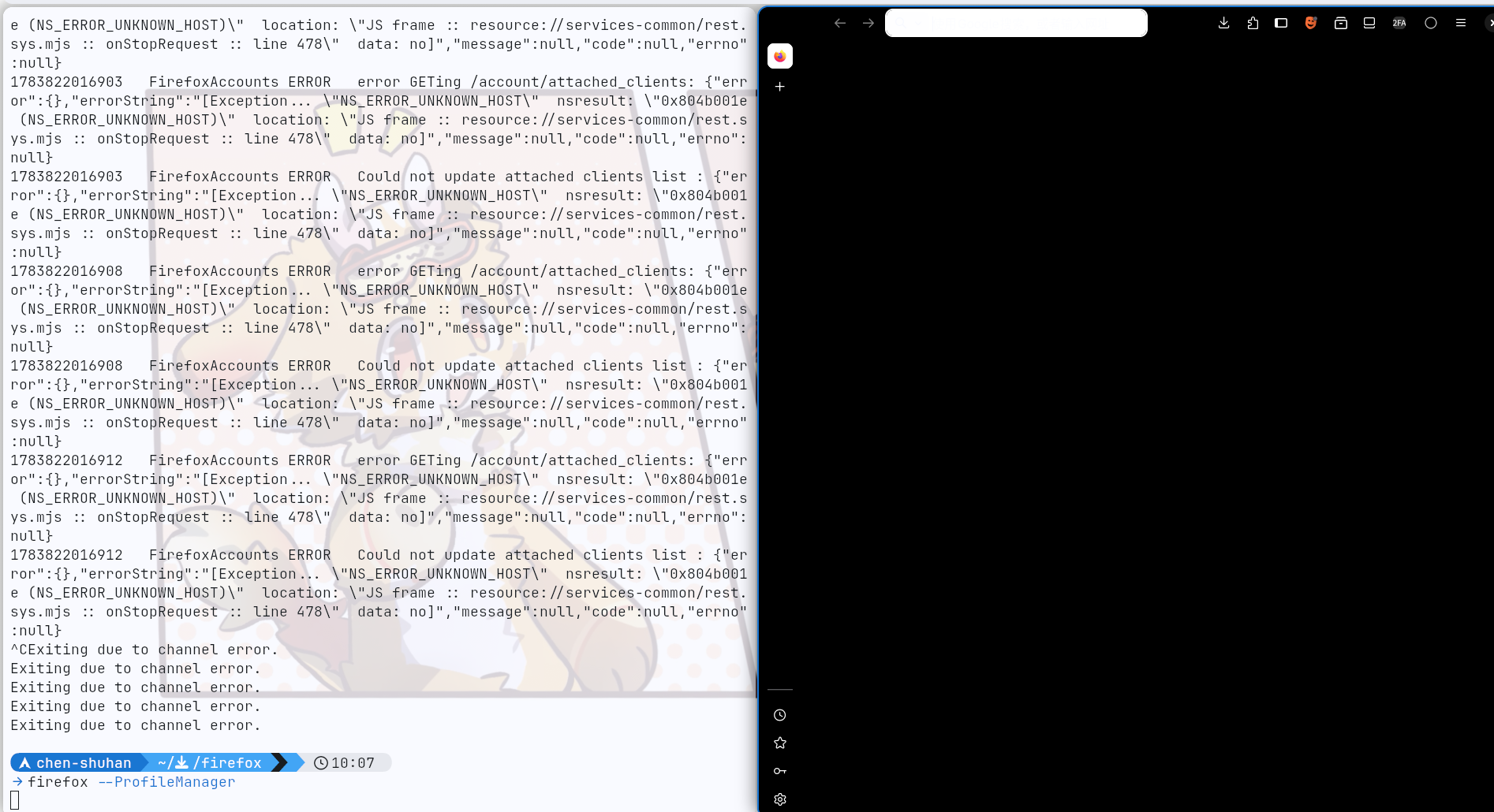
On Arch Linux with the latest version of Firefox, the interface elements turn black due to a theme loading failure. 'This issue persists even when using the default theme.
Going to Settings and disabling the theme (which automatically falls back to another theme) resolves the problem.Re‑enabling the problematic theme does not reproduce it immediately. However, the issue reappears after restarting Firefox.
System Info: OS Arch Linux x86_64
├   KER  Linux 7.1.3-arch1-2
├   PAK  1537
├   AGE  34 days
└   USR  chen-shuhan@archlinux
WM niri 26.04 (Wayland)
├   SHE  fish 4.8.0
├   TER  kitty 0.47.4
└   TFO  JetBrainsMapleMono-Regular (13.5pt)
Ausgewählte Lösung
Aha,found it

Alle Antworten (8)
Hi
What is the theme that is causing this? Have you provided feedback to the theme artist about this issue?
What is the theme that is causing this? Any,including default theme. This must be firefox's problem,not theme's. Because any theme can cause this problem.
Re‑enabling the problematic theme can solve the problem momentarily , until start firefox again.
If you install a tarball copy of Firefox from Mozilla, does this same issue still occur?
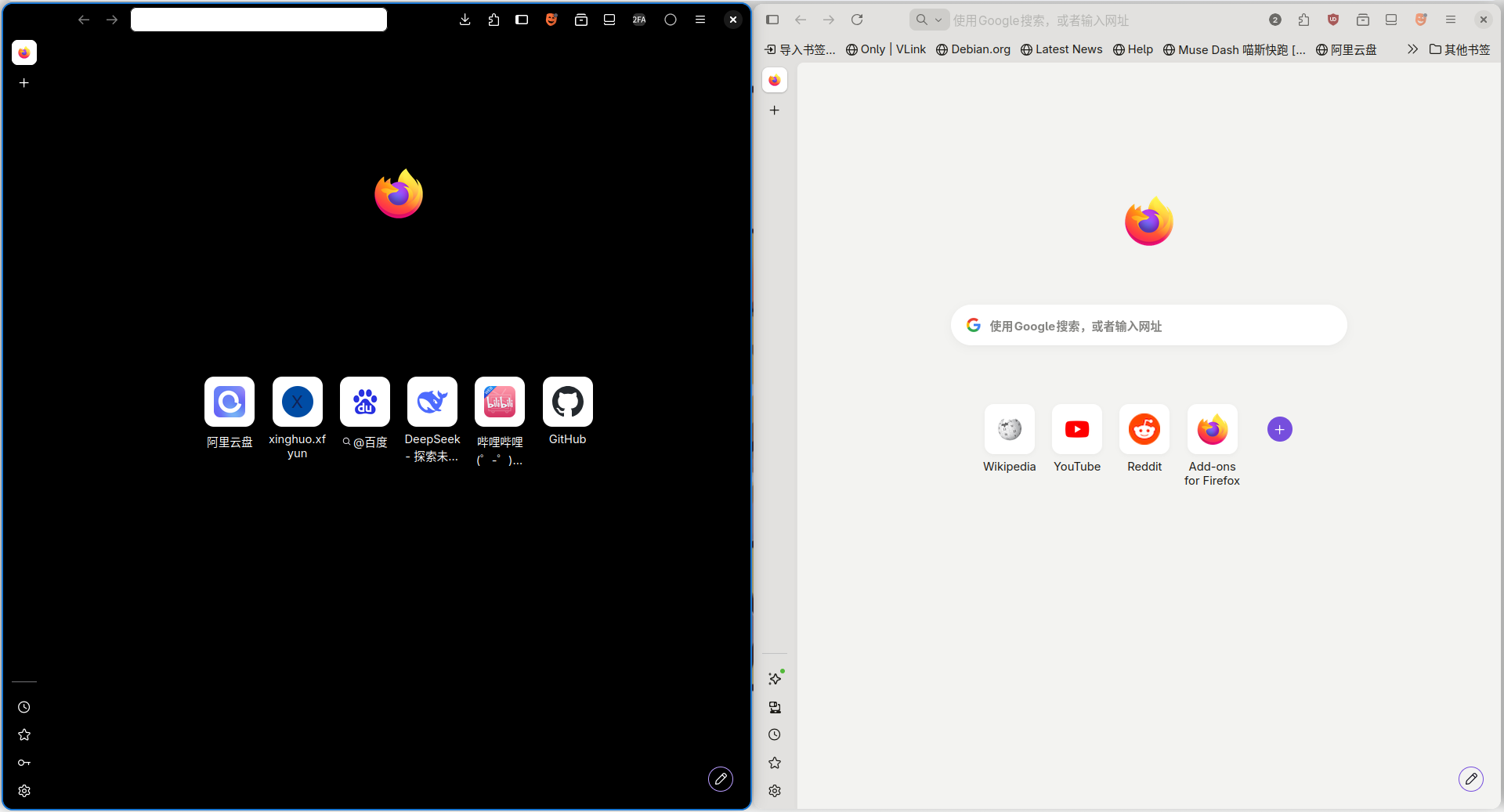
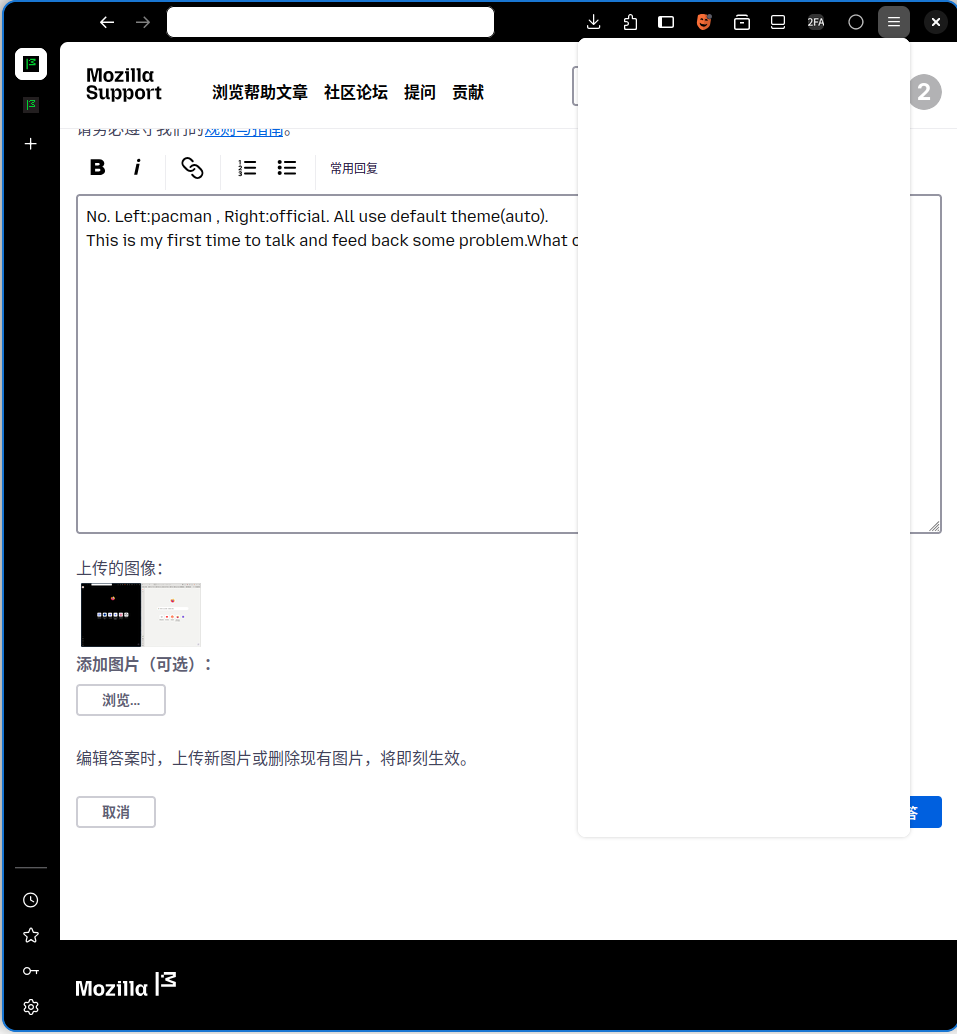
No. Left:pacman , Right:official. All use default theme(auto). This is my first time to talk and feed back some problem.What can I do?
Geändert am von 2502820816
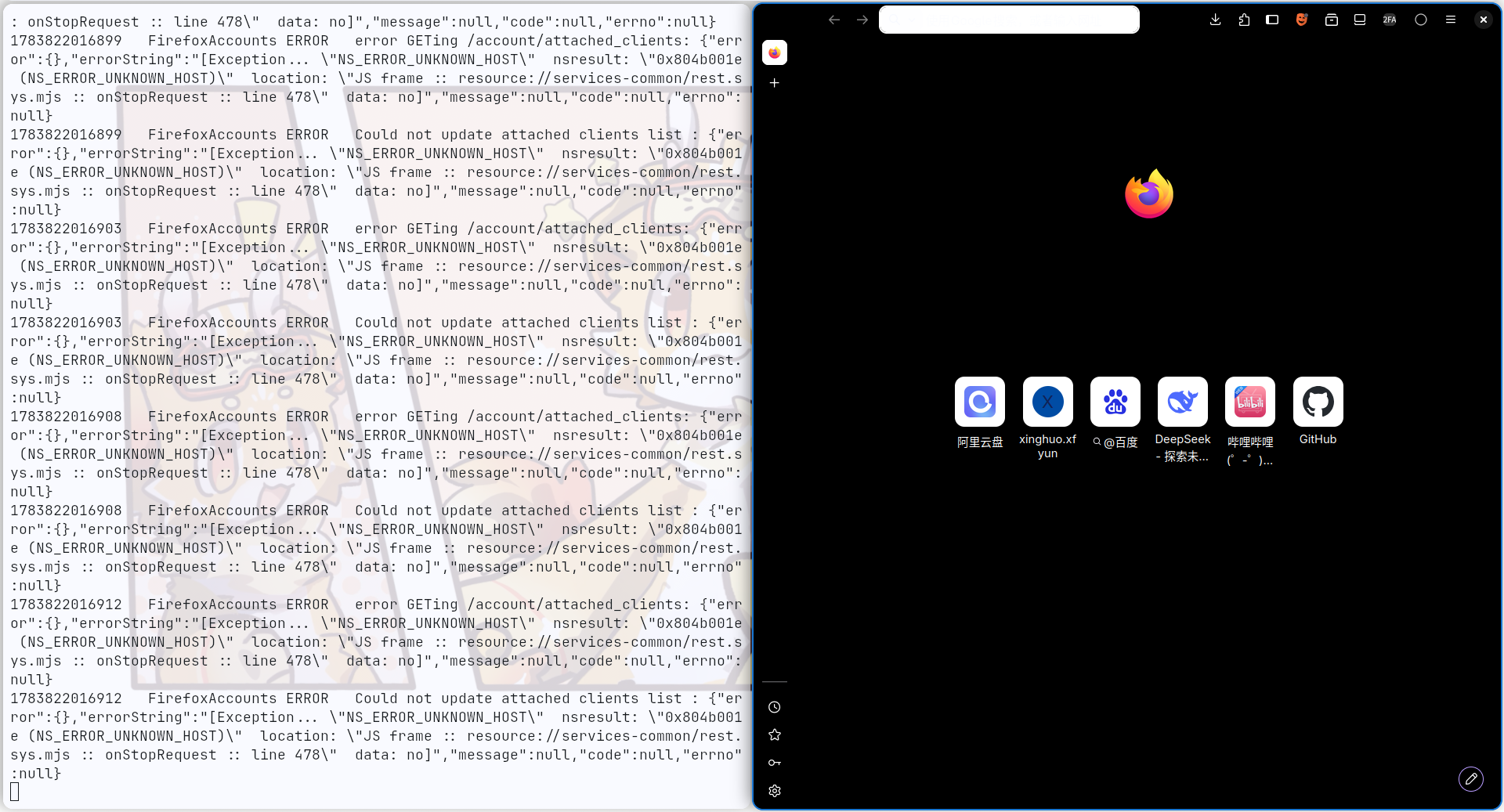
Oh,I found it ! This is my config problem , I felt very sorry! image1: officlal , image2: pacman ,use the same profile
Ausgewählte Lösung
Aha,found it