


Gelöst
why did my Home icon disappear?

My "home" icon has disappeared. How do I get it back?
My "home" icon has disappeared. How do I get it back?
Alle Antworten (2)
Ausgewählte Lösung
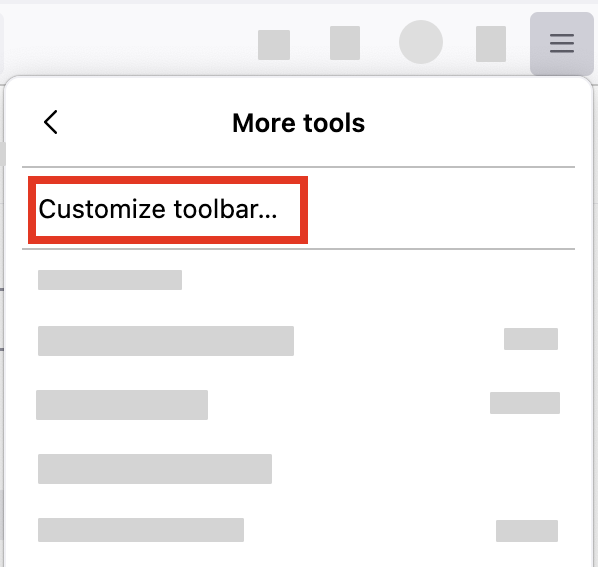
- Click the menu button
 in the top-right corner, click More tools, and choose the Customize toolbar… option.
- A special tab will open that allows you to drag and drop items, including Home, in or out of the overflow menu and the toolbar.
- Don't click the Remove from toolbar the next time.
Hooray, that did it! Thank you so much! (I just wish the process wasn't so hidden.)