Windows 10 reached EOS (end of support) on October 14, 2025. If you are on Windows 10, see this article.

Hilfe durchsuchen

Vorsicht vor Support-Betrug: Wir fordern Sie niemals auf, eine Telefonnummer anzurufen, eine SMS an eine Telefonnummer zu senden oder persönliche Daten preiszugeben. Bitte melden Sie verdächtige Aktivitäten über die Funktion „Missbrauch melden“.

Weitere Informationen

Unable to delete a profile

  • 1 Antwort
  • 0 haben dieses Problem
  • 108 Aufrufe
  • Letzte Antwort von Agent virtuel
  • Gelöst

Hello,

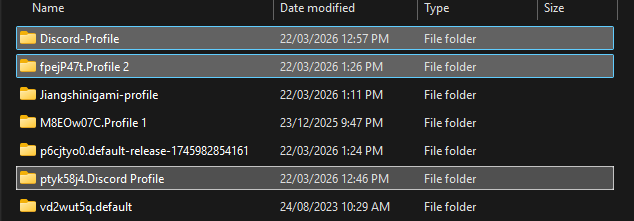
I've been using the profile manager, and wanted to delete a profile that i have made. However, when i select the option to delete it, it only opens up a new tab in the profile called "about:deleteprofile', which displays an empty page and does nothing. Then, I would try to delete the profile manually, in the profiles folder, but if I opened firefox or restarted my computer, it would just come back. I have attatched the relevant images below.
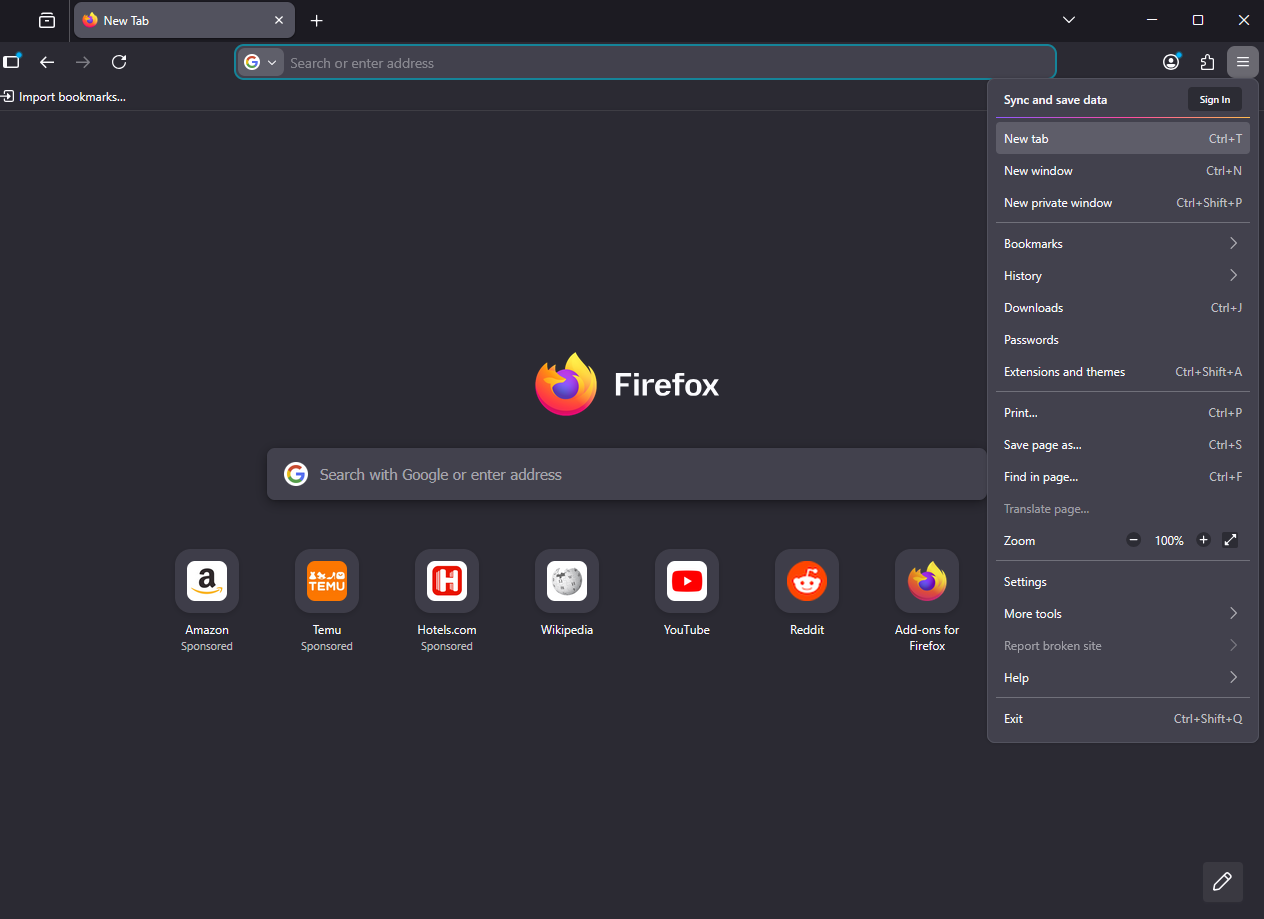
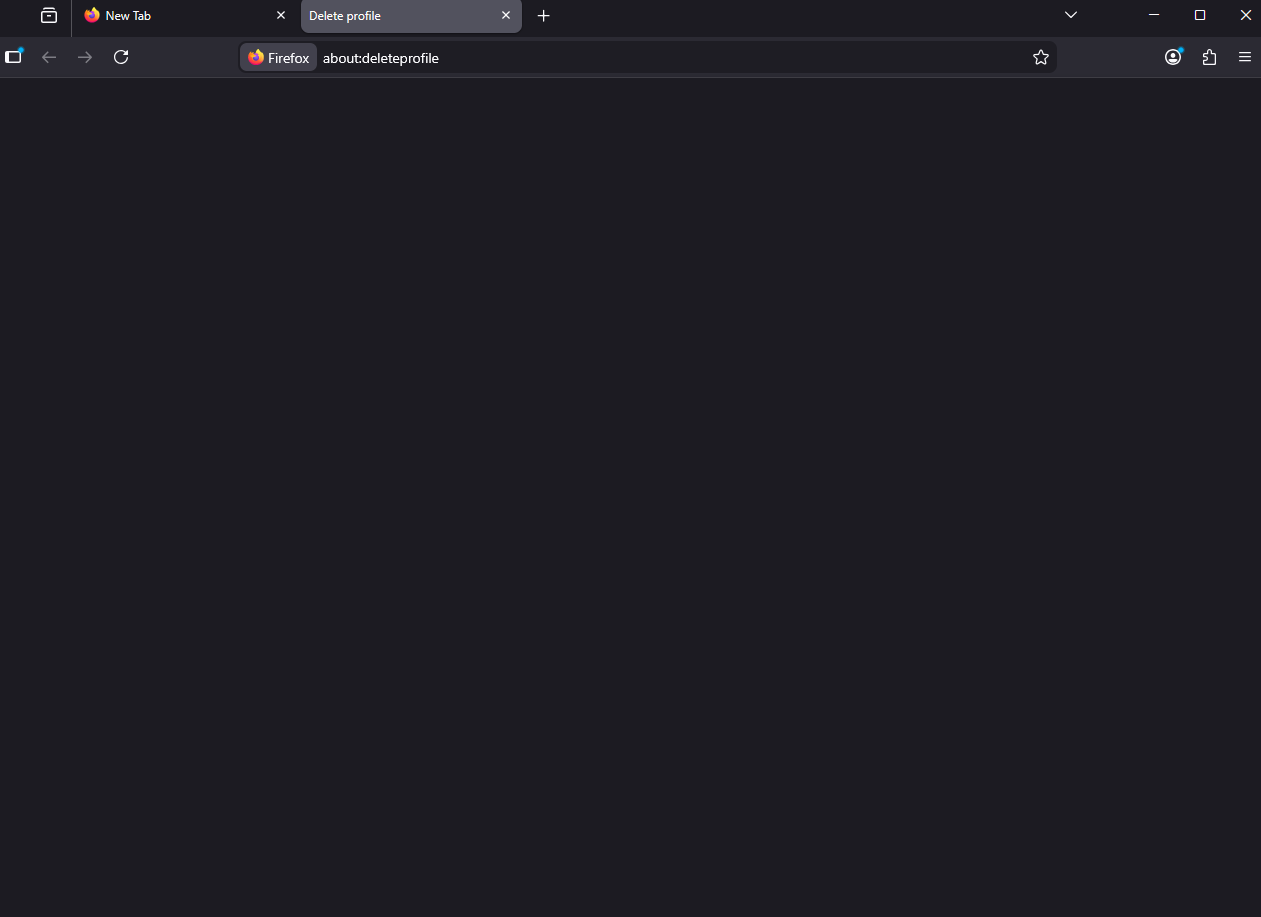
Hello, I've been using the profile manager, and wanted to delete a profile that i have made. However, when i select the option to delete it, it only opens up a new tab in the profile called "about:deleteprofile', which displays an empty page and does nothing. Then, I would try to delete the profile manually, in the profiles folder, but if I opened firefox or restarted my computer, it would just come back. I have attatched the relevant images below.
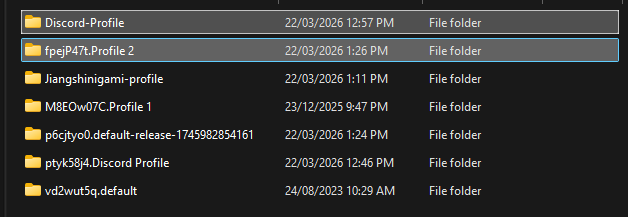
Angefügte Screenshots

Ausgewählte Lösung

Hello

about:deleteprofile, which displays an empty page and does nothing.

I had the same problem and solved.

Take a look at https://bugzilla.mozilla.org/show_bug.cgi?id=2000125#c4

1 - Go to configuration editor https://support.mozilla.org/en-US/kb/about-config-editor-firefox 2 - Enter a search term toolkit.profiles.storeID

Diese Antwort im Kontext lesen 👍 0

Alle Antworten (1)

Ausgewählte Lösung

Hello

about:deleteprofile, which displays an empty page and does nothing.

I had the same problem and solved.

Take a look at https://bugzilla.mozilla.org/show_bug.cgi?id=2000125#c4

1 - Go to configuration editor https://support.mozilla.org/en-US/kb/about-config-editor-firefox 2 - Enter a search term toolkit.profiles.storeID

Stellen Sie eine Frage

Sie müssen sich mit Ihrem Benutzerkonto anmelden, um auf Beiträge zu antworten. Bitte stellen Sie eine neue Frage, wenn Sie noch kein Benutzerkonto haben.