


Google Maps not working - FF 147.0.1 - extensions bypassed

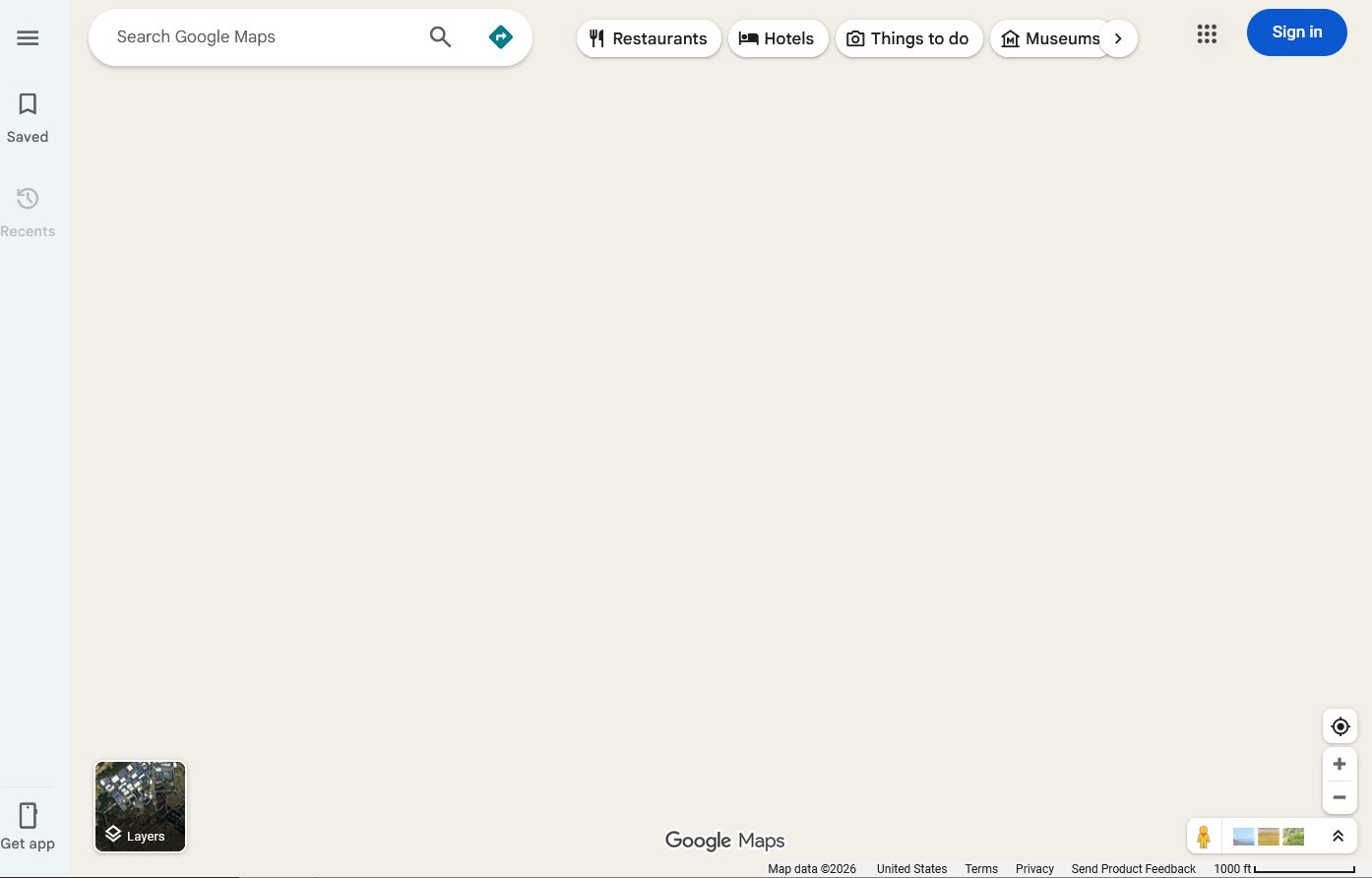
When I go to google.com/maps, I immediately see a map drawing of my location - then as the site *finishes* loading, the display area CLEARS, leaving the menu and various "hover" items from the site.
Just...no "roads". 🤣 Just a big vanilla background image.
Google maps works in another browser - the issue is just in Firefox.
Currently on Win 10, running under Parallels on a MacBook Pro. (Maps works great under the Mac OS as well!)
Thanks,
- Chip
Alle Antworten (4)
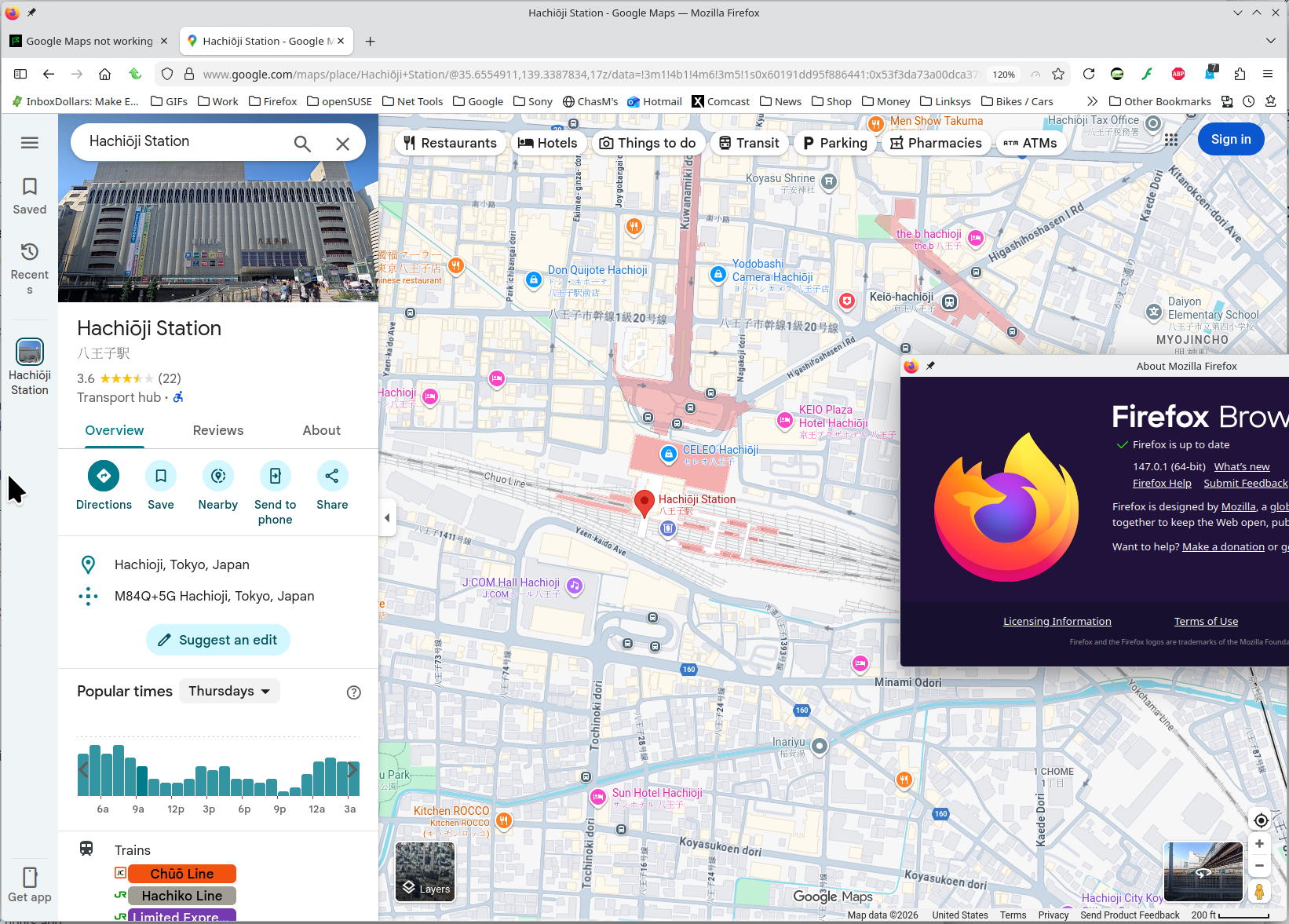
No issues for me. see screenshot I blame Parallels. Try another VM system and see if you have the same issue. Just found this, give it a shot. https://mac.getutm.app/ Do you have a windows pc? I can boot up windows and I'm confident maps will work.
ChipMoody said
Google maps works in another browser - the issue is just in Firefox. Currently on Win 10, running under Parallels on a MacBook Pro. (Maps works great under the Mac OS as well!)
I would try opening a bug and let the dev team investigate who's at fault. https://bugzilla.mozilla.org/home