How to sync all tabs from FF on old PC to FF on a new PC?

The 2-year-old support page "View synced tabs from other devices" gives 2 methods for syncing all your tabs from one Windoze FF to another. Neither one does anything at all for me now. The "right-click on the device in the sidebar" sounded SO promising, but it does not cause anything at all to happen. And checking the "sync tabs" box does indeed make them all show up in the sidebar list, but does not open anything. So besides clicking on each of the hundreds of tabs listed, how can I do this, or is it just another FF functionality lost to time?
Alle Antworten (3)
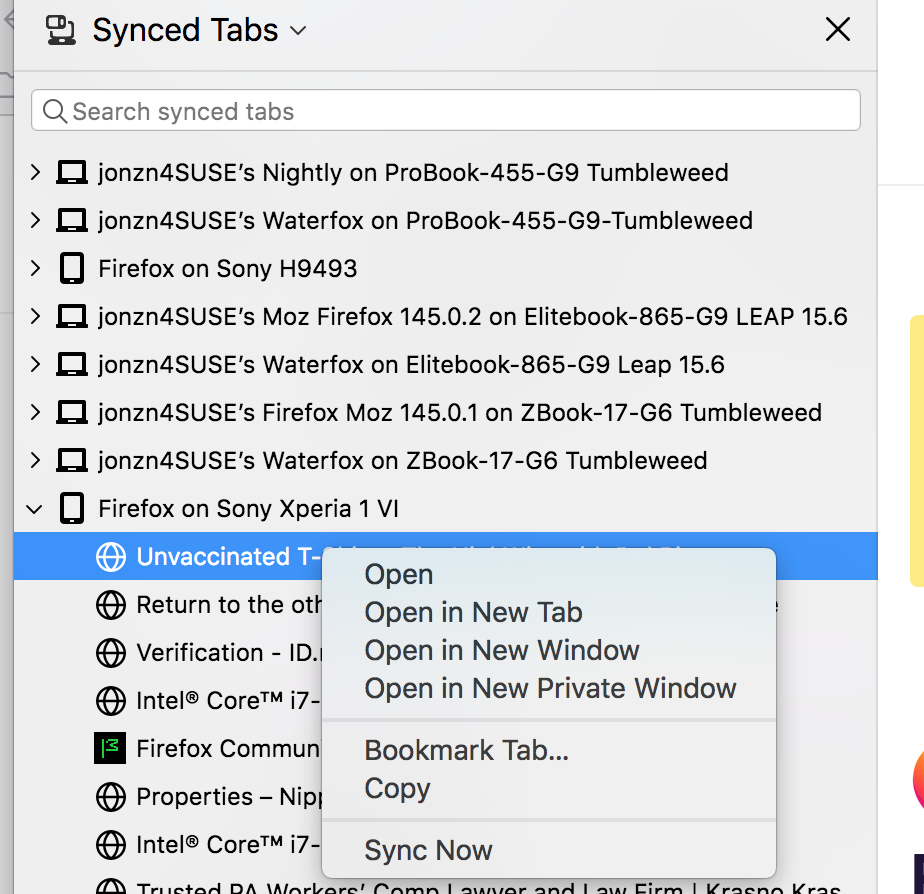
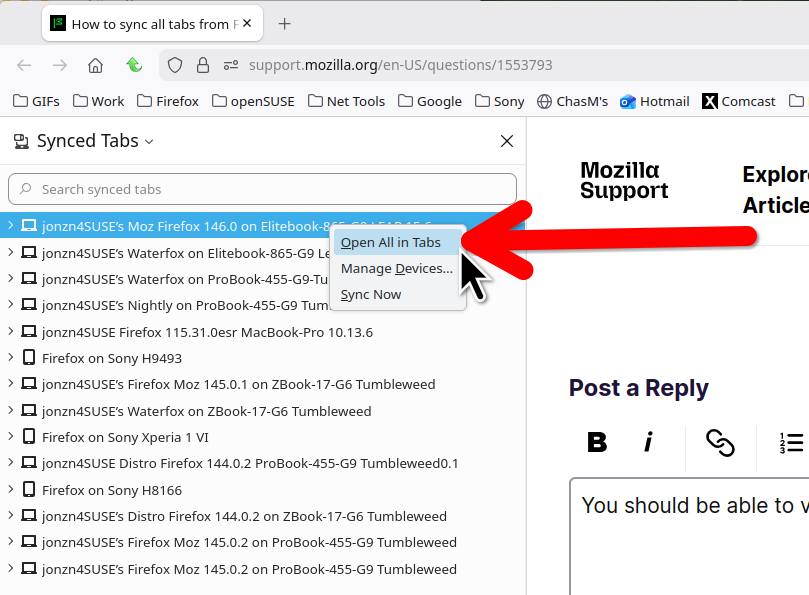
You should be able to view the other devices and right click to open all the tabs. see screenshot You can also try downloading a different version of Firefox and see if you have the same issue. Make sure to install in a different directory than your current install. https://www.mozilla.org/en-US/firefox/channel/desktop/
@jonzn4SUSE - Thank you so much for your quick response!
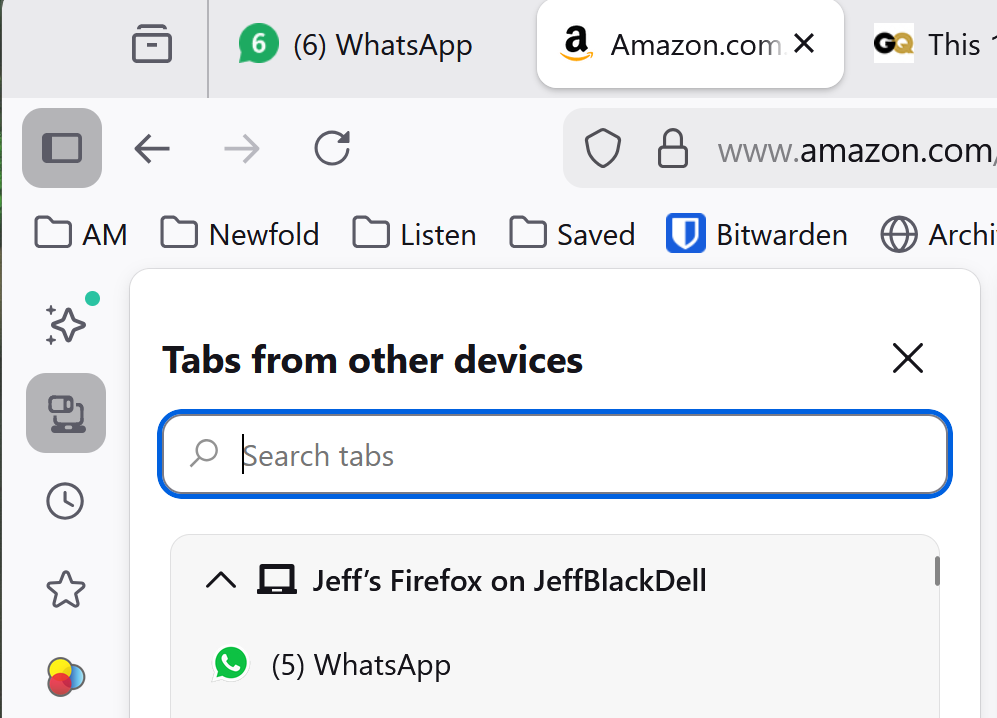
Yours shows "Synced Tabs, and mine shows "Tabs from other devices" (see screen shot). I was using 146.0 on Windoze 11, and it's no different on 146.0.1, and the laptop in question is "managed" by corporate IT, so I cannot install another version. I am a little suspicious now that I'm doing something wrong, and there is some other place I should be, other than clicking on the sidebar button? Or more likely, when they changed the popup header they also broke the right-click menu?? Maybe I need to wait for a later update? In the almost 20 years I've been using FF (since v2, IIRC), this might be my first bug report.
Geändert am von jeff.home
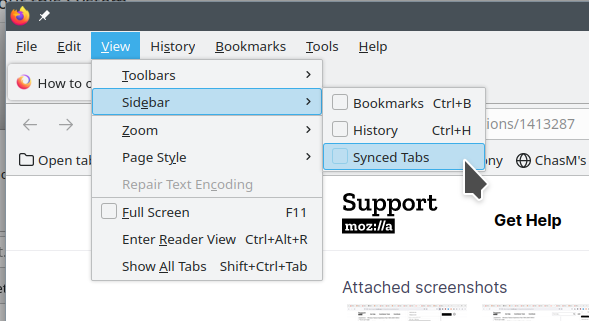
You are using the that new sidebar thingy... See this screenshot to get to the same place.