


yahoo popups on thunderbird

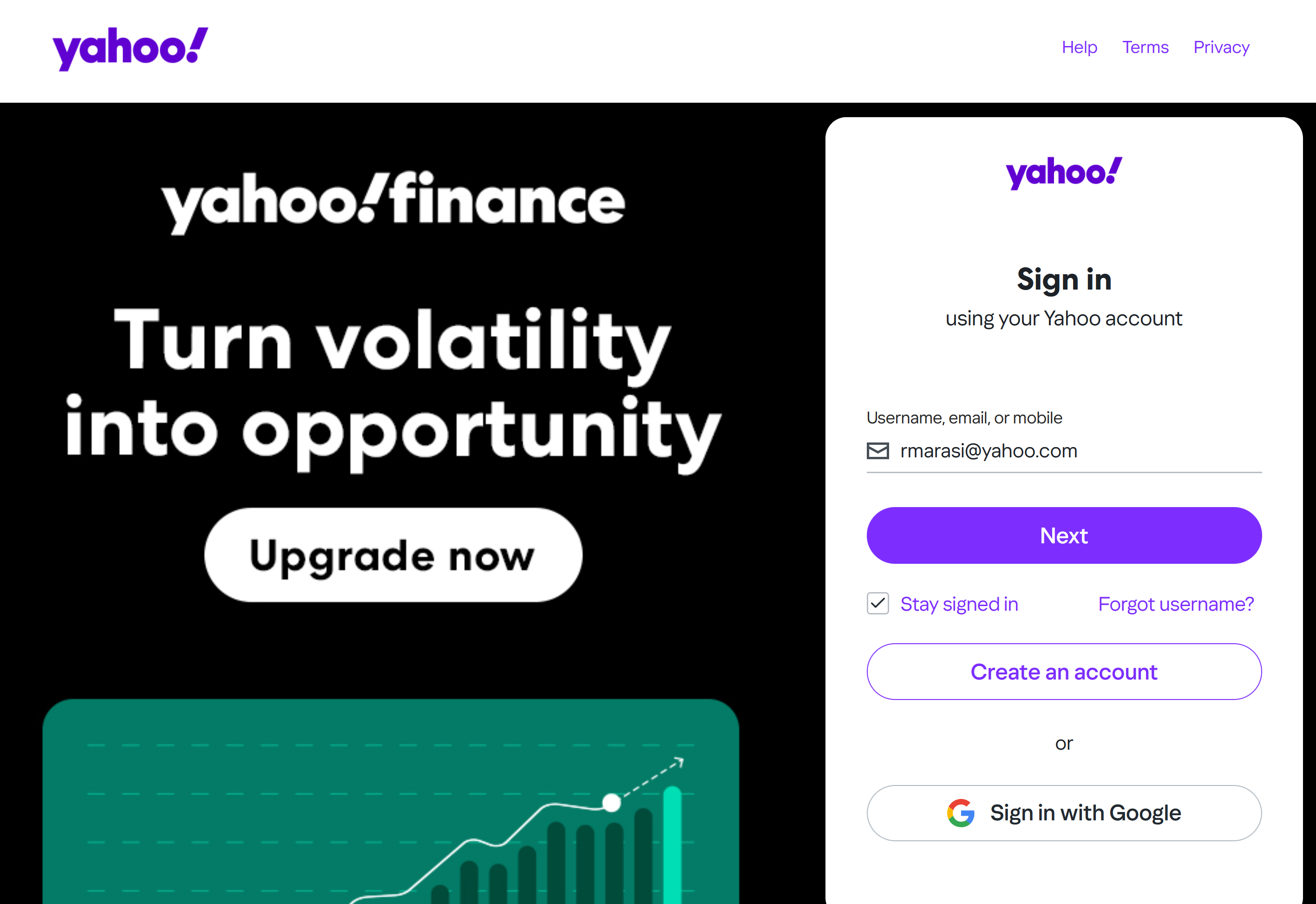
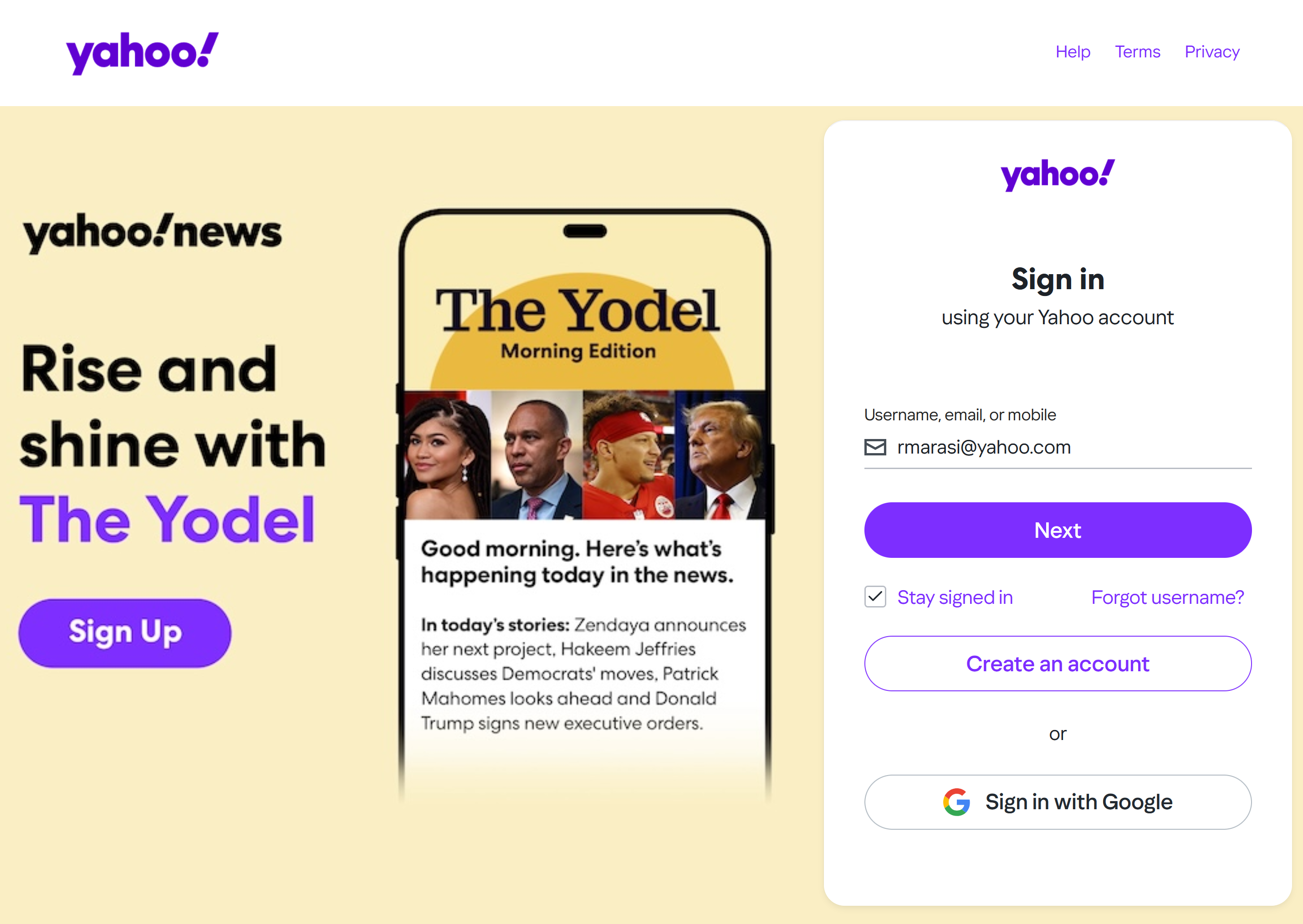
This started yesterday. Opening Thunderbird I get a popup saying its from Yahoo and it has my Yahoo mail address on it. If I delete that popup by clicking the upper right "X" another popup takes its place. And so, and so on. One popup after another all for various Yahoo products. Meanwhile Thunderbird can not be used - can't write, can't send and can't receive anything on Thunderbird.
What do I do??? If I reinstall Thunderbird I will loose all my saved emails, and anyway will that work???
I have run my antivirus, checking my whole disks, and nothing.
How do I get rid of the Yahoo popups???? Please someone help me.

Ausgewählte Lösung
You need to allow cookies in Thunderbird.
Alle Antworten (3)
rmarasi1 said
What do I do???
You enter your password like Yahoo is asking you to do so you can access your mail. Thunderbird is unusable because Yahoo have decided your authorization for Thunderbird has expired and needs to be renewed. This can occur at any time but my observation is that those using a VPN, often one that comes with an antivirus product, have significantly more issues with re-authentication requests from Yahoo and Google than those that do not use a VPN. I have never been asked to re authenticate and I do not use a VPN.
It is just a shame Yahoo do not host the request from a Yahoo domain for these pages. Even worse, they can not help themselves but push advertising whenever and where ever they can. This results in folk seeing what is actually a legitimate password request to gain access as a popup to be dismissed. Thanks Yahoo.
Thank you for your help.
But, the stupid thing will not let me sign-in; it keeps telling me that my browser has to accept cookies which it does, Firefox does, and it will not allow me to sign in.
Is there another browser on my pc that I don't know about that Yahoo is looking at?
Please tell me what to do.
Ausgewählte Lösung
You need to allow cookies in Thunderbird.