


Broken URL/button/etc hand icon

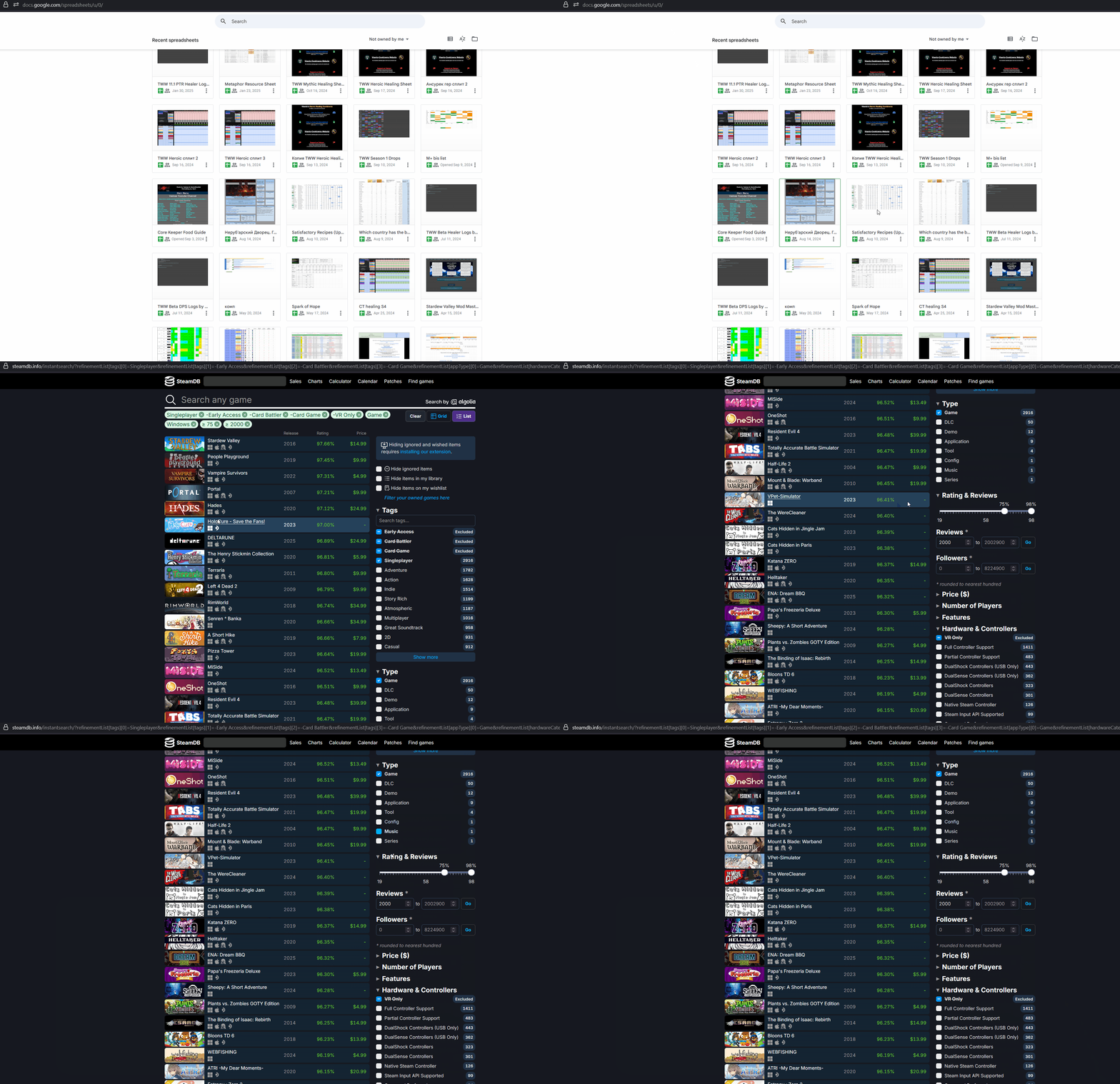
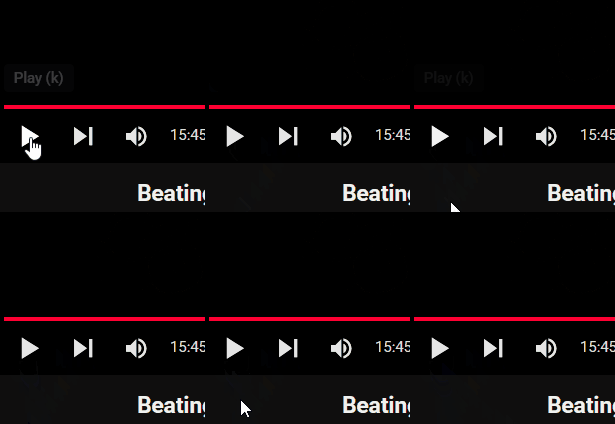
Using desktop 141.0, noticed issue of the hand pointer either not appearing, or appearing for less than a second and disappearing when hovering over buttons/urls/etc elements. Sometimes it stops being buggy for a minute or so and then goes back. I can't figure out the exact cause for this, but maybe going outside of the window of the browser ? Consistent in the safe mode, on different websites. See the gif for the visual
Alle Antworten (17)
Quick check on 140 reveals no issues.
Geändert am von KnewOne

142.0 has the same problem
@KnewOne Can you try to update to 142 and see if it may fixed it?
@maky00 Could you please open a new thread so we can troubleshoot your issue further?
It's the same symptom as the gif file video. It usually happens when I open a new tab while watching a YouTube video. However, if I open multiple tabs for more than 5 minutes and work on it, the symptoms disappear. I didn't do any special mouse pointer settings and it's Windows default. - Win10 ltsc 1809
142 same issue
try unchecking "use hardware acceleration when available"
Even with hardware acceleration disabled, it persists

Interesting... Are you running any security software besides MS Defender? Windows home or pro? If Windows Pro version, try testing in Windows Sandbox (VM) to see if you have the same issue. https://www.howtogeek.com/399290/how-to-use-windows-10s-new-sandbox-to-safely-test-apps/
Geändert am von jonzn4SUSE
Windows Home 11. No external security
Does it happen with other version of Firefox (Beta, Dev, or Nightly)? Also see what happens with a fork like Waterfox.
Beta/Nightly are fine. Likewise with waterfox. Reinstalling firefox to 142 keeps the issue. Standalone/custom install of 140 doesn't seem to have any issues, standalone/custom 141 caught it soon after start of test
Geändert am von KnewOne
WOW!!! See if there's a bug open for this issue. If not, get it one an poppin.

Hey folks,
I couldn't find an existing bug report about this. @KnewOne are you comfortable filing a new bug to document this issue?
@Kiki actually i already filed a bugzilla report and even found the regression patch. I suppose i kinda forgot about this thread. Should it be closed or ?
Oh that's great! Can you share the link?
Ausgewählte Lösung
Thanks for sharing the bug link. I'll choose your answer as the solution so user with the same issue can check the update directly from the bug.