

Dieses Thema wurde archiviert.
Bitte stellen Sie eine neue Frage, wenn Sie Hilfe benötigen.

Archiviert
TLS settings from about:config don't work in Firefox 140.0.4

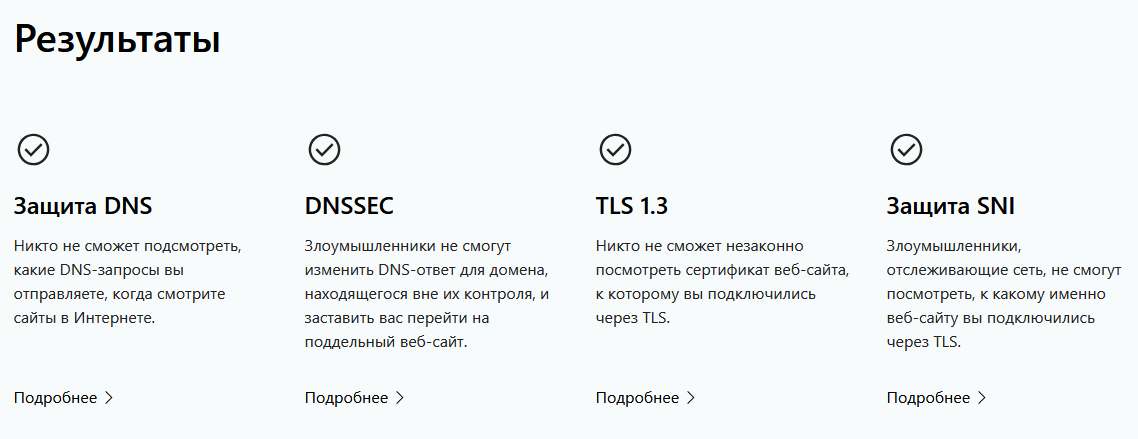
I wanted to completely disable TLS 1.3 when using Firefox, so I set security.tls.version.max to 3 (which corresponds to TLS 1.2). That worked up until I got version 140.0.4 installed - now it completely ignores this setting no matter what I set. I tried using cloudflare-ech.com website for test and it confirms that my browser uses TLS 1.3 with ECH. I also tried modifying security.tls.version.fallback-limit to 0 and security.tls.version.min to 0 to get a possible range of TLS 1.0-1.2, but it still uses TLS 1.3.
I wanted to completely disable TLS 1.3 when using Firefox, so I set security.tls.version.max to 3 (which corresponds to TLS 1.2). That worked up until I got version 140.0.4 installed - now it completely ignores this setting no matter what I set. I tried using cloudflare-ech.com website for test and it confirms that my browser uses TLS 1.3 with ECH.
I also tried modifying security.tls.version.fallback-limit to 0 and security.tls.version.min to 0 to get a possible range of TLS 1.0-1.2, but it still uses TLS 1.3.

Alle Antworten (1)
security.tls.version.min = 0 is undeclared and makes it fall back to defaults. The lowest accepted value is 1 which corresponds to TLS 1.0.
Geändert am von TyDraniu