


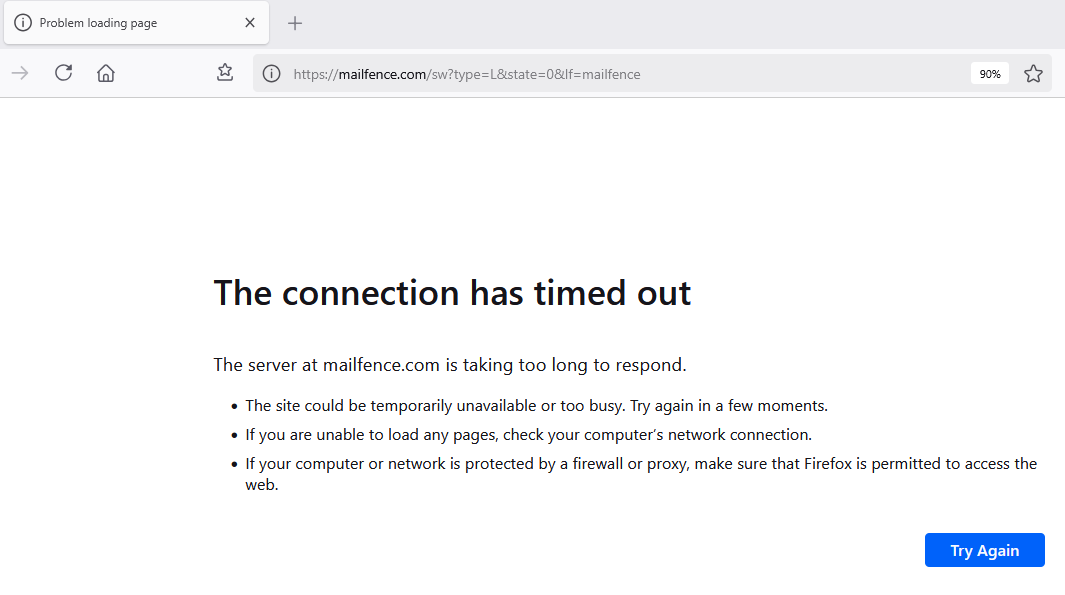
I can't access the website 'mailfence.com'. I get message 'The connection has timed out---Problem Loading Page'

Mailfence.com is my email provider. I've been with them for years. Two weeks ago I am suddenly unable to connect with the website. My ISP is Comcast. My next door neighbor also uses Comcast. He can get to mailfence.com just fine. Can you please help with this issue. Comcast has declined to provide any help. Thanks.........Bob Horning
Alle Antworten (6)
Hi Bob, I'm able to get to that URL at the moment. Do you have this issue only in Firefox, or also in Microsoft Edge?
Yes, The problem persists even with Edge.

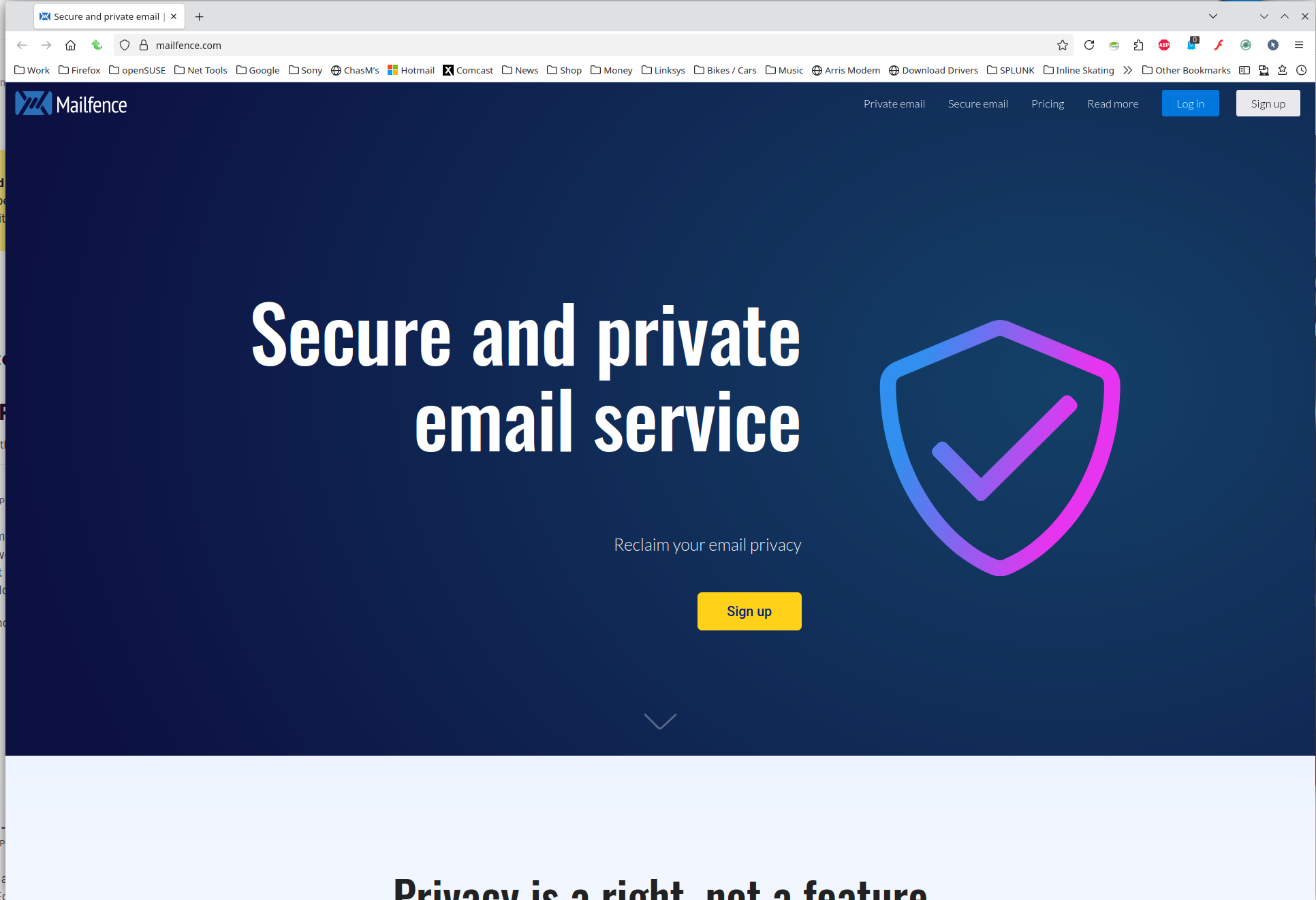
Site works for me. see screenshot. What OS? If windows, home or pro? If windows, are you running any security software besides MS Defender? What version of Firefox? Did you try with Firefox in Troubleshoot Mode? https://support.mozilla.org/en-US/kb/diagnose-firefox-issues-using-troubleshoot-mode#w_how-to-start-firefox-in-4troubleshoot-modesf5safe-modesf
Did you clear your browser cache? https://support.mozilla.org/en-US/kb/clear-cookies-and-site-data-firefox
I use Malwarebytes on Windows 11 Pro with Firefox version 139.0.4 (64-bit) and duckduckgo.com as a search engine. I did clear the Browser Cache. I haven’t run Firefox in troubleshoot mode. How do I get there? FYI: when I click on the 3 bars in Firefox, the first 2 lines say ‘Account Disconnected mrjedi2u@mailfence.com’ followed by a yellow triangle with an exclamation point in the middle. What is that telling us?
Thanks……………Bob
I just signed in with Troubleshoot mode. I am now able to get to Mailfence.com. Hurray! That having been said, how do I know what's been biting me? What needs to be fixed so I can access my email in normal Firefox mode?
Thanks.............Bob Horning
We cannot answer that question because we cannot see your browser. You will have to figure it out. May the Schwartz be with you. ;-))