


No Tiles on my New Tab

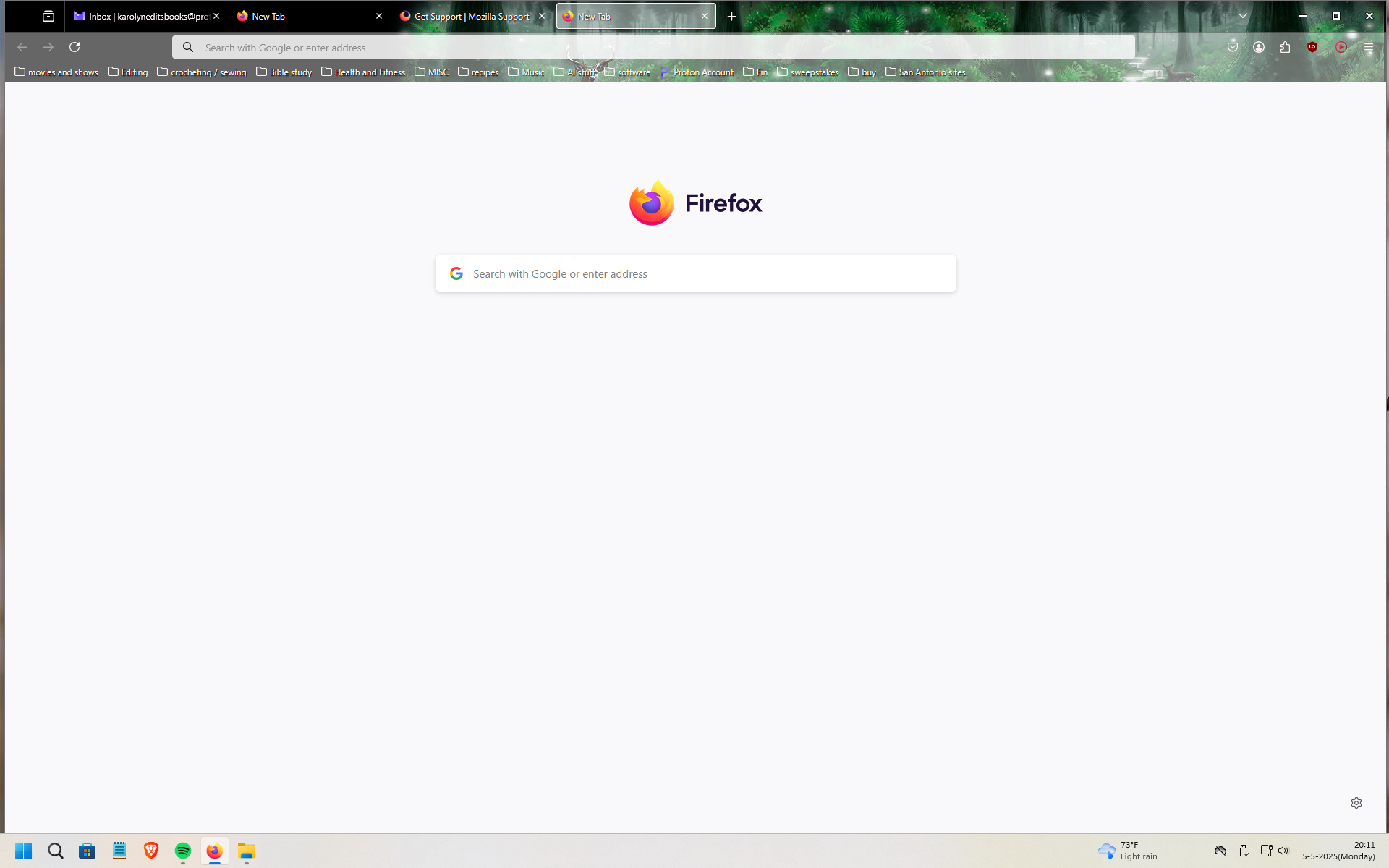
I just got a new pc, and added Firefox, and also imported all of my bookmarks. But I don't see any way to add tiles to the new tab page. There are no Tiles there, even after 3 days. I really like having the links I visit most listed in tiles on the new tab page. Why don't I have any and how can I add them? I don't see anything the settings, and the help answers don't help because there are no tiles to right click on.
I just got a new pc, and added Firefox, and also imported all of my bookmarks.
But I don't see any way to add tiles to the new tab page. There are no Tiles there, even after 3 days. I really like having the links I visit most listed in tiles on the new tab page. Why don't I have any and how can I add them? I don't see anything the settings, and the help answers don't help because there are no tiles to right click on.
Alle Antworten (1)
Hi
To start with, turn on "recent activity" - this support article should help:
https://support.mozilla.org/en-US/kb/customize-your-new-tab-page
This article will then help you to pin sites to the new tab page: