


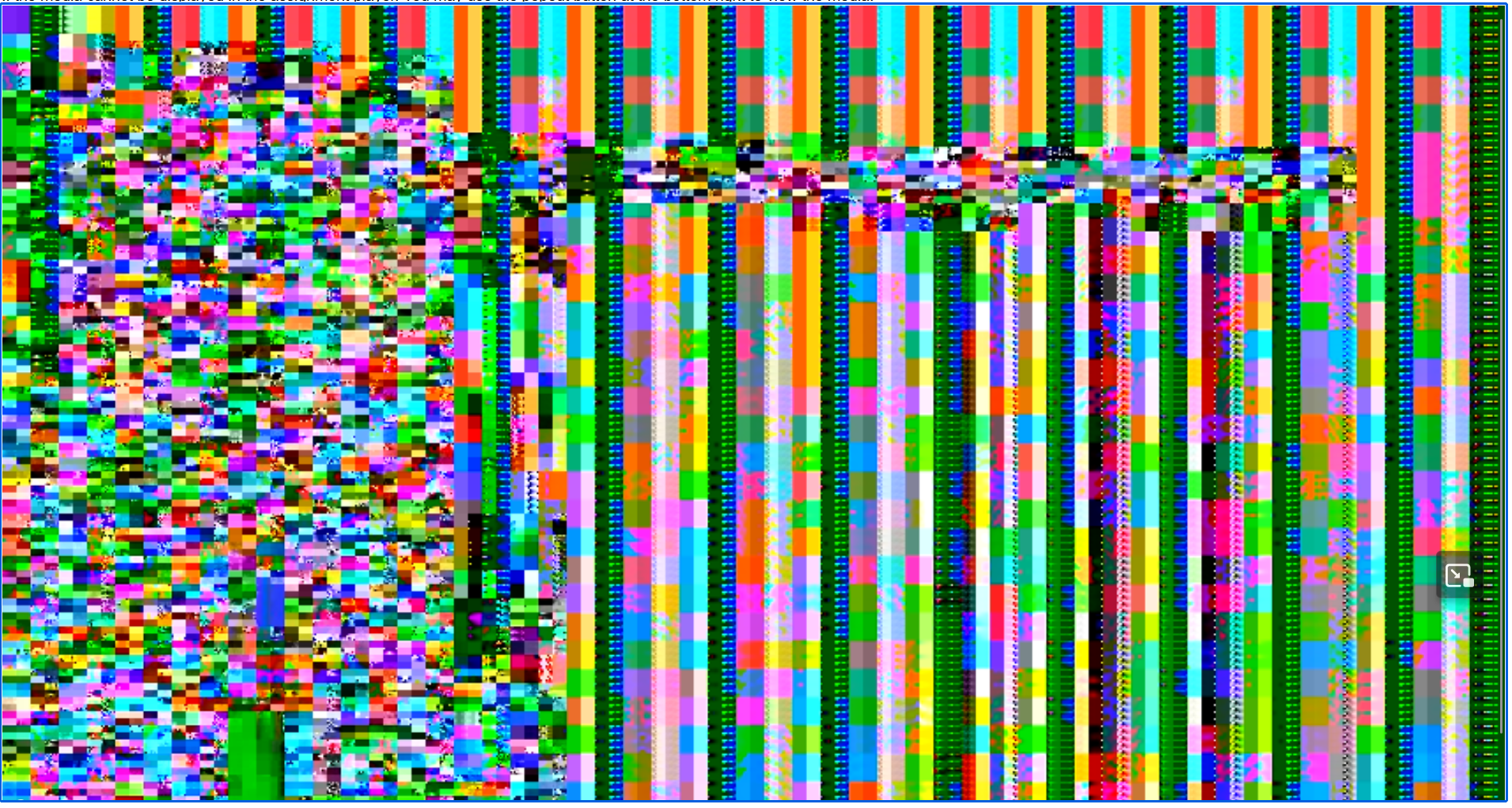
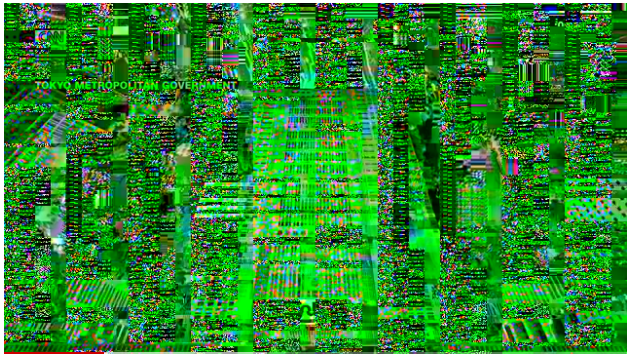
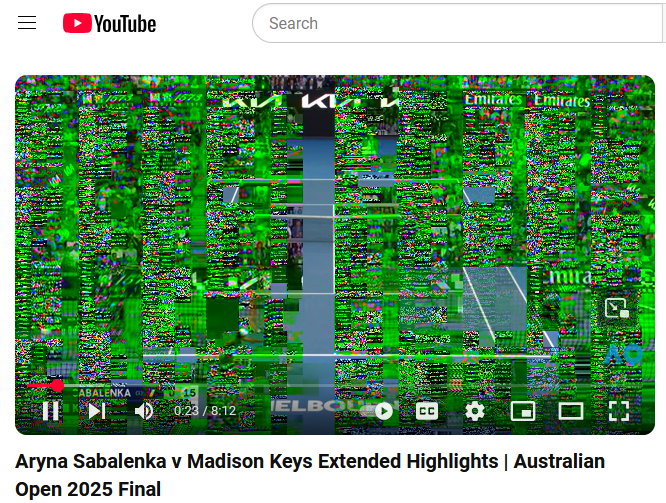
The videos are displaying in a green scrambled mess.

I have noticed that just recently videos across all different websites are not displaying properly. The image part of the video is a green scrambled mess. The audio is fine, but the images are wrong. I am not having this issue on a different browser, and I'm not sure what I'm supposed to do. I don't know if changing any of the settings will help or if there's a bug in one of the updates.
Alle Antworten (3)
What OS? What version of Firefox? What graphic card and driver? Laptop, desktop, or DIY? If not DIY, what make and model? Provide a link to page with the issue.
Geändert am von jonzn4SUSE

I have this exact issue. Windows 11 Pro, Version 24H2 NVidia GeForce RTX 4070 Laptop, Driver Version 32.0.15.6607 Laptop ASUS ROG Zephyrus G16 GU605MI https://www.youtube.com/watch?v=ChUTsgpgxts
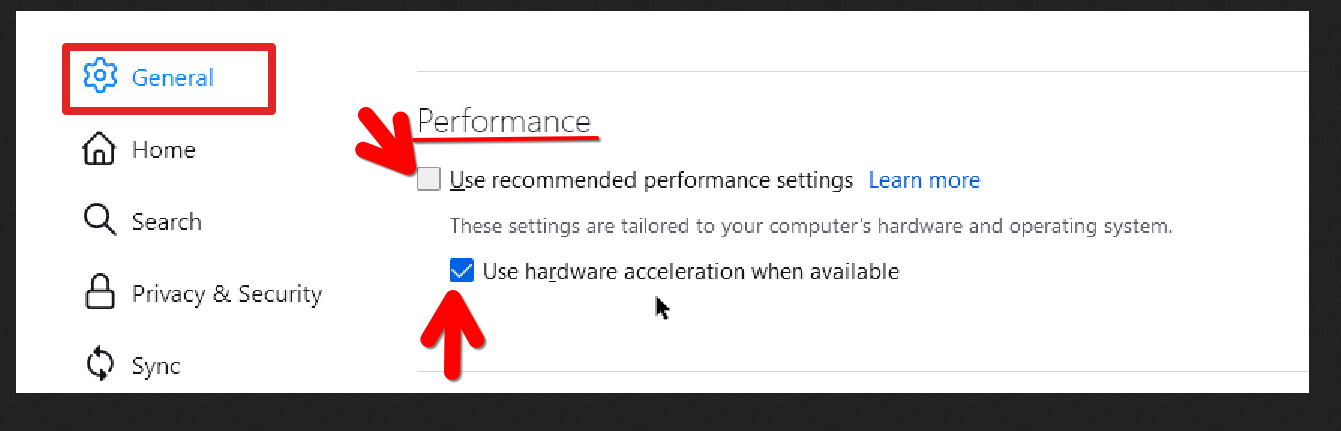
Have you tried changing the driver? https://www.nvidia.com/en-us/geforce/drivers/ Also unchecking these options in Firefox. see screenshot
Geändert am von jonzn4SUSE