Prevent context menu from popping up when ctrl+enter is pressed

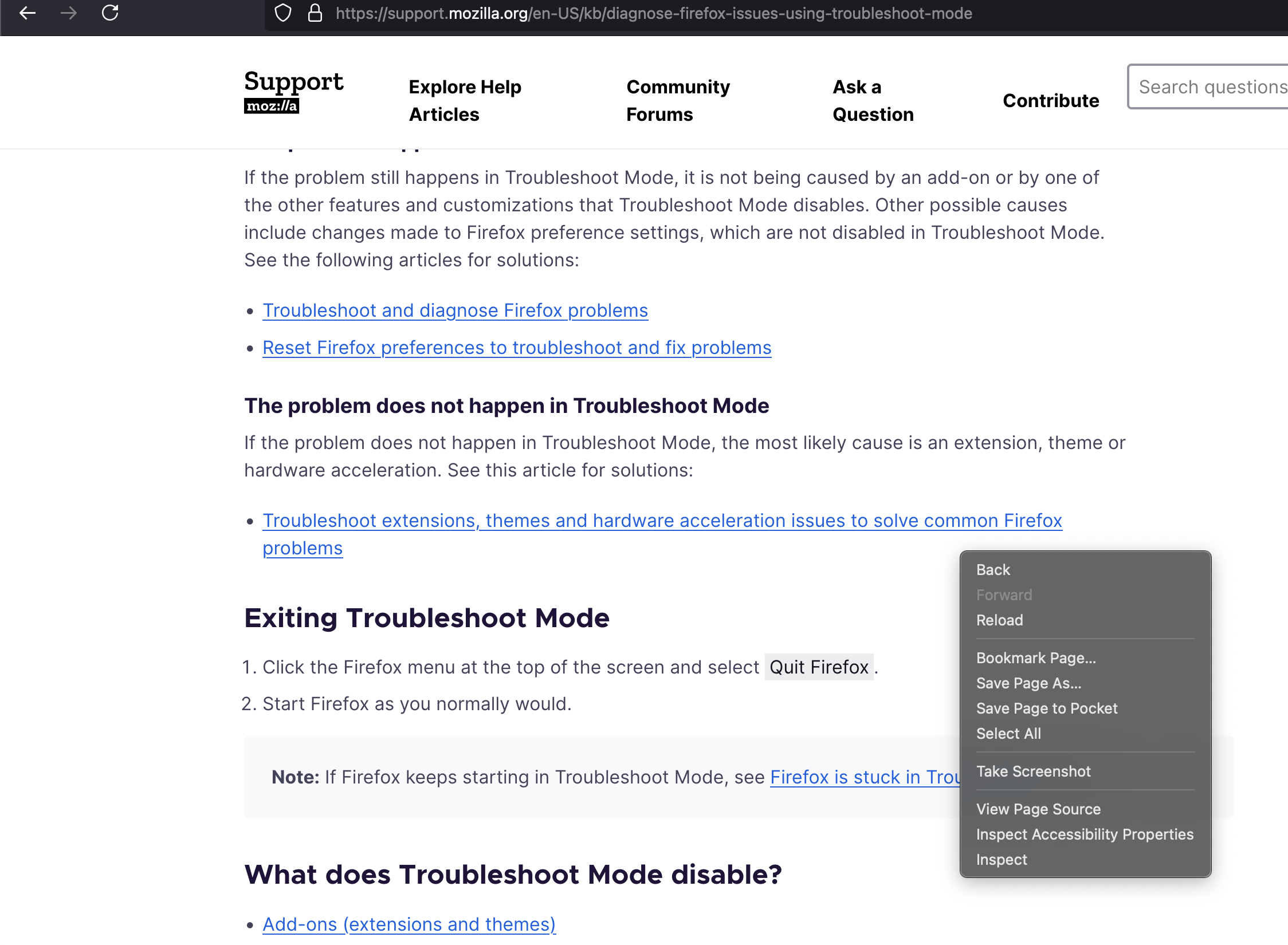
When I press ctrl+return (main enter key) on my keyboard (Standard 52 key US layout) on macOS Sequoia 15.0.1, the context menu pops up (with back, reload, select all, etc.) which interferes with the shortcuts of some of the sites I use. It does not occur when in other apps. Is there a way to disable this shortcut key? I have a context menu key on my keyboard, so it is unnecessary.
Alle Antworten (3)

This is the Firefox hotkeys. I did find Cntrl+Enter but they don't mentioned the action that your seeing?
https://support.mozilla.org/en-US/kb/keyboard-shortcuts-perform-firefox-tasks-quickly
Open Focused Bookmark in New Foreground Tab Ctrl + Enter Open Focused Bookmark in New Background Tab Ctrl + Shift + Enter Open Focused Link in New Background Tab Ctrl + Enter (see note, below) Open Focused Link in New Foreground Tab Ctrl + Shift + Enter Note: The Foreground and Background Tab shortcuts are switched if the setting When you open a link, image or media in a new tab, switch to it immediately is enabled in Settings
Miscellaneous Command Shortcut Complete .com Address Ctrl + Enter
Where does this context menu open? Are you using Ctrl+Enter in a webpage or in the user interface (address bar) when this happens?
Start Firefox in Troubleshoot Mode to check if one of the extensions ("3-bar" menu button or Tools -> Add-ons -> Extensions) or if hardware acceleration or if userChrome.css/userContent.css is causing the problem.
- switch to the Default System theme: "3-bar" menu button or Tools -> Add-ons -> Themes
- do NOT click "Refresh Firefox" in the Troubleshoot Mode start window
I'm using Ctrl+Enter on a web page. Attached is a screenshot from tiddlywiki.com where ctrl+enter is the shortcut to save an entry (though it happens on all pages, whether there is a shortcut or not).
This persists in troubleshoot mode (c.f. second screenshot).