


Turn off Amazon Review Checker
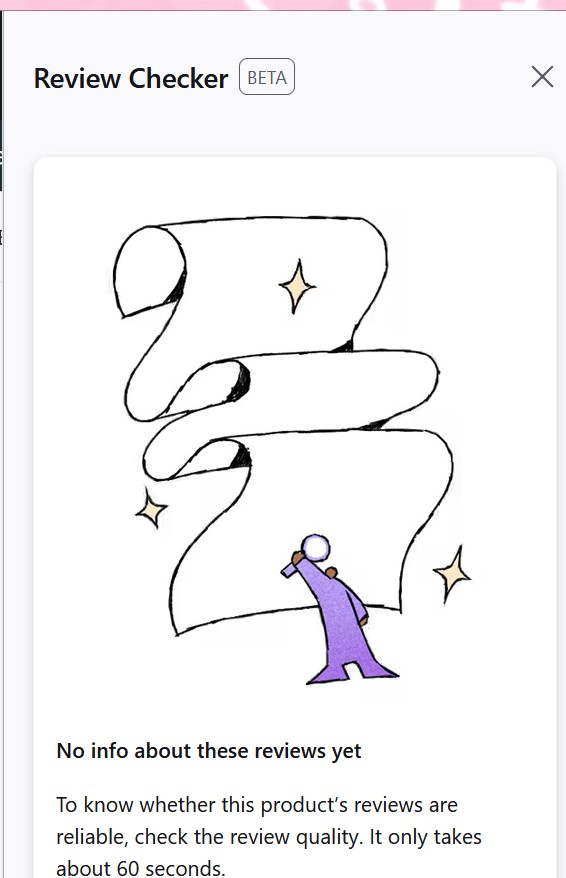
Hi! I would like to turn off the Reviewer Checker drawer that appears when I visit Amazon because it keep crashing my browser. Unfortuntely, using the settings at the bottom of the Review Checker also crash my browser so I can't untoggle the "automatically show review checker" setting. I searched for review checker in the main browser settings but it didn't pop up.
Amazon is completely unusable and I'm too lazy to log into Amazon on Microsoft Edge instead. Please help!
Alle Antworten (4)
It should be possible to disable Review Checker from the Firefox Labs area. Please read this article to find it in the Settings area: https://support.mozilla.org/en-US/kb/firefox-labs-explore-experimental-features-firefox
Or click on the 3 line Menu button > Settings. From the choices on the left side, click Firefox Labs.
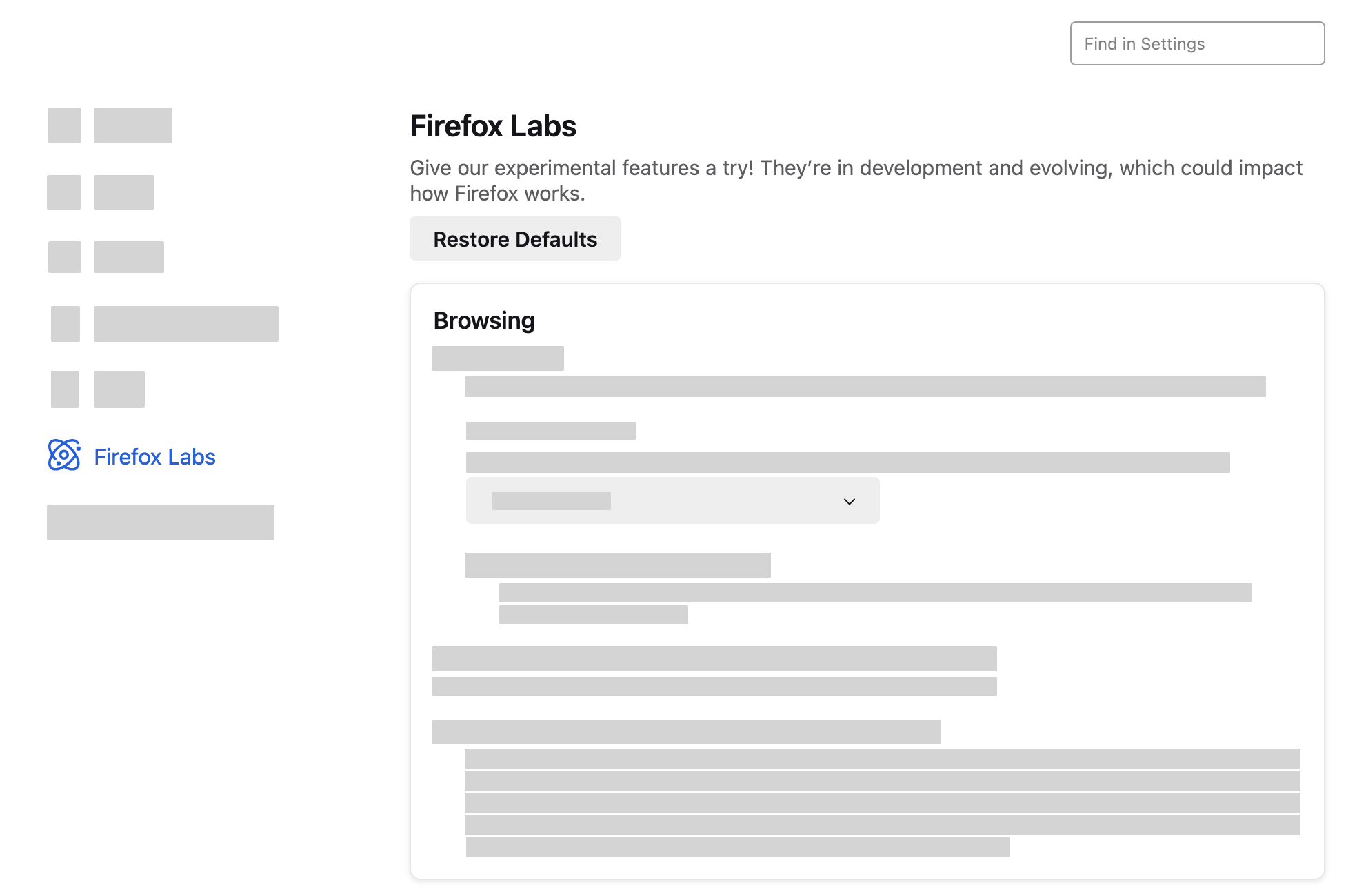

Nope, I see nothing in Firefox Labs about the Review Checker in FF 133.0.

Unable to turn off in Labs. Very annoying
You can look at these prefs in about:config.
browser.shopping.experience2023.active => false
browser.shopping.experience2023.enabled => false
If this pref is 1 then change it to 2 (2:opted out, 1:opted in, 0:not opted in).
browser.shopping.experience2023.optedIn