


Cannot direct where bookmarks are saved

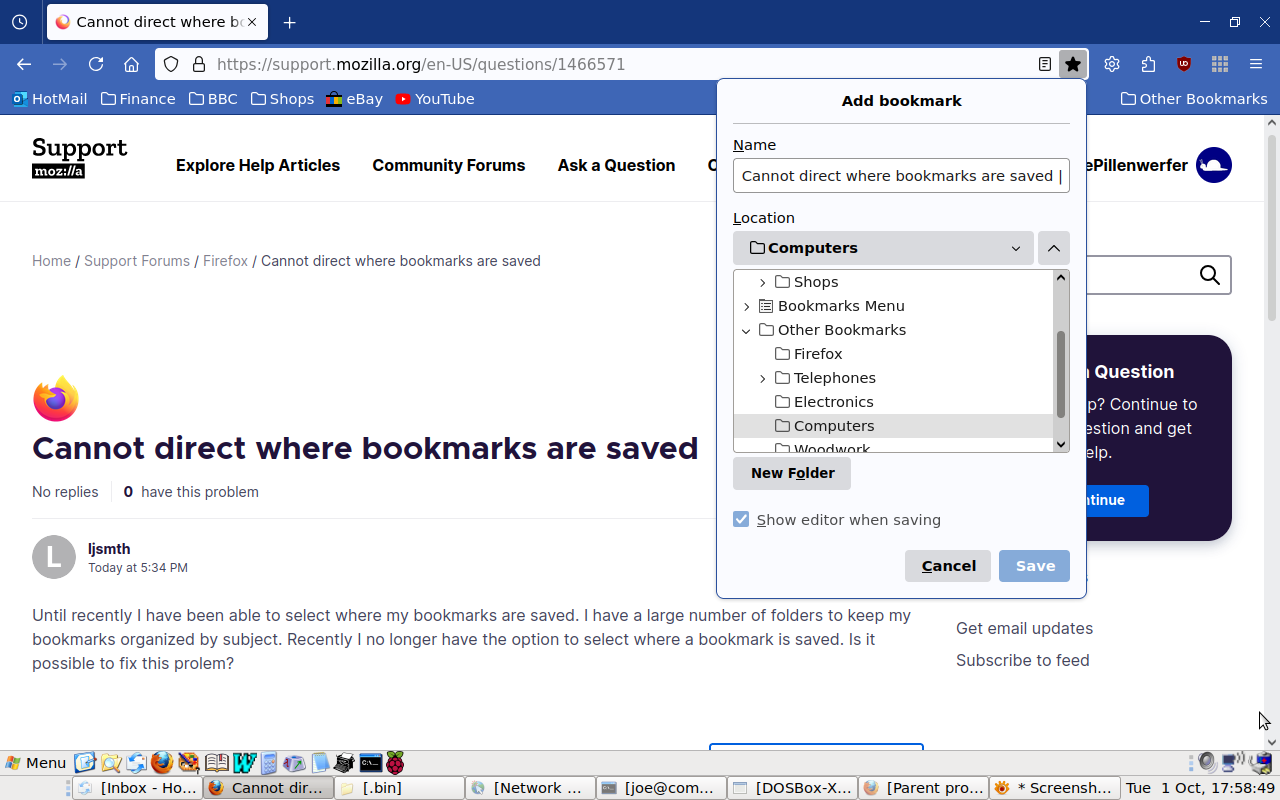
Until recently I have been able to select where my bookmarks are saved. I have a large number of folders to keep my bookmarks organized by subject. Recently I no longer have the option to select where a bookmark is saved. Is it possible to fix this prolem?
Alle Antworten (3)
It's working the same as ever for me, either by pressing ^D or clicking the star at the end of the URL bar.
Hi Pillenwerfer,
Thank you very much for your response. Clicking the blue star solved the problem. Previously, I did a net search and could not find an answer.
Larry Smith
The "Edit This Bookmark" dialog that opens if you click the highlighted star has a checkbox with "Show editor when saving" (shortcut key in the dialog is Alt+S). This item is at the bottom just above "Remove Bookmark" and "Done". You can click the highlighted star a second time to open the "Edit This Bookmark" dialog.
See "How do I change the name or location of a bookmark?"