


Bookmark won't appear back on homepage

I recently downloaded Firefox on my Android device. It's been fine. However today, there was an issue. I have the settings set on my phone so bookmarks appear on the homepage. However, today, for some reason, the bookmark on the homepage was glitched. I'm not sure why, but I figured I just had to reset it. So I go rid of the bookmark on the homepage, and redid the bookmark. It was working again, but now, the bookmark isn't appearing on the homepage anymore. It's just a blank homepage, even though my settings are still the same. I've turned the settings on and off, reset fire fox, cleared cache, and the bookmark still isn't showing up. Pleas help me.
Ausgewählte Lösung
Hey Grace, Did you try reinstalling Firefox?
Alle Antworten (6)
Hey Grace, Try checking your homepage options. (Menu > Customize homepage). (The Menu button is the 3 dots in the bottom right corner of Firefox).
I know how to customize the homepage. My options are set as to how I want them, which is to have bookmarks on the homepage. But my issue is that the bookmark isn't appearing after I had to delete it due to a glitch
Go to the website you want to bookmark, then click "Add" as displayed below." You can verify by going to the bookmarks menu. Then it should be displayed on your homepage.
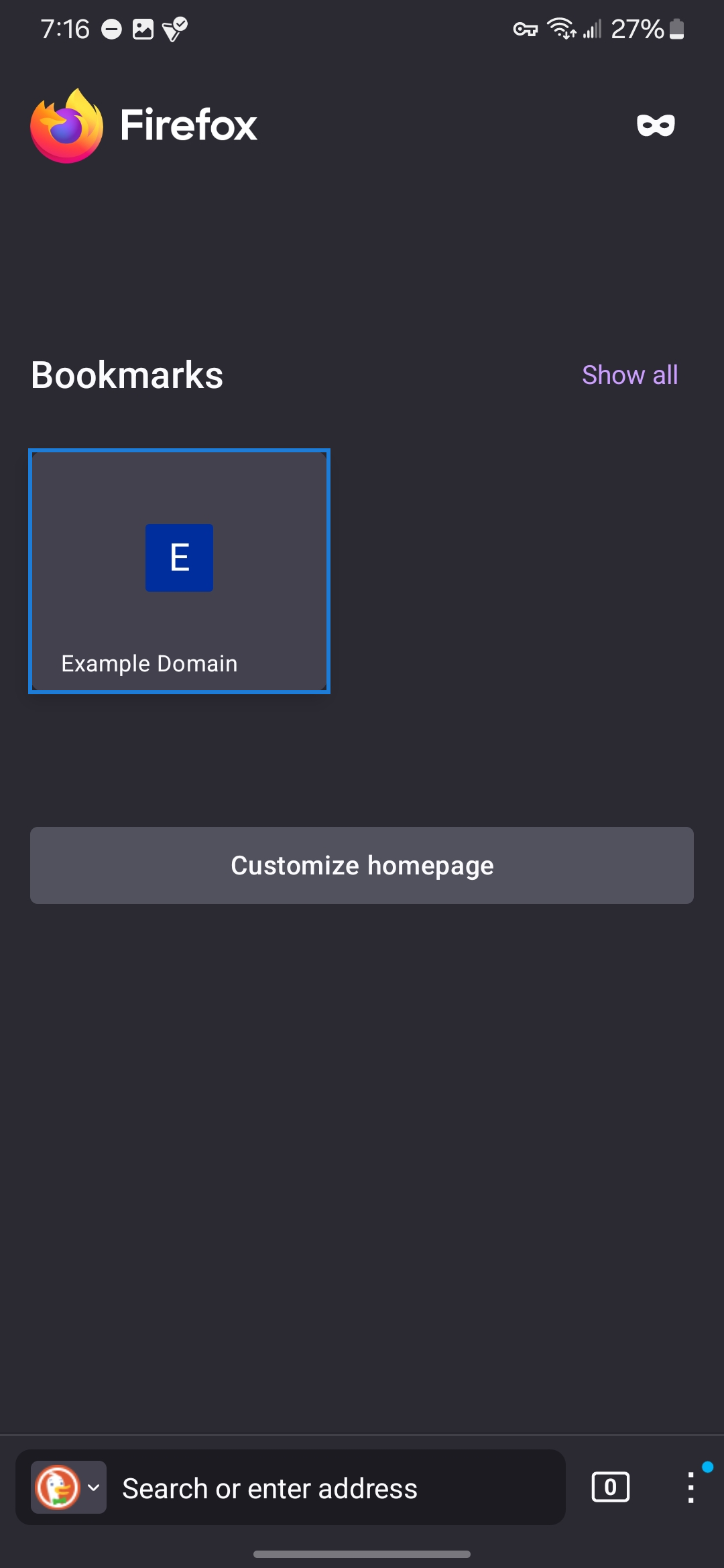
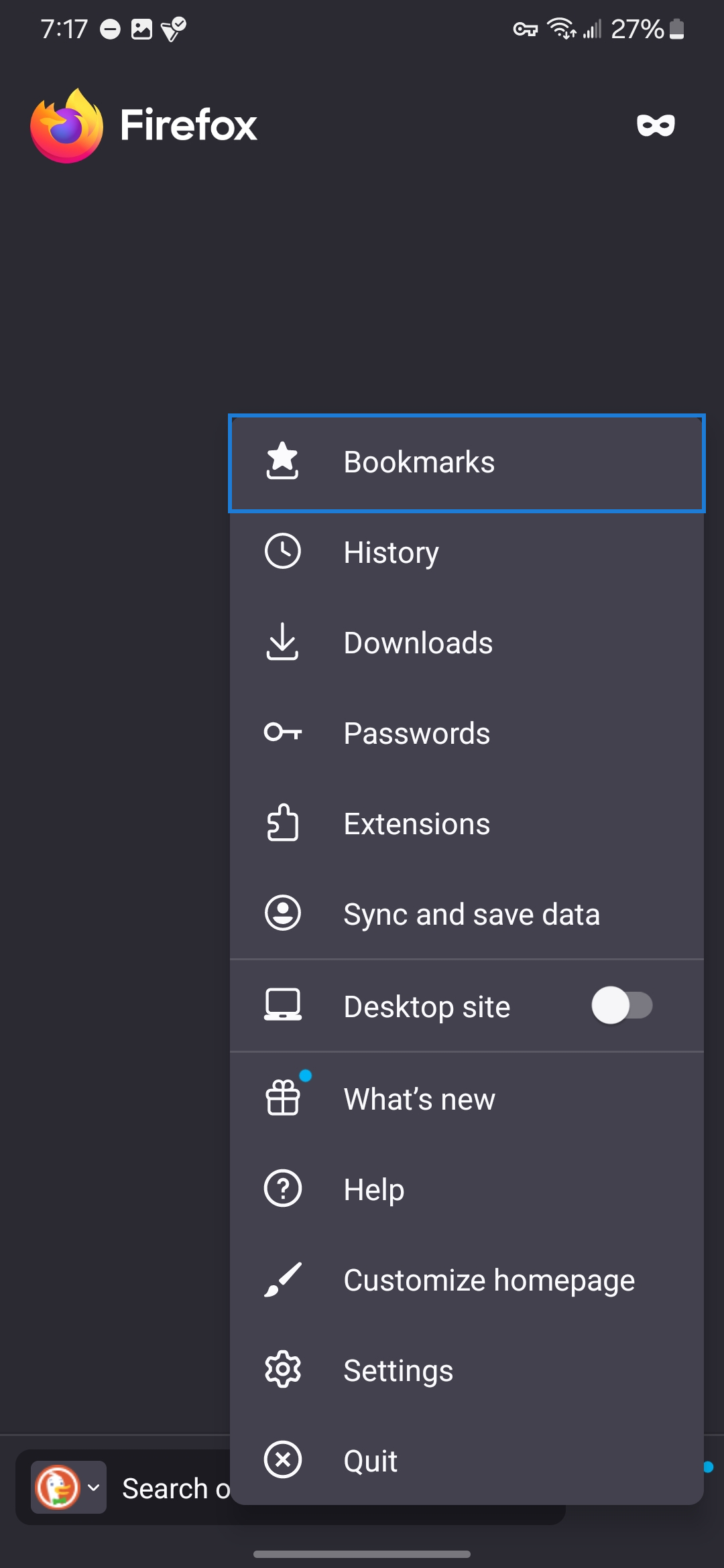
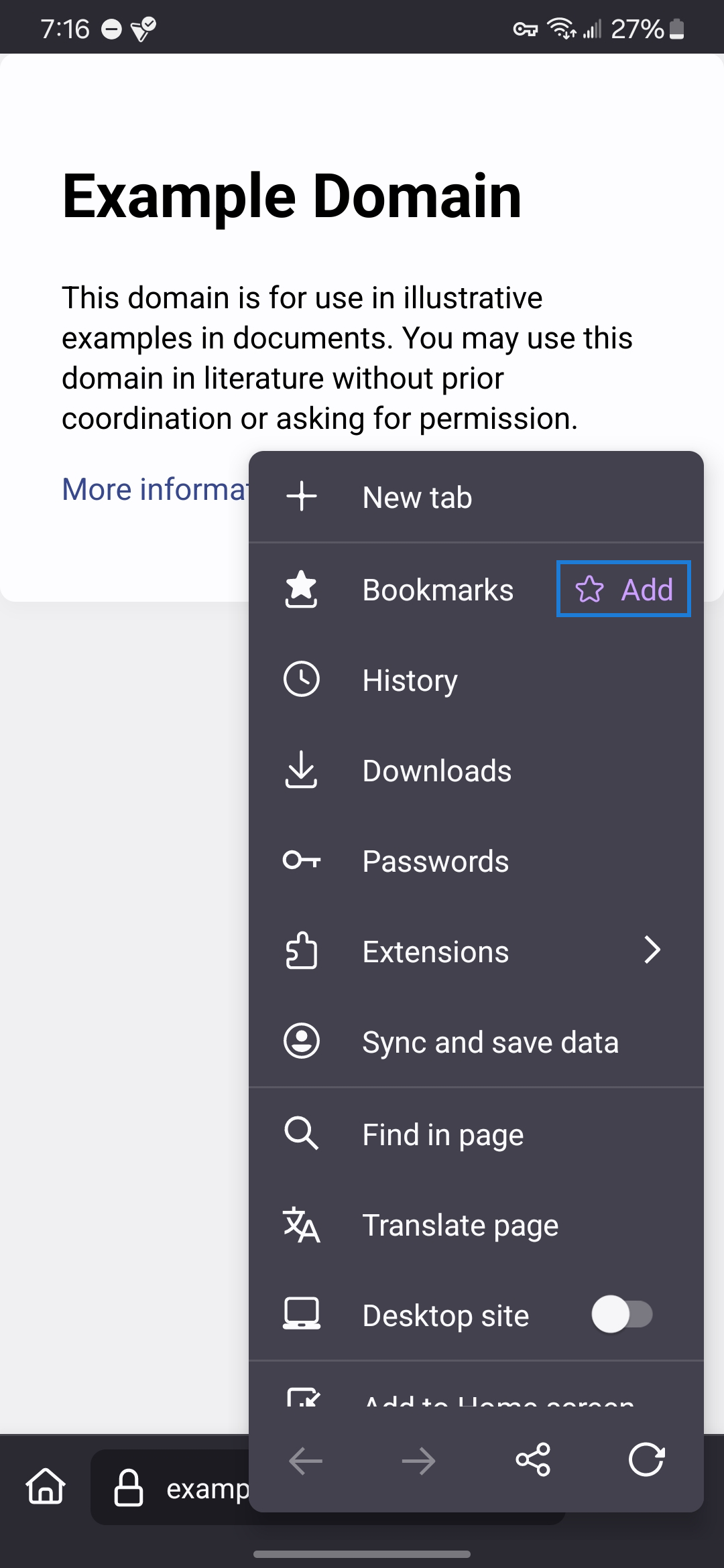

I did that already. As stated in my original message, I 'redid the bookmark'. Yet even after all of this time, the bookmark still isn't showing up on the homepage.
Ausgewählte Lösung
Hey Grace, Did you try reinstalling Firefox?
That worked, but I shouldn't have to reinstall an entire browser, reset everything, including the bookmarks, just to fix a single bug. Please send this to your supervisors so they can look into this. Thank you for your help.