


Can't use Firefox for any site with a shopping cart.

For several days, on all sites I have visited with shopping carts, a low-opacity grey rectangle appears in the upper right hand corner of the screen. Nothing appearing on the screen covered by the rectangle will respond. And usually, the shopping cart button, and/or the search field are behind it.
I am forced to change to using Safari or Chrome if I am going to buy something (unless it's Amazon, that's the only shopping site I have used that seems to be free of this weird obstacle).

Alle Antworten (2)
Replying to my own post to add something because I don't know how to edit the original. The grey rectangle just showed up on a non-shopping site.
Provide steps to replicate and post a full browser screenshot showing the issue. Did you try Firefox in Troubleshoot Mode? https://support.mozilla.org/en-US/kb/diagnose-firefox-issues-using-troubleshoot-mode#search104
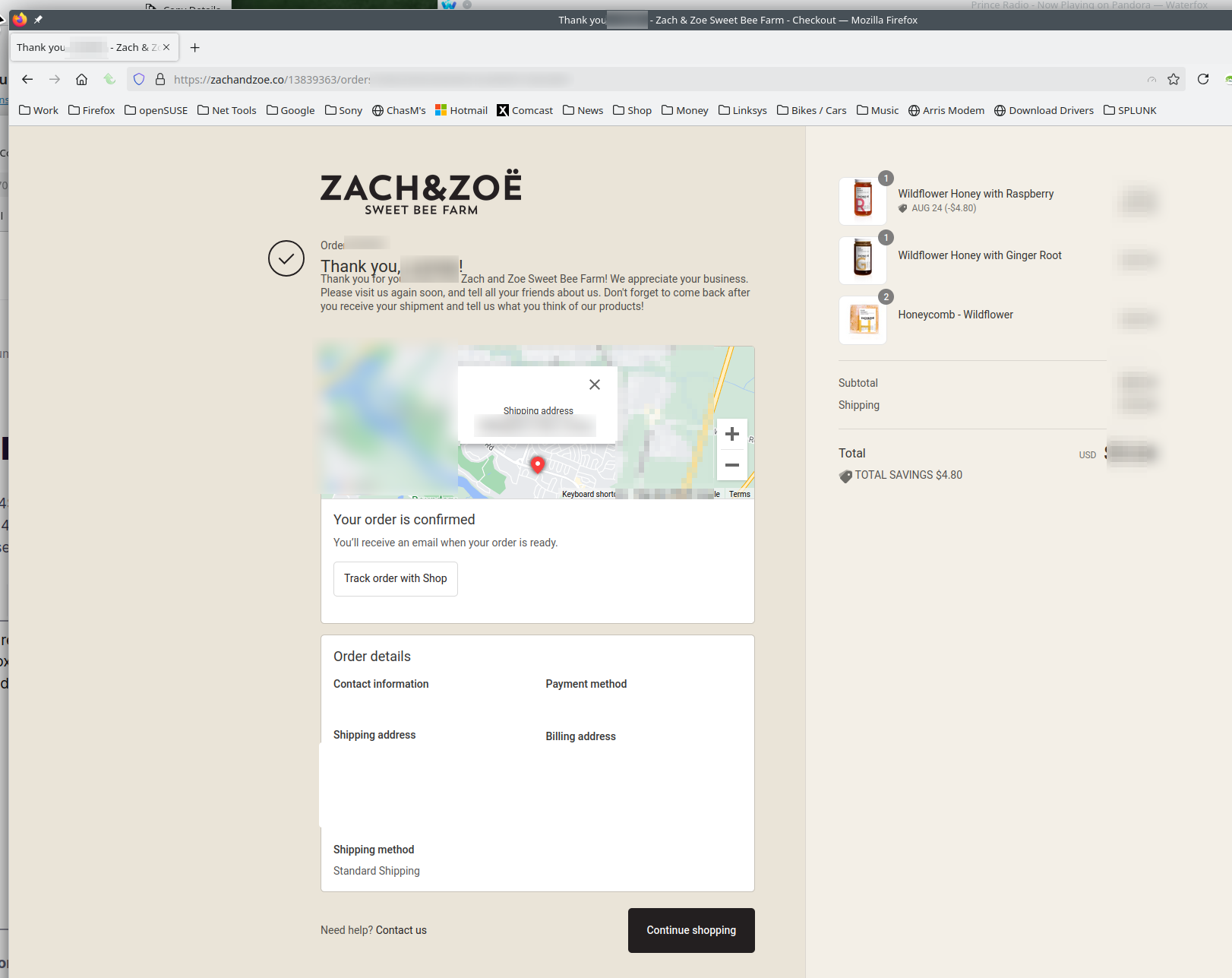
I just order honey with no issues. see screenshot
Geändert am von jonzn4SUSE