


When searching with google it always opens a new Tab with some not working Address

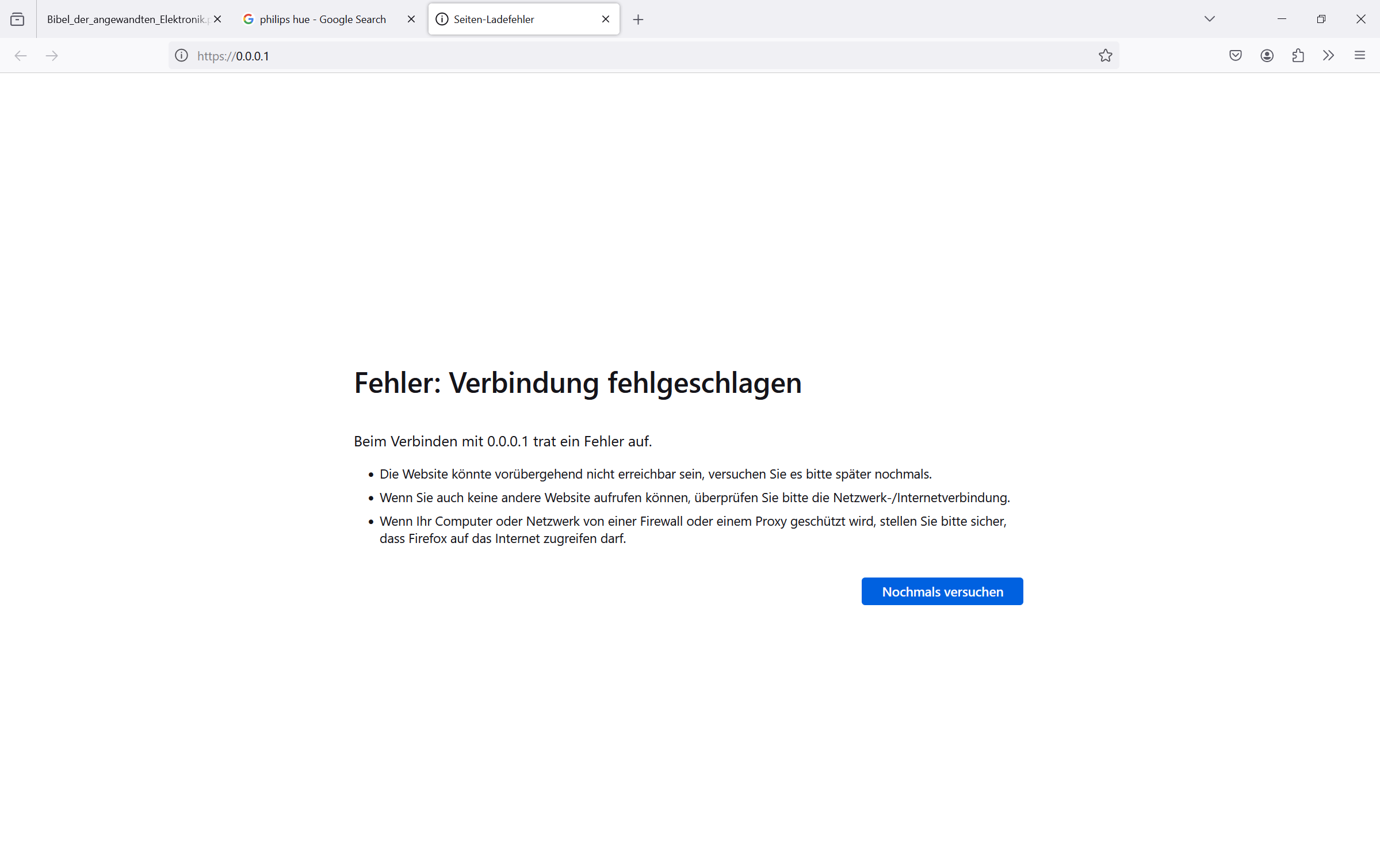
When searching with google it always opens a new Tab with some not working Address. Whether i just search or click on pictures or look at a picture more in detail it always opens this tab: Look at picture: At this point it is really annoying and in the settings of the browser i don't seem to find a solution. Please help.
Alle Antworten (4)
Does it still happen in Troubleshoot Mode?
Does it only happen on Google search results?
Does it still happen with the ESR version (115)?
Try disabling any third-party antivirus or security software, this may require rebooting into Windows Safe Mode (networking enabled).
You can check the connection settings and check for possible issues with a Proxy or VPN service.
- Settings -> General -> Network: Connection -> Settings
If you do not need to use a Proxy to connect to internet, select "No Proxy" if "Use the system proxy settings" or one of the others do not work properly.
See also:
- https://support.mozilla.org/en-US/kb/connection-settings-firefox
- https://support.mozilla.org/en-US/kb/websites-dont-load-troubleshoot-and-fix-errors
You can do a malware scan, just to be sure.