


microsoft Pop-up

Every time I log in or refresh outlook, I get an email ad for outlook upgrade. It is from microsoft, and can be opened as an email, but it is an ad and can't be blocked. These emails remain blocked with Brave, and I am running an ad blocker. Will mozilla update to remove these ads, or is there an ad blocker that works better with Mozilla. When I inspect it, the first line shows:-
<!doctype html><html dir="ltr" xmlns="http://www.w3.org/1999/xhtml" translate="no"><head><meta charset="utf-8"/><meta http-equiv="X-UA-Compatible" content="IE=edge"/><meta http-equiv="pragma" content="no-cache"/><meta name="viewport" content="width=device-width,initial-scale=1,user-scalable=0"/><meta name="google" value="notranslate"/><meta name="format-detection" content="telephone=no"/><meta name="scriptVer" content="20220513004.19"/><meta name="physicalRing" content="WW"/><meta name="environment" content="Prod"/><meta name="bootFlights" content="sourcelistapi,novaappbar,sendClaimsChallengeInQuery,performanceDatapointHealth,patchnode"/><meta name="cdnUrl" content="//res.cdn.office.net/"/><meta name="backupCdnUrl" content="//res-2.cdn.office.net/"/><meta name="cdnContainer" content="owamail/"/><meta name="devCdnUrl" content=""/><meta name="ariaUrl" content=""/><meta name="compactAriaUrl" content=""/><meta name="wcssFrameUrl" content="https://webshell.suite.microsoft.scloud"/><meta name="scriptPath" content="scripts/"/><meta name="owaIsAuthenticated" content="OwaIsAuthenticated"/><link rel="shortcut icon" href="/mail/favicon.ico" type="image/x-icon"/><link rel="apple-touch-icon" href="//res.cdn.office.net/assets/mail/pwa/v1/pngs/apple-touch-icon.png"/><noscript>JavaScript must be enabled.</noscript><title>Outlook</title><style>@font-face {
Geändert am von cor-el
Alle Antworten (5)
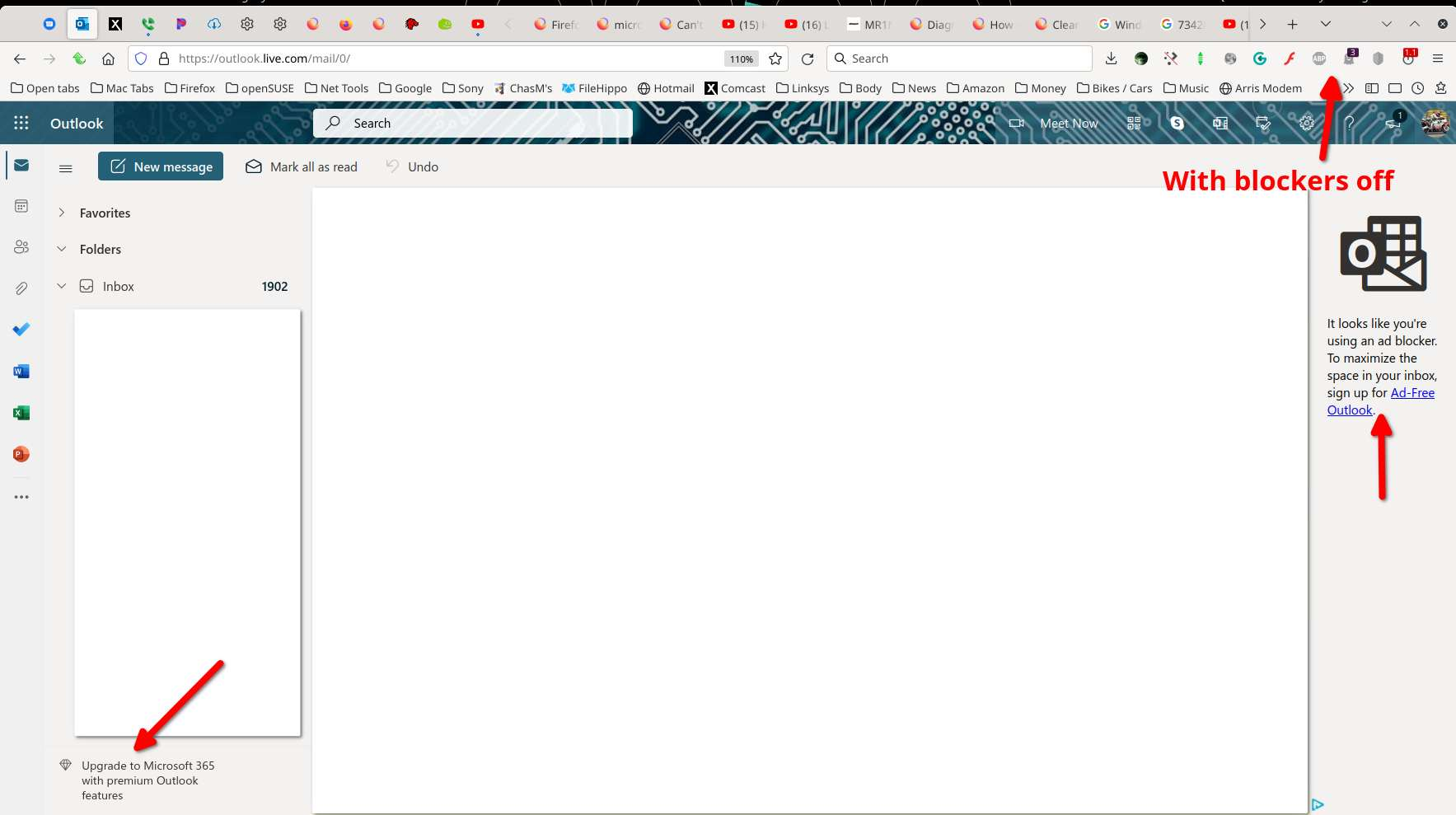
These are the only ads I see in Outlook with my blockers off. see screenshot A bigger screenshot would be more helpful and just block your personal info like I did.
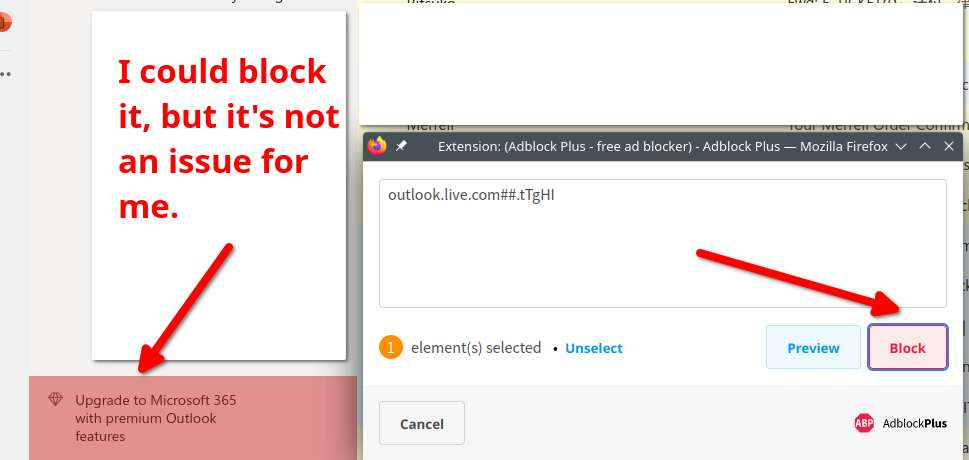
I changed my mind and did block it for the extra space. ;-)
Geändert am von jonzn4SUSE
No ads showing. I also use Ghostery.
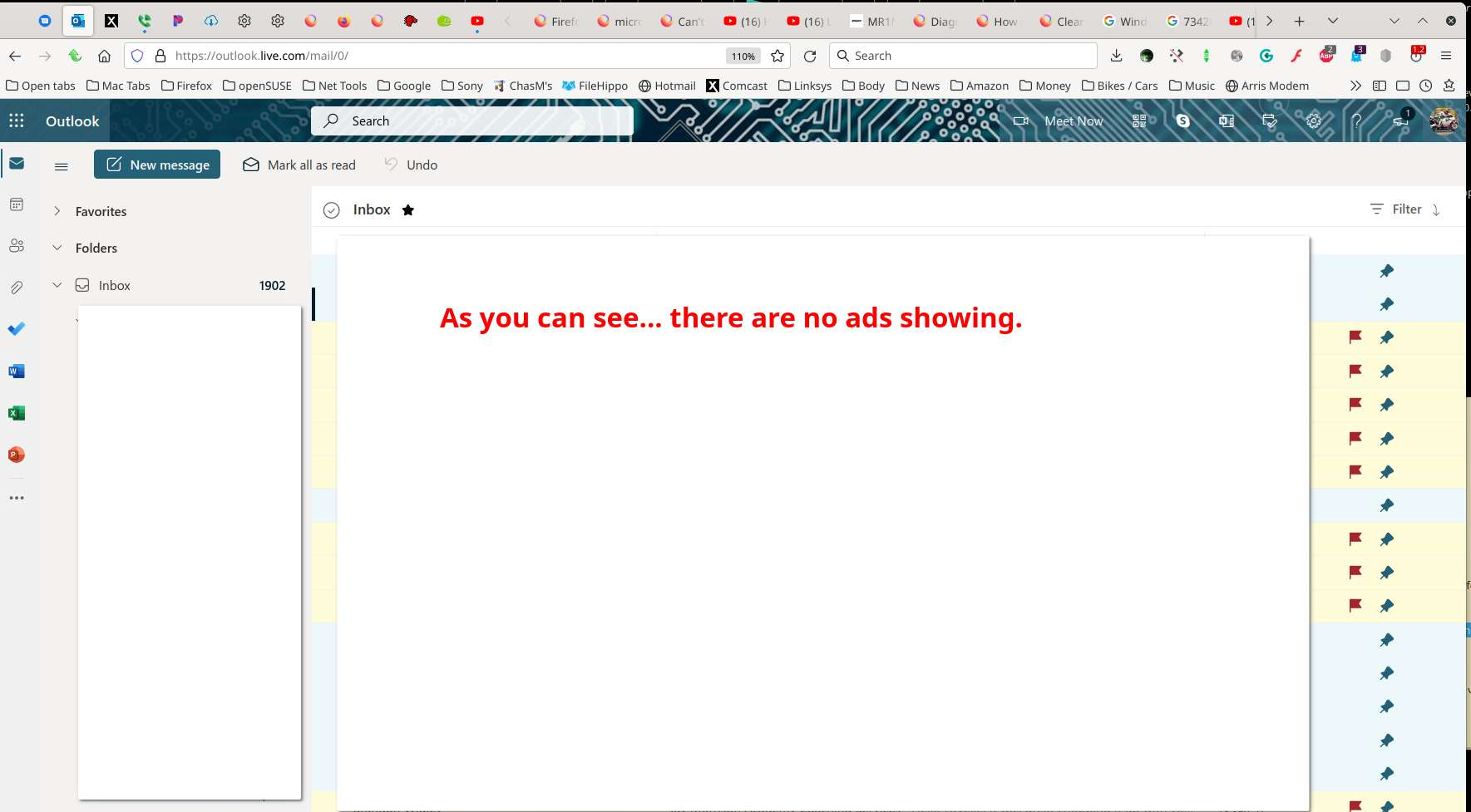
not the ad I was trying to lose, already got adblocker turned on.
This might be a problem with not keeping cookies for this website.
You can use these steps to make a website recognize and remember you.
- create a cookie allow exception with the proper protocol (https:// or http://) to make a website remember you
You can check that you aren't clearing important cookies.
- using "Delete cookies and site data when Firefox is closed" keeps cookies with an allow exception
- using "Clear history when Firefox closes" to clear cookies clears all cookies including cookies with an allow exception you may want to keep
- clearing "Site Preferences" clears exceptions for cookies, images, pop-up windows, and software installation and exceptions for passwords and other website specific data
- Settings -> Privacy & Security
Cookies and Site Data: "Manage Exceptions" - Settings -> Privacy & Security
Firefox will: "Use custom settings for history":
[X] "Clear history when Firefox closes" -> Settings