


bookmarks in firefox 91

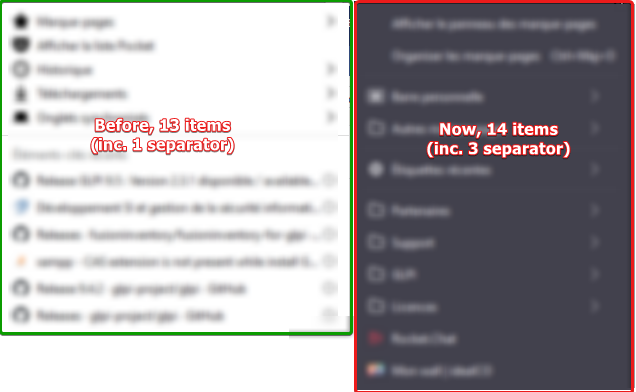
In the new version (91) the bookmarks take much place than older version. Too much space between each bookmark : more visibility, but too more place at ghe screen. Where can we change the space between each bookmark ?
screenshot join with difference between old version and new version where the new one, with 1 lees entry int he bookmark take 2 more lines at the screen
Thanks
In the new version (91) the bookmarks take much place than older version. Too much space between each bookmark : more visibility, but too more place at ghe screen.
Where can we change the space between each bookmark ?
screenshot join with difference between old version and new version where the new one, with 1 lees entry int he bookmark take 2 more lines at the screen
Thanks
Alle Antworten (1)
Hey there!
Please see https://support.mozilla.org/en-US/questions/1342447 for how to remove the double spacing.
Hope I helped!
Kind regards,
Bithiah