


Not able to open a specific site
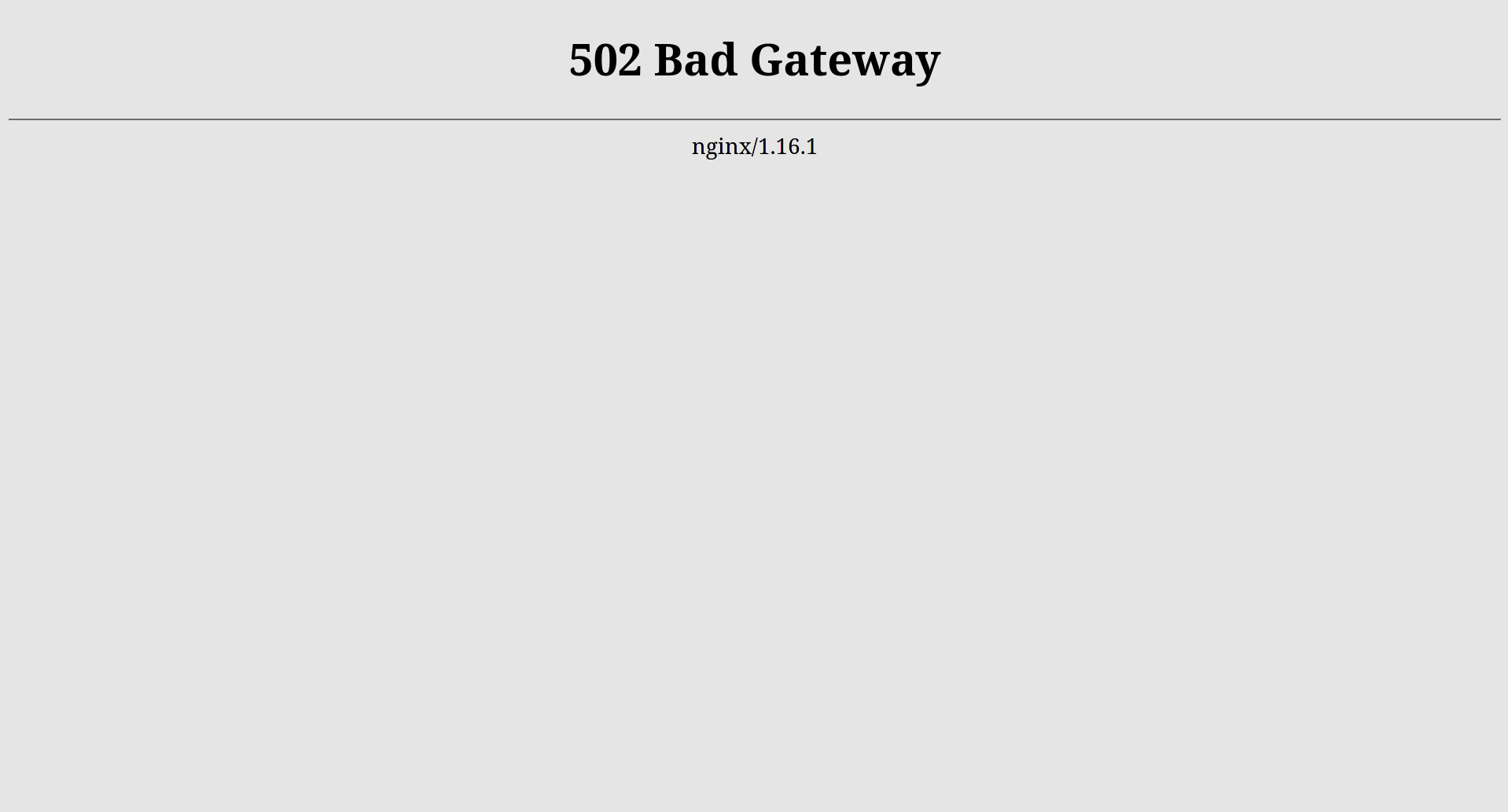
This is a portal which my college uses for assignments and deadlines but I am not able to open it on my desktop. I have tried reinstalling Firefox but it didn't help. No other site has this problem in Firefox. This site opens normally in Google Chrome and Falkon. I have attached a screenshot of the error message. Thank you.
Ausgewählte Lösung
I found the problem. Firefox always opened the site in HTTPS Mode and disabling that opened the website correctly.
Diese Antwort im Kontext lesen 👍 0Alle Antworten (3)
in Google Chrome I get the same error message as in Firefox. so maybe something wrong / insecure with the site? do you have a "good" screenshot including adress etc. ?
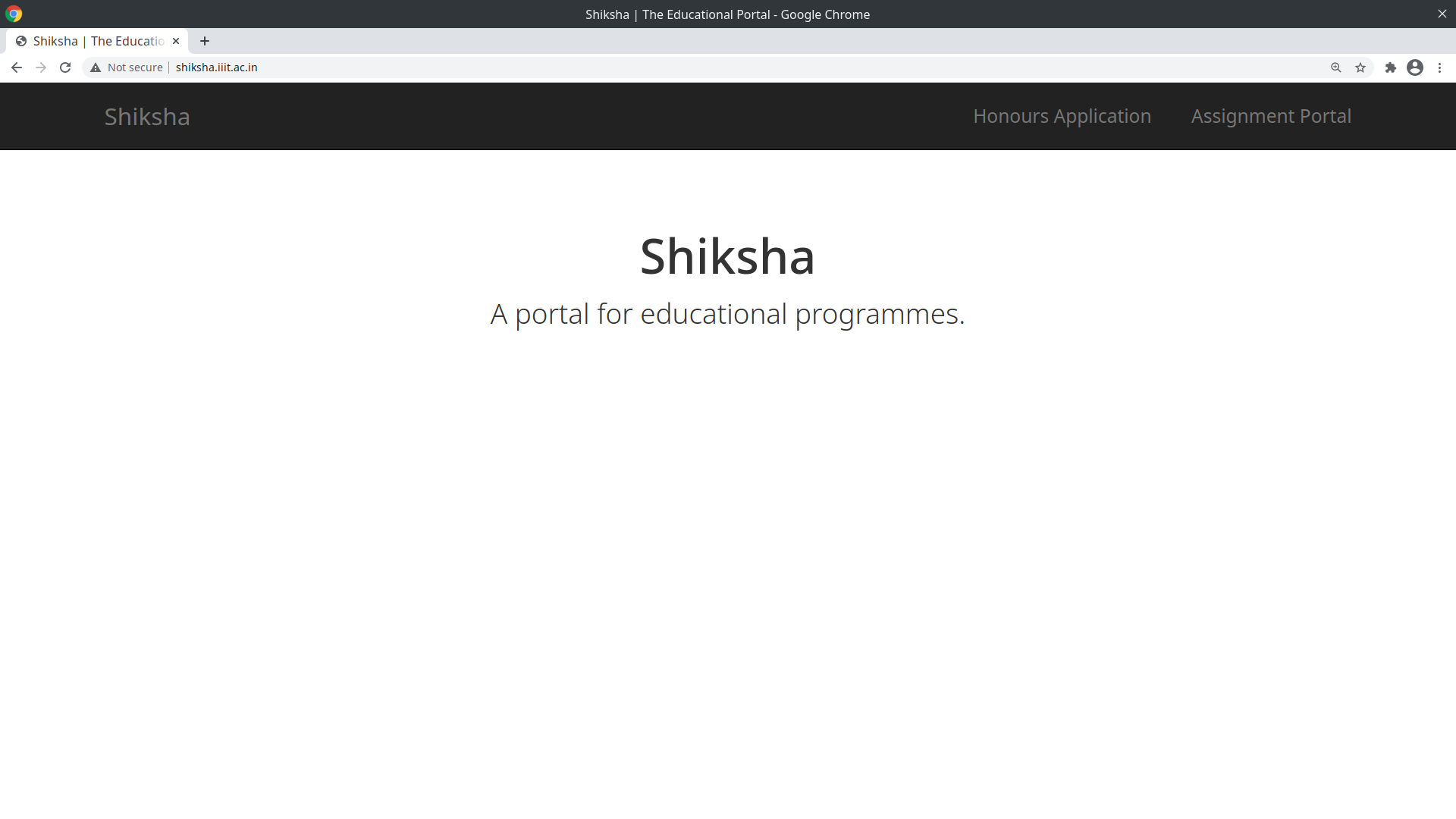
Hey I have attached the screenshots of Chrome and Falkon. I have sort of figured the thing. The site opens with HTTP mode and shows error with HTTPS mode. But I am not able to open the site in Firefox as Firefox automatically converts the http in URL to https, so maybe can you tell me how to open the same with only http. Thank you.

Ausgewählte Lösung
I found the problem. Firefox always opened the site in HTTPS Mode and disabling that opened the website correctly.