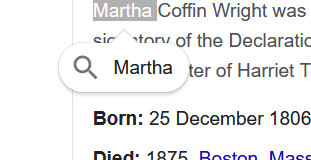
Highlight to Search
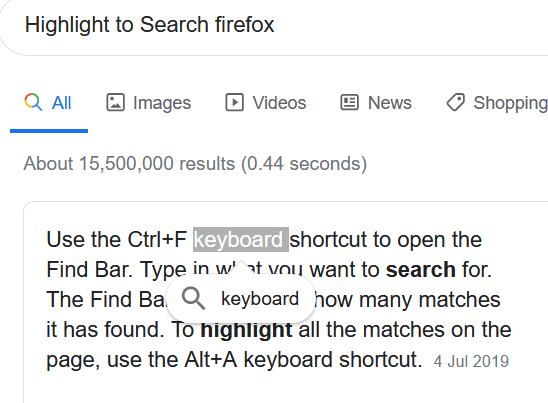
Today my browser has been updated and I've found very annoying new feature: whenever I highlight a word it automatically shows the magnifying glass to search for that word. Why do you assume I want to search every time? Actually most of the time I want to copy the word/phrase. Is there any way to disable this function? I have to click somewhere else every time because the pop up magnifying glass covers the text below.
Alle Antworten (2)
This is not a builtin Firefox feature as far as I know.
Did you check your extensions ?
Start Firefox in Safe Mode to check if one of the extensions ("3-bar" menu button or Tools -> Add-ons -> Extensions) or if hardware acceleration or userChrome.css is causing the problem.
- switch to the DEFAULT theme: "3-bar" menu button or Tools -> Add-ons -> Themes
- do NOT click the "Refresh Firefox" button on the Safe Mode start window
Hi, Thank you for your reply. I did check the extensions - don't have any that could cause it. I restarted the browser in safe mode (without extension) and the problem is still there. So it is not extension. Anyway, it started happening today after the update. I know there is "Highlight to Search" extension for Chrome. It's good option if you have a choice to use it!