


Why does Firefox Quantum show 'Insecure Connection' for every website?

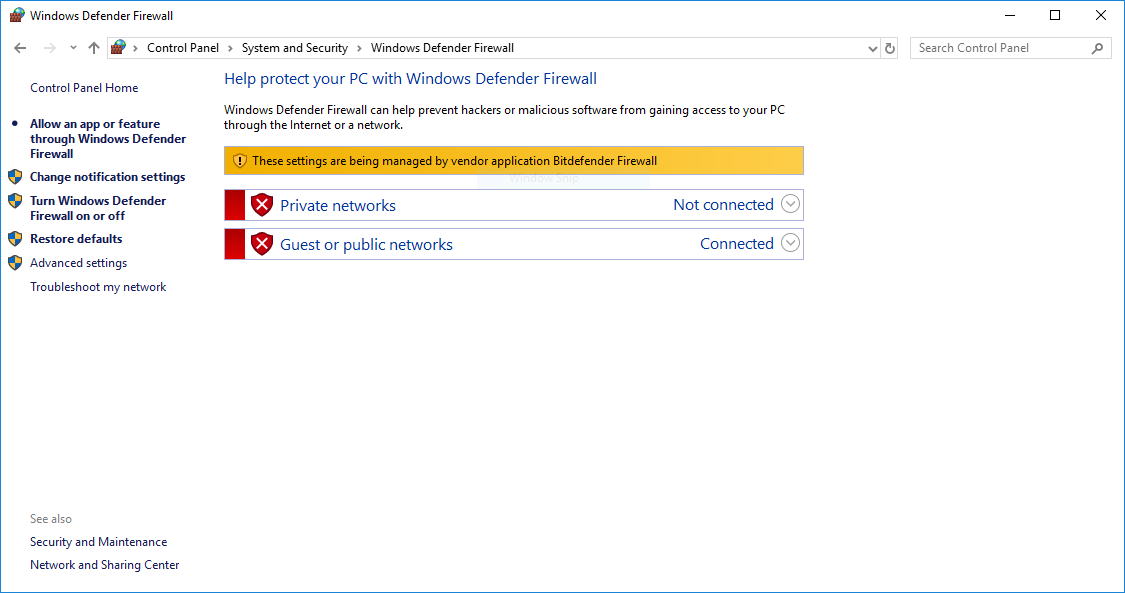
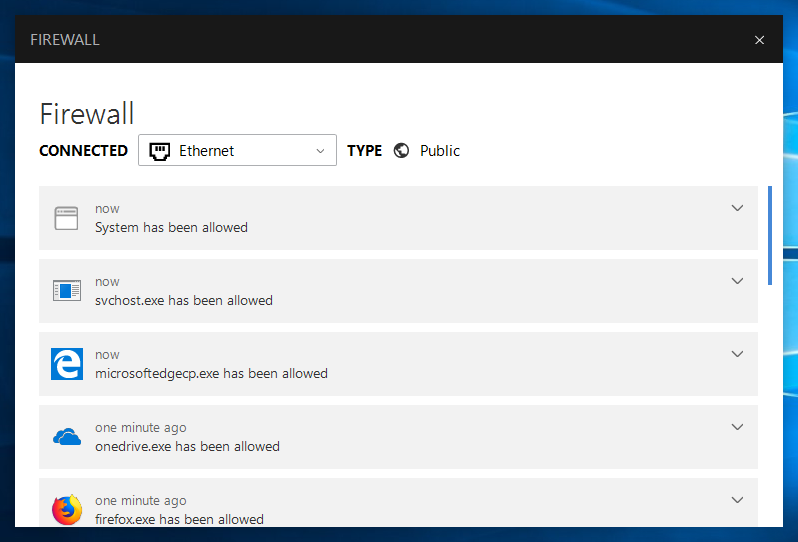
My software are Windows 10, Firefox 58, and Bitdefender Internet Security 2018. I can visit websites fine in Microsoft Edge. Win 10 is using Bitdefender's firewall, see screenshots.
Ausgewählte Lösung
please keep the option disabled, there are many instances in the past where it was shown that av software intercepting secure connections actually makes you less secure: https://blog.vpn.ac/disable-https-scanning.html http://www.cbc.ca/news/technology/antivirus-software-1.3668746 https://jhalderm.com/pub/papers/interception-ndss17.pdf
Diese Antwort im Kontext lesen 👍 2Alle Antworten (4)
I can now visit sites. I had just "Toggle off the Scan SSL setting." How to troubleshoot the error code "SEC_ERROR_UNKNOWN_ISSUER" on secure websites. I used to run all the software just fine with each other. Could Firefox Quantum have have had an update that requires this? If not, then Is there a work around, it does seem that I should scan SSL settings?
Ausgewählte Lösung
please keep the option disabled, there are many instances in the past where it was shown that av software intercepting secure connections actually makes you less secure: https://blog.vpn.ac/disable-https-scanning.html http://www.cbc.ca/news/technology/antivirus-software-1.3668746 https://jhalderm.com/pub/papers/interception-ndss17.pdf

oh yes, firefox slows right down, suggestion to refresh it, now virtually every site "uses an invalid security certificate. Google? Youtube? Yahoo?
Hi kenwf.
If you use the refresh feature in Firefox then you lose certificate stored in the Firefox Certificate Manager. You can copy cert9.db from the "Old Firefox Data" folder on the desktop to the current profile folder to restore root certificates stored previously.
If you only have a cert8.db file used previously (57 and older) in the "Old Firefox Data" folder instead of cert9.db then make sure to remove an existing cert9.db in the current profile folder.
You can use the button on the "Help -> Troubleshooting Information" (about:support) page to go to the current Firefox profile folder or use the about:profiles page.
- Help -> Troubleshooting Information -> Profile Directory:
Windows: Show Folder; Linux: Open Directory; Mac: Show in Finder - http://kb.mozillazine.org/Profile_folder_-_Firefox