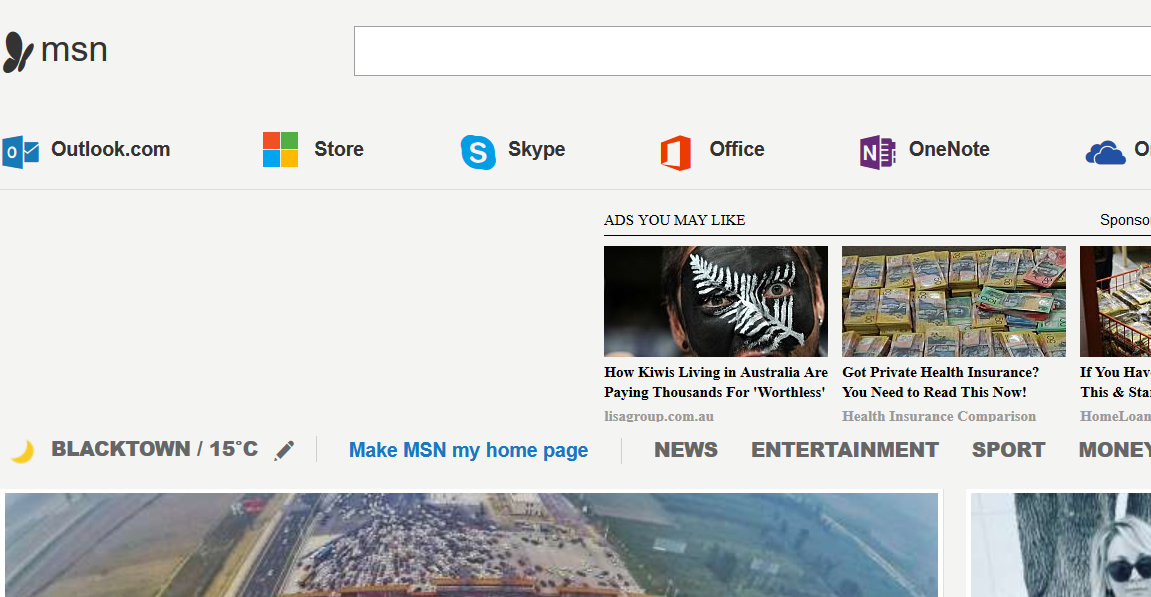
How do I prevent Windows 10 from loading it's MSN home page randomly when I open Firefox?

In Firefox I have selected a blank page to open- about 30% of the time Windows 10 loads it's MSN/ Hotmail home page :(
Alle Antworten (20)
Screenshot
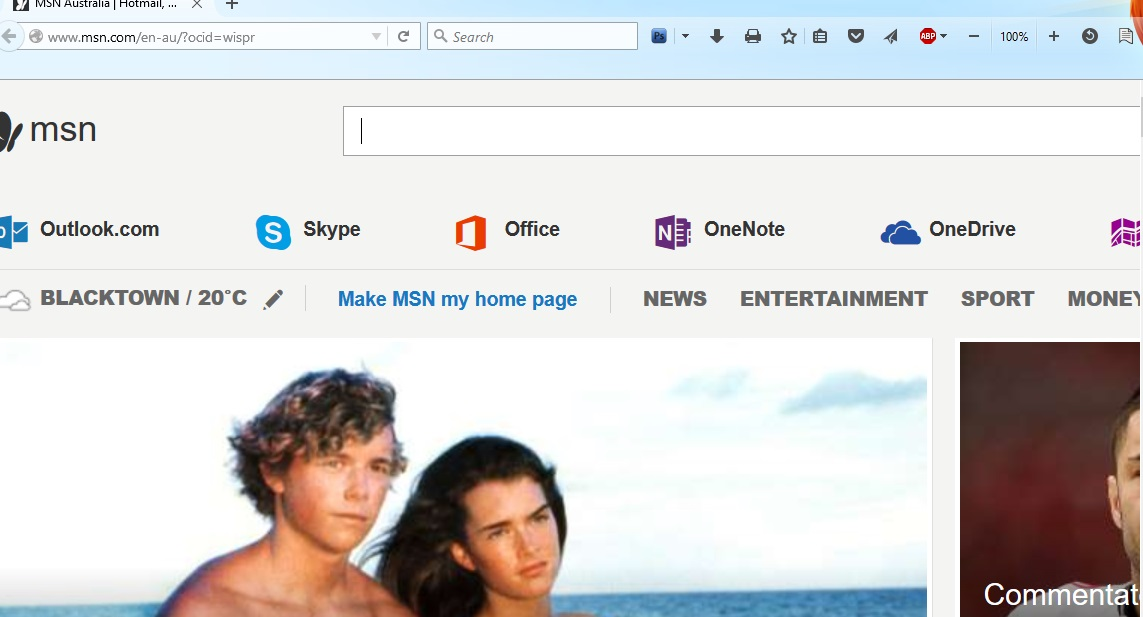
So, your home page is set to about:blank and Firefox opens a different page instead?
Are you ever accessing this MSN website or possibly other MS sites like Outlook that may redirect to the MSN page if the server detects that you aren't logged in (cookies were deleted)?
Yes- correct; I never go to MSN and have no hotmail a/c. I use Windows Live Mail for email

What were you doing when the page comes up?
It happens about 30% of the time when I log in and open the browser (for the first time)
I think you mean 'log in to the computer,' yes?
Two things to try
1) log in to the computer, and just sit there. Do Nothing! !
2) after a few minutes,
Start Firefox in Safe Mode {web Link} by holding down the <Shift>
(Mac Options) key, and then starting Firefox.
Again, Do Nothing! ! Is the problem still there?
Is this only happening the first time you start Firefox after booting the computer?
Boot the computer in Windows Safe Mode with network support (press F8 on the boot screen) to see if that helps.
Thanks all- to be honest, the safe mode idea is probably more trouble than it is worth- as I have NBN, the issue now only takes a second or two to appear & fix- It just pisses me off to get Microsoft spam that is of no interest. I am surprised the issue is not more common!
Actually it just launched Firefox & went to MSN homepage after I logged on to Windows. (I normally manually launch FF)
Open your Task Scheduler program. Look over the entries. Check every branch of the directory tree.
Tnx- nothing found in Task Scheduler
Does it make a difference if Firefox isn't set as the default browser?
Press the Windows button in the task bar. Select All Programs (at the bottom) > Startup (it's a folder) What is listed here?
All Apps is there- no Startup folder there that I can see
cor-el said
Does it make a difference if Firefox isn't set as the default browser?
Have tried this now- could take some days to test
No it no longer happens if FF is not the default browser (and Windows is)
nimdave said
No it no longer happens if FF is not the default browser (and Windows is)
Microsoft Edge Cor-el
That could mean that some other program on your computer is try to open that page via the default browser and possibly fails to open the correct page and ends up with the MSN page.
Do a malware check with several malware scanning programs on the Windows computer.
Please scan with all programs because each program detects different malware. All these programs have free versions.
Make sure that you update each program to get the latest version of their databases before doing a scan.
- Malwarebytes' Anti-Malware:
http://www.malwarebytes.org/mbam.php - AdwCleaner:
http://www.bleepingcomputer.com/download/adwcleaner/
http://www.softpedia.com/get/Antivirus/Removal-Tools/AdwCleaner.shtml - SuperAntispyware:
http://www.superantispyware.com/ - Microsoft Safety Scanner:
http://www.microsoft.com/security/scanner/en-us/default.aspx - Windows Defender:
http://windows.microsoft.com/en-us/windows/using-defender - Spybot Search & Destroy:
http://www.safer-networking.org/en/index.html - Kasperky Free Security Scan:
http://www.kaspersky.com/security-scan
You can also do a check for a rootkit infection with TDSSKiller.
- Anti-rootkit utility TDSSKiller:
http://support.kaspersky.com/5350?el=88446
See also:
- "Spyware on Windows": http://kb.mozillazine.org/Popups_not_blocked
cor-el said
That could mean that some other program on your computer is try to open that page via the default browser and possibly fails to open the correct page and ends up with the MSN page. Do a malware check with several malware scanning programs on the Windows computer. Please scan with all programs because each program detects different malware. All these programs have free versions. Make sure that you update each program to get the latest version of their databases before doing a scan.You can also do a check for a rootkit infection with TDSSKiller.
- Malwarebytes' Anti-Malware:
http://www.malwarebytes.org/mbam.php- AdwCleaner:
http://www.bleepingcomputer.com/download/adwcleaner/
http://www.softpedia.com/get/Antivirus/Removal-Tools/AdwCleaner.shtml- SuperAntispyware:
http://www.superantispyware.com/- Microsoft Safety Scanner:
http://www.microsoft.com/security/scanner/en-us/default.aspx- Windows Defender:
http://windows.microsoft.com/en-us/windows/using-defender- Spybot Search & Destroy:
http://www.safer-networking.org/en/index.html- Kasperky Free Security Scan:
http://www.kaspersky.com/security-scanSee also:
- Anti-rootkit utility TDSSKiller:
http://support.kaspersky.com/5350?el=88446
- "Spyware on Windows": http://kb.mozillazine.org/Popups_not_blocked
Ran most of these- deleted a lot of cookies; the MSN spam has come back now that I have made FF the default browser