


My Sync settings are frozen, and part isn't displayed correctly. What's wrong?

I can't change anything, not the settings, or even the categories. (General, Search, Content, etc.) And its the same on either my home computer or my laptop that both are linked to Sync)
Alle Antworten (3)

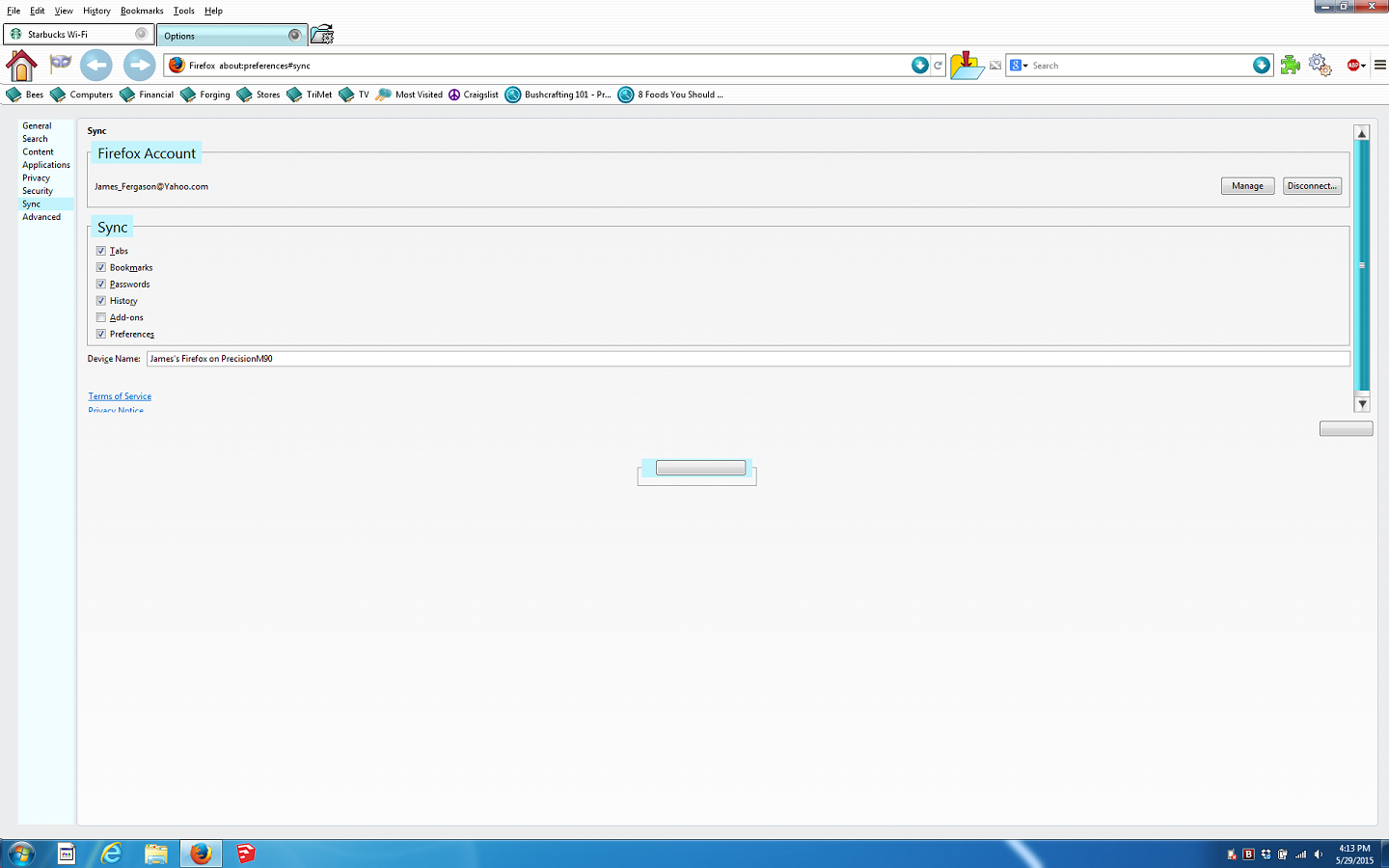
The controls aren't disabled (grayed out) in the screenshot you posted, so it looks like you should be able to change the Sync settings. It may seem odd that there's no OK or Apply button showing, but that's by design. With the in-tab preferences that were introduced in the latest version of Firefox, changes to the settings should get applied automatically.
Regarding part of the settings not being displayed correctly, it looks like you have Firefox customized with a special theme. I can't say for certain, but I suspect that may be causing the problem if the theme hasn't been updated to work with the new in-tab preferences. Please try disabling the theme or running Firefox in safe mode (Use Troubleshoot Mode in Firefox) and see if you still notice the problem.
Geändert am von tjohnson
I agree, it looks like the custom theme you have isn't entirely compatible with Firefox 38.
You can toggle browser.preferences.inContent to false on the about:config page to restore the standalone Options/Preferences window that you had in previous Firefox versions.
You can open the about:config page via the location/address bar. You can accept the warning and click "I'll be careful" to continue.